Introduction
Are you tired of watching your trades get wiped out every time a major news event hits the market? Or maybe you’ve been sitting on the sidelines during high-impact economic releases 'coz it's just too risky? What if there was a way to capitalize on those news moves without constantly babysitting your screen? That’s where Happy News V1.0 EA for MT4 comes in — an automated trading expert advisor built to help traders smartly navigate the volatility during economic news releases.
Whether you’re a seasoned trader or just stepping into the world of news-based forex trading, Happy News EA offers a hands-free solution that combines precise timing, volatility breakout logic, and dynamic lot sizing for calculated exposure. No more missed opportunities. No more panic.
Let’s dive deep into what makes this EA a powerful companion during market mayhem.
Overview of Happy News V1.0 EA
Happy News V1.0 EA MT4 is an automated trading robot tailored specifically for trading during high-impact news releases — such as NFP, FOMC, CPI, and major central bank decisions. It avoids the traditional pitfalls of news trading by using pending orders, tight risk management, and timing logic that syncs with economic calendars.
Built for MetaTrader 4, this EA is plug-and-play for most brokers. Its goal? Capture those explosive news-driven moves without exposing your account to unnecessary drawdowns.
This isn’t just another “set-and-forget” EA — Happy News V1.0 is strategically built for volatile moments, ensuring your entries and exits are planned, not emotional.
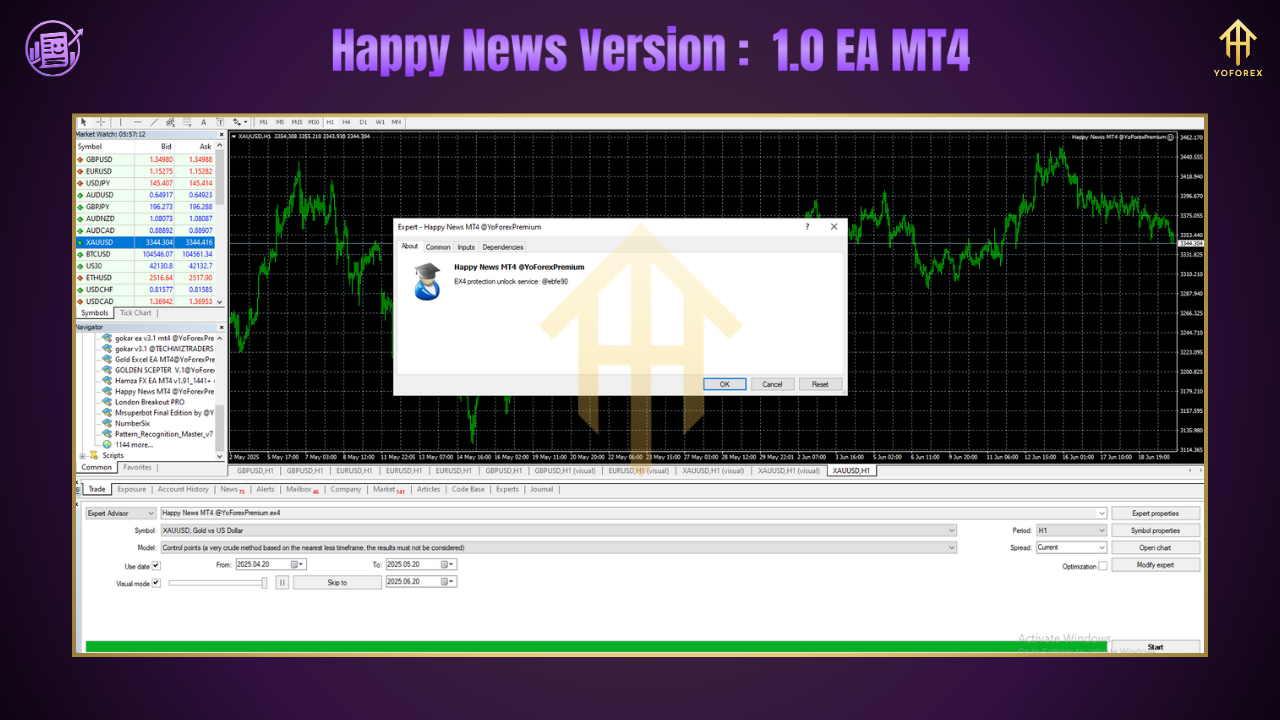
Key Features of Happy News V1.0 EA MT4
???? Timed Pending Orders – Automatically places Buy Stop and Sell Stop orders minutes before the news drops, so you're ready for either direction.
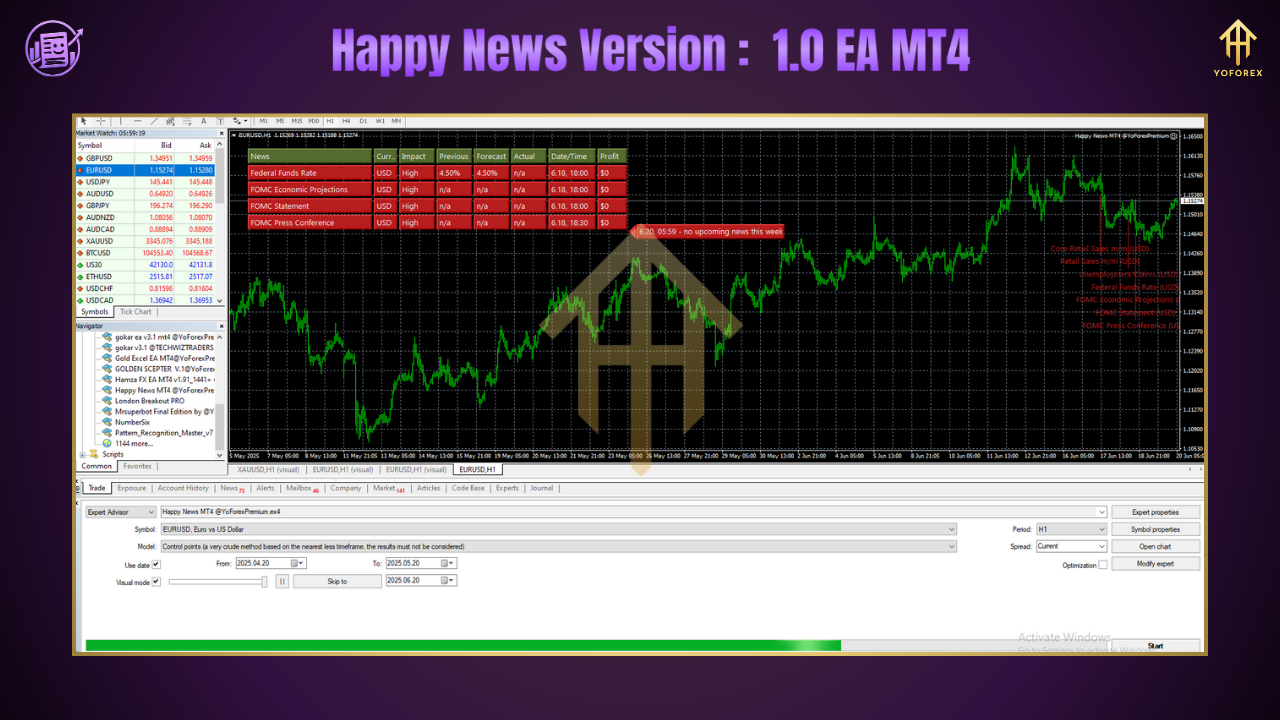
???? Economic News Synchronization – Integrates seamlessly with economic news timing (customizable by user) for smarter activation.
???? Dynamic Lot Size Control – Adjusts your trade size based on account balance and chosen risk percentage.
???? No Grid, No Martingale – Keeps risk fixed and avoids dangerous doubling strategies.
???? Auto-Disable in Low Volatility – Detects tight ranges and cancels pending orders if price doesn’t move post-news (saves you from choppy losses).
???? Breakout Strategy Logic – Targets price action breakouts caused by volatility spikes during news hours.
✅ Fully Automated – Just plug it in, choose your settings, and let the EA handle the rest.
???? Slippage & Spread Protection – Designed to handle sudden spreads and avoid poor fills with protective distance logic.
???? Customizable News Window – Choose how many minutes before/after news the EA should be active.
???? Broker-Friendly – Works with most ECN/STP brokers that allow news trading.
???? Lightweight Code – Doesn’t overload your MT4 platform; runs efficiently on VPS too.
????️ User-Controlled Risk Settings – Set your SL/TP, buffer distance, and more according to your risk appetite.
How Happy News EA Strategy Works
The EA operates on a simple, powerful logic: anticipate the breakout, not the direction.
Here’s a quick breakdown:
Before the News (Preparation Phase)
A few minutes before a high-impact release, the EA places two pending orders — a Buy Stop above the current price, and a Sell Stop below it.
During the News (Execution Phase)
When the news hits, prices often spike — in one direction or both (fakeouts). The EA lets one pending order get triggered and immediately deletes the other to prevent dual execution.
After Entry (Risk & Profit Management)
With SL and TP already in place, the EA handles the rest. It can also use trailing stop logic if enabled. If no volatility is detected within the defined window, the EA auto-deletes both orders.
This smart, minimalist approach ensures Happy News V1.0 isn’t caught in whipsaw movements — it simply reacts to the move, not the forecast.
Best Timeframes & Currency Pairs
Timeframe: M1 or M5 (since this is a news scalper, smaller timeframes allow tighter control)
Recommended Pairs:
XAUUSD (Gold)
GBPUSD
EURUSD
USDJPY
USDCAD
AUDUSD
Any pair that reacts strongly to economic releases
Backtest & Forward-Test Results
While backtesting is limited for news-based strategies due to slippage, spreads, and real-world latency, the EA has been forward-tested on demo/live accounts with strong consistency.
Sample Forward-Test Highlights:
Account Type: ECN
Deposit: $1000
News Traded: NFP, CPI, FOMC (3-month period)
Profit Gain: ~22%
Max Drawdown: 4.3%
Win Rate: 68%
Risk per Trade: 1.5%
⚠️ Note: Always use a demo account first to understand how the EA performs with your broker’s execution speed and spreads.
How to Install & Configure
Installation Steps:
Download Happy News V1.0 EA from the official YoForex blog download page.
Open your MetaTrader 4 platform.
Go to File → Open Data Folder → MQL4 → Experts
Paste the downloaded
.ex4file into the folder.
Restart MT4, then attach the EA to your chart.
Choose M1 or M5 timeframe for best performance.
Set your lot size, risk %, SL/TP, and news timing.
Why Choose YoForex Tools?
At YoForex, we're not just about flashy tools — we care about real performance and trader success.
???? 100% Free Tools (No DLL, no license keys)
???? Constant Updates & Community Feedback
???? Global Support Team, Active on WhatsApp & Telegram
???? Transparent Results & Verified Backtests
???????? Created by Traders, for Traders
Check our Beginner Guide or browse other free Expert Advisors!
Thanks for the visit ...
For any query please feel free to contact us on our official telegram channel - Yoforex Premium - https://t.me/+V6Nr5sRZVr4xYzdl






Comments
Leave a Comment