Introduction
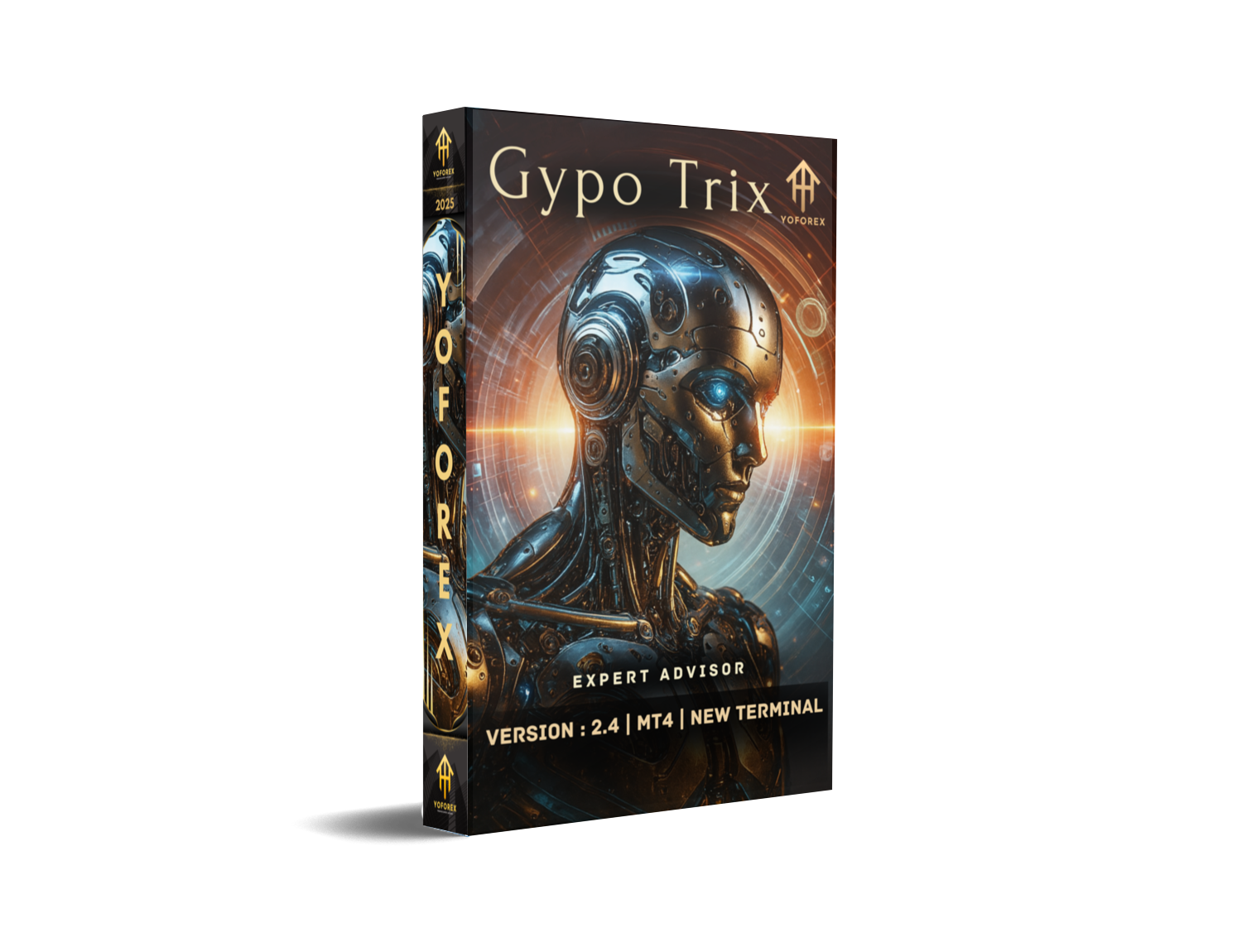
Markets move fast—and if your EA can’t adapt, you’re left behind. That’s where Gypo Trix EA V2.4 for MT4 steps in. Designed to dynamically adjust its trading strategy based on market conditions, Gypo Trix is the EA that follows logic, not luck.
Whether the market is trending, ranging, or breaking out, this Expert Advisor shifts between momentum-based entries and mean-reversion setups. It’s built with adaptive logic, so you can run it on your favorite forex pair or even test it on commodities and indices.
The best part? It’s free. No license keys. No payment walls. Just solid trading automation at your fingertips.
What Is Gypo Trix EA V2.4 MT4?
Gypo Trix EA V2.4 is an Expert Advisor for MetaTrader 4 that analyzes price patterns, volatility zones, and session behavior to execute trades with high accuracy. Instead of being limited to one pair or timeframe, it was designed to be universally flexible.
You can run it on:
- Major currency pairs like EURUSD or GBPUSD
- Cross pairs such as EURJPY or AUDNZD
- Metals like XAUUSD (Gold)
- Indices like US30 (with compatible brokers)
Timeframe? That’s up to you. The EA performs well on M15, M30, and H1 depending on the pair and volatility you prefer.
This bot’s name might sound playful—but its algorithm is anything but. Gypo Trix combines trend detection with counter-trend scalping for a versatile performance profile.
Key Features of Gypo Trix EA V2.4
- Works on Any Pair & Timeframe – Designed for ultimate flexibility
- Trend and Reversal Logic – Smart switching between strategies
- No Martingale / No Grid – Every trade has a fixed SL & TP
- Built-In Volatility Filter – Avoids trades in unpredictable chop
- Auto Lot or Fixed Lot Option – Choose your risk management model
- News Filter Included – Stops trading during high-impact events
- Trailing Stop & Breakeven Modes – Optional for extended moves
- Time Filter – Trade only during London, NY, or Asian sessions
- Low CPU Load – Lightweight code, perfect for VPS setups
- Equity Protection – Stop trading if daily loss exceeds your set limit
Why Gypo Trix EA Stands Out
Unlike many rigid Expert Advisors that only work on one currency pair or need heavy optimization, Gypo Trix EA is coded to be plug-and-play. It uses technical price action logic and filters out noise to find meaningful trade setups.
Whether you're trading EURUSD during the London session or XAUUSD during NY volatility, the EA can adapt its internal calculations. That’s rare in a free tool—and makes it ideal for:
- Traders running multiple symbols on the same account
- Users who want to experiment with new pairs
- Prop firm challenges where flexibility is a must
Performance Overview
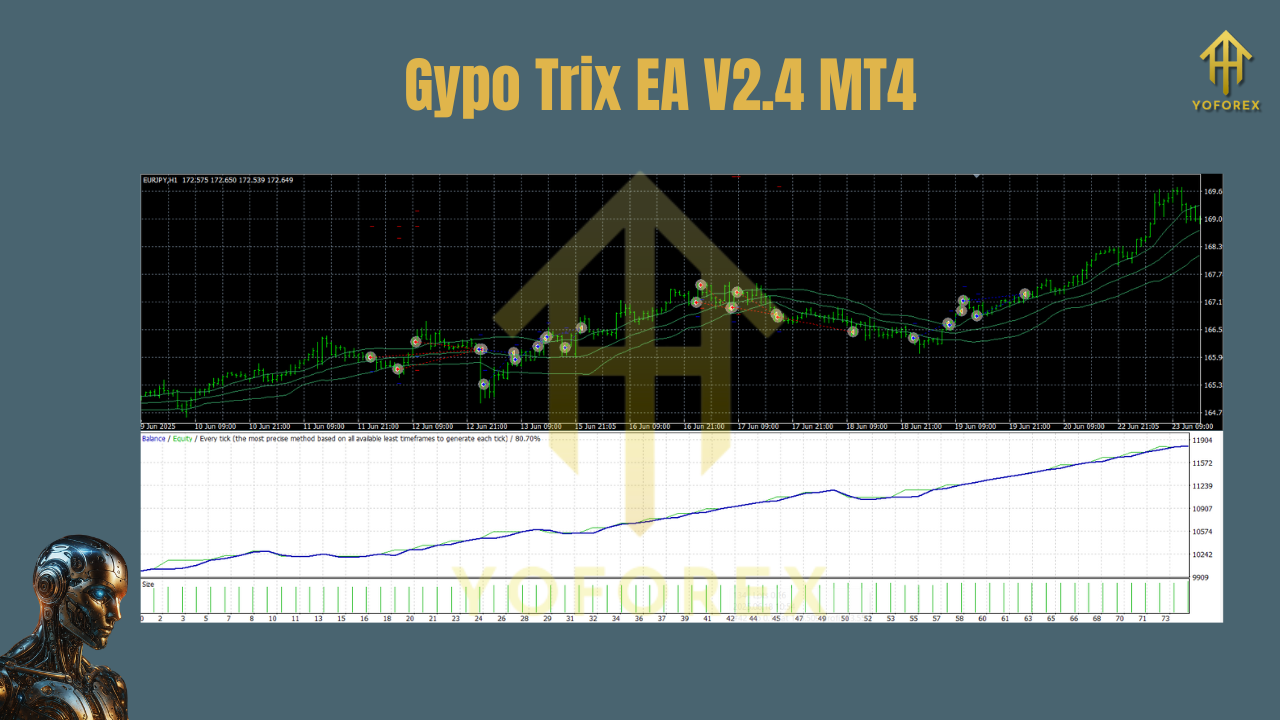
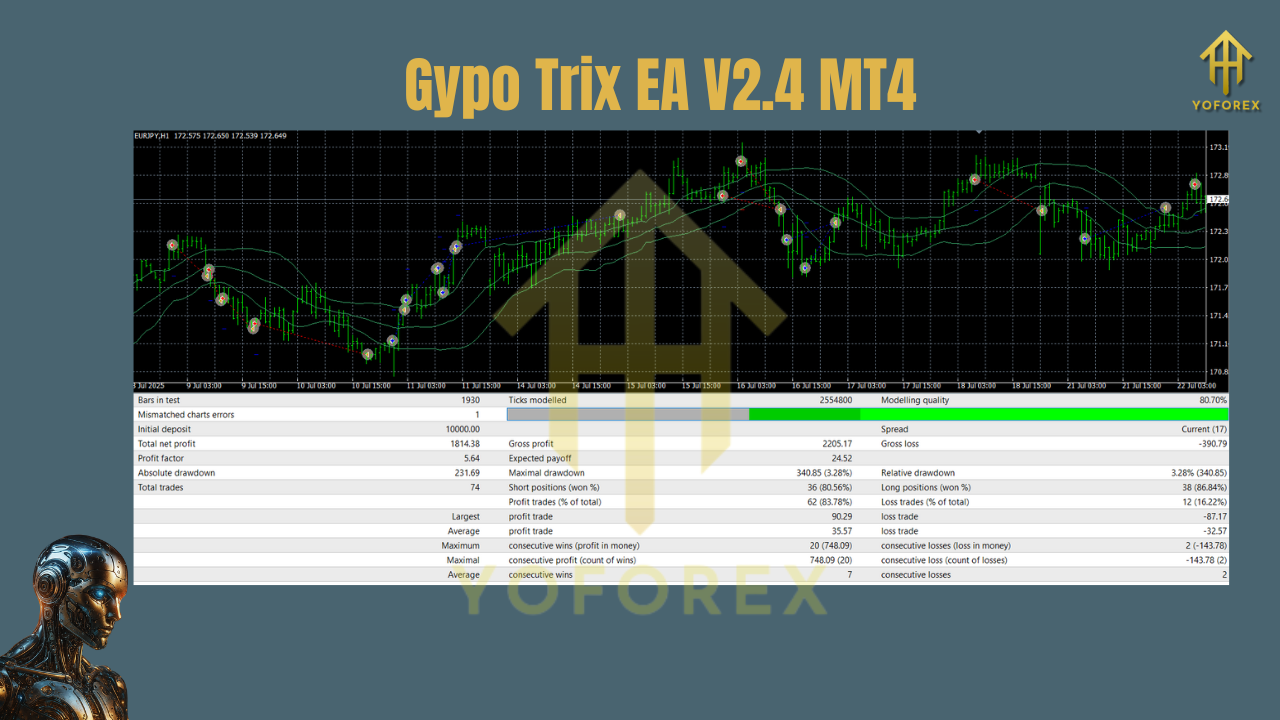
Since Gypo Trix EA is pair/timeframe agnostic, its performance will vary depending on how it’s used. But here’s a sample from a backtest on EURUSD (M30) between Jan 2022 and Mar 2024:
- Initial Balance: $1,000
- Net Profit: +172%
- Max Drawdown: 6.9%
- Profit Factor: 2.1
- Win Rate: ~68%
- Avg Trade Duration: 2–6 hours
- Risk per Trade: 1%
In another test on XAUUSD (H1), the EA achieved over 200% return in two years with slightly higher drawdown (~8%) but increased profit-per-trade due to gold’s volatility.
Installation Guide – Gypo Trix EA on MT4
Setting up the EA is easy:
- Download the EA from the official YoForex EA page.
- Open MT4 → Click
File > Open Data Folder. - Go to
MQL4 > Expertsand paste the EA file. - Restart MT4 or press F5.
- Open any chart (EURUSD, XAUUSD, etc.)
- Choose your preferred timeframe (M15, M30, or H1 recommended).
- Drag the EA onto the chart and configure your lot size and risk settings.
- Enable AutoTrading and allow DLL imports if prompted.
Once activated, the EA begins scanning for trade setups immediately.
Recommended Settings
Use M15 for scalping on pairs like AUDUSD and NZDUSD, M30 or H1 for trend trading on pairs like EURJPY and XAUUSD. Set risk to around 1% per trade for stable account growth. Choose auto lot sizing if your account balance fluctuates, or go with a fixed lot like 0.01 per $1,000. Enable the news filter to avoid trades during FOMC, NFP, and CPI releases. Use the session filter to restrict trading to the most active hours like London and NY overlaps.
Always test your configuration in a demo account first before applying it to a live account.
Who Should Use Gypo Trix EA?
Traders who want a versatile EA
Anyone managing multiple pairs
Prop firm traders needing safe strategies
Beginner traders looking for simple setup
Advanced traders who want to fine-tune adaptive bots
Whether you’re looking to automate a single pair or run a multi-symbol setup across a VPS, Gypo Trix EA is ready.
Why Trust YoForex EAs?
With YoForex, what you see is what you get. We offer:
- Free downloads, no registration walls
- Verified EA logic and test results
- Setup help via Telegram & WhatsApp
- Frequent updates based on real-world feedback
- A full ecosystem of bots for gold, crypto, forex, indices, and more
Browse all tools at YoForexEA.com
Support
Need help installing?
WhatsApp: https://wa.me/+443300272265
Telegram Group: https://t.me/yoforexrobot
Final Verdict – Is Gypo Trix EA V2.4 Worth Using?
If you’re hunting for a smart, flexible EA that you can deploy across multiple markets, Gypo Trix EA V2.4 MT4 deserves your attention.
Works on any pair
Adaptive to trend and range markets
No martingale
Free to use and easy to set up
Download it now: Gypo Trix EA V2.4 for MT4
YoForex – empowering traders worldwide, one free tool at a time.
Join our Telegram for the latest updates and support






Comments
Leave a Comment