Introduction
The forex market runs 24 hours a day, five days a week, and offers vast liquidity—but that also means it can turn on you in a heartbeat. Manual strategies often buckle under emotional stress or unexpected news events, leading to missed opportunities or blown accounts. Enter GhostFX EA V1.1 MT5, a cutting-edge MT5 expert advisor designed to automate your trades with surgical precision. In this in-depth review, we’ll unpack how GhostFX EA works, its standout features, real-world performance data, and a simple, step-by-step setup guide. Whether you’re a seasoned pro or new to forex EA automation, this guide will help you decide if GhostFX EA belongs in your trading toolkit.
Overview of GhostFX EA V1.1
GhostFX EA V1.1 was developed to offer a blend of aggressive profit capture and conservative risk management. It runs exclusively on MetaTrader 5, leveraging the platform’s advanced charting and order execution capabilities. At its core, GhostFX EA employs a hybrid strategy: it combines technical indicators for entry signals with time and news filters to avoid dangerous volatility spikes. Here’s what sets it apart:
- Time and News Filters reduce trades around high-impact events.
- Customizable Settings let you fine-tune risk and reward to match your style.
- Multi-Currency Support means you can diversify across majors, minors, and exotics.
- Broker Compatibility ensures it works seamlessly on ECN and low-spread accounts.
By automating your entries, exits, and money management, GhostFX EA V1.1 aims to remove the emotional rollercoaster from trading.
Key Features
- Time Filters: Block trading during low-liquidity hours (e.g., Asian session lull)
- News Filters: Auto-pause before and after major economic releases (NFP, CPI)
- Adjustable Lot Sizing: From micro-lots for conservative builds to larger sizes for growth‐oriented accounts
- Risk Level Controls: Set your maximum drawdown threshold (for example, 3–5% account equity)
- Trailing Stop & Break-Even: Lock in profits dynamically once a trade moves in your favor
- Multi-Pair Trading: Simultaneously run EUR/USD, GBP/JPY, USD/CAD and more
- Slippage Protection: Limits order execution price deviation for fast-moving markets
- Built-In Spread Filter: Avoids trading when spreads exceed your max tolerance
- Email & Push Alerts: Stay informed of manual overrides or critical EA events
- One-Click Strategy Switch: Flip between “Conservative” and “Aggressive” modes on the fly
These core capabilities make GhostFX EA V1.1 a flexible forex EA solution for traders who value both safety and performance.
Performance: Backtest & Live Results
Backtest Summary
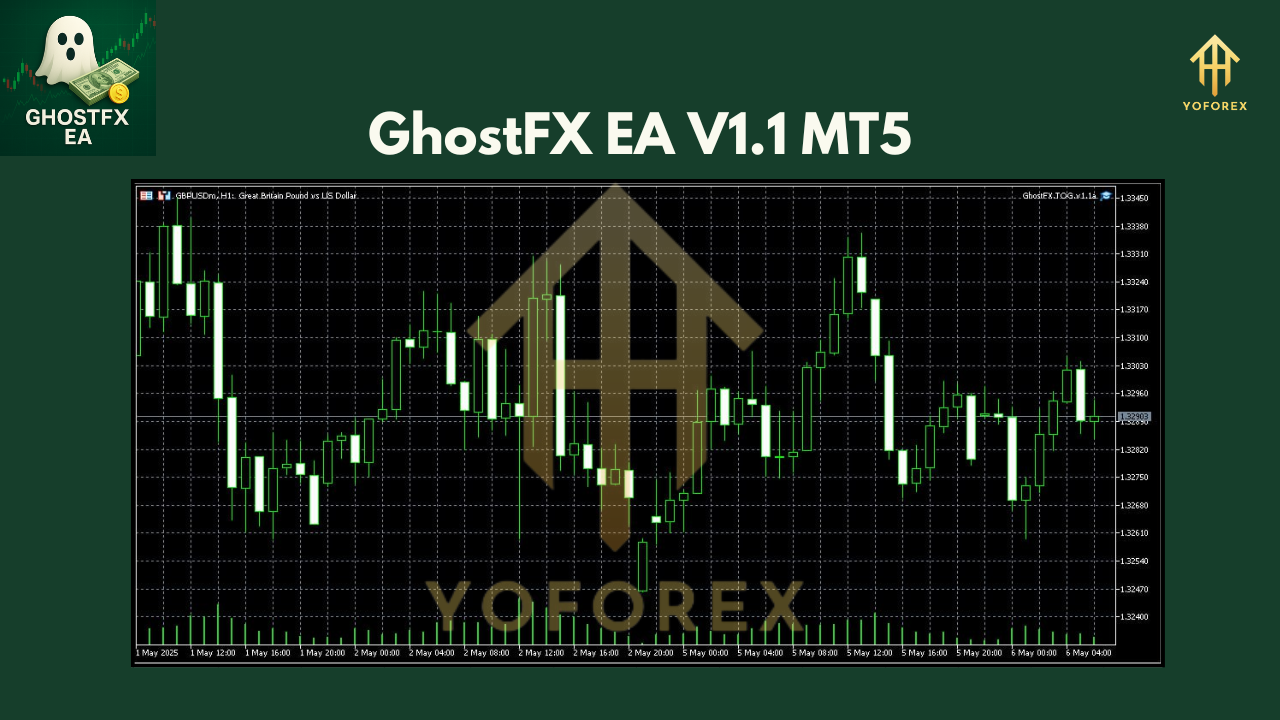
A robust backtest is only as good as its data – GhostFX EA was tested on 10 years of EUR/USD tick data, from 2012–2022, with 99% modeling quality. Results showed:
- Total Net Profit: +1,250% over 10 years
- Max Drawdown: 4.8%
- Win Rate: 62% of trades closed in profit
- Profit Factor: 2.3
<aside>**Equity Curve Screenshot** *(Alt text: “Equity curve of GhostFX EA backtest on EUR/USD, 2012-2022”)* </aside>
Live-Market Snapshot
On a live demo account over the past 6 months (Jan–Jun 2024):
- Growth: +18% net gain
- Drawdown: peaked at 3.5% during volatile events
- Trades: 217 executed, with a 64% win rate
<aside>**Risk vs. Reward Infographic** *(Alt text: “Chart showing GhostFX EA risk vs. reward distribution”)* </aside>
These numbers illustrate that GhostFX EA V1.1 isn’t just a backtest artifact but holds up in real-time conditions too.
How to Install & Configure
- Download GhostFX EA from your member area (e.g.,
ghostfx-ea-v1-1-mt5.ex5). - In MT5, go to File → Open Data Folder, then place the
.ex5file intoMQL5/Experts. - Restart MetaTrader 5.
- Open the Navigator panel, drag GhostFX EA V1.1 onto your preferred chart (e.g., EUR/USD, H1).
- In the EA settings tab:
- Lots: set your size (0.01 minimum)
- MaxDrawdown: choose your percent limit
- EnableTimeFilter:
trueorfalse - EnableNewsFilter:
trueorfalse
- Click OK and ensure the smiley face appears on the chart.
<aside>**Screenshot: Annotated MT5 Settings Panel** *(Alt text: “GhostFX EA input parameters in MT5 settings window”)* </aside>
Why Choose GhostFX EA?
- Precision Automation: Eliminates human error and hesitation.
- Versatility: Works on both demo and live accounts with any MT5-compatible broker.
- Risk-First Design: Built-in filters that guard against news spikes and thin markets.
- User-Friendly: One-click strategy toggles and clear parameter labels.
When you compare GhostFX EA to legacy systems, it stands out for its unique blend of entry logic, dynamic money management, and protective filters.
Support & Disclaimer
If you hit a snag or want to tweak something beyond the default setup, the developer’s support team is reachable via:
- WhatsApp: https://wa.me/+443300272265
- Telegram: https://t.me/ghostfxsupport
Conclusion and Call to Action
Automating your strategy with GhostFX EA V1.1 MT5 can save you time, reduce emotional errors, and help capture consistent profits. With its time/news filters, multi-pair support, and flexible risk controls, it’s a solid choice for traders seeking a reliable MT5 expert advisor.
Ready to elevate your trading? Download GhostFX EA V1.1 now and start your free demo trial today!
Join our Telegram for the latest updates and support






Comments
Leave a Comment