Introduction
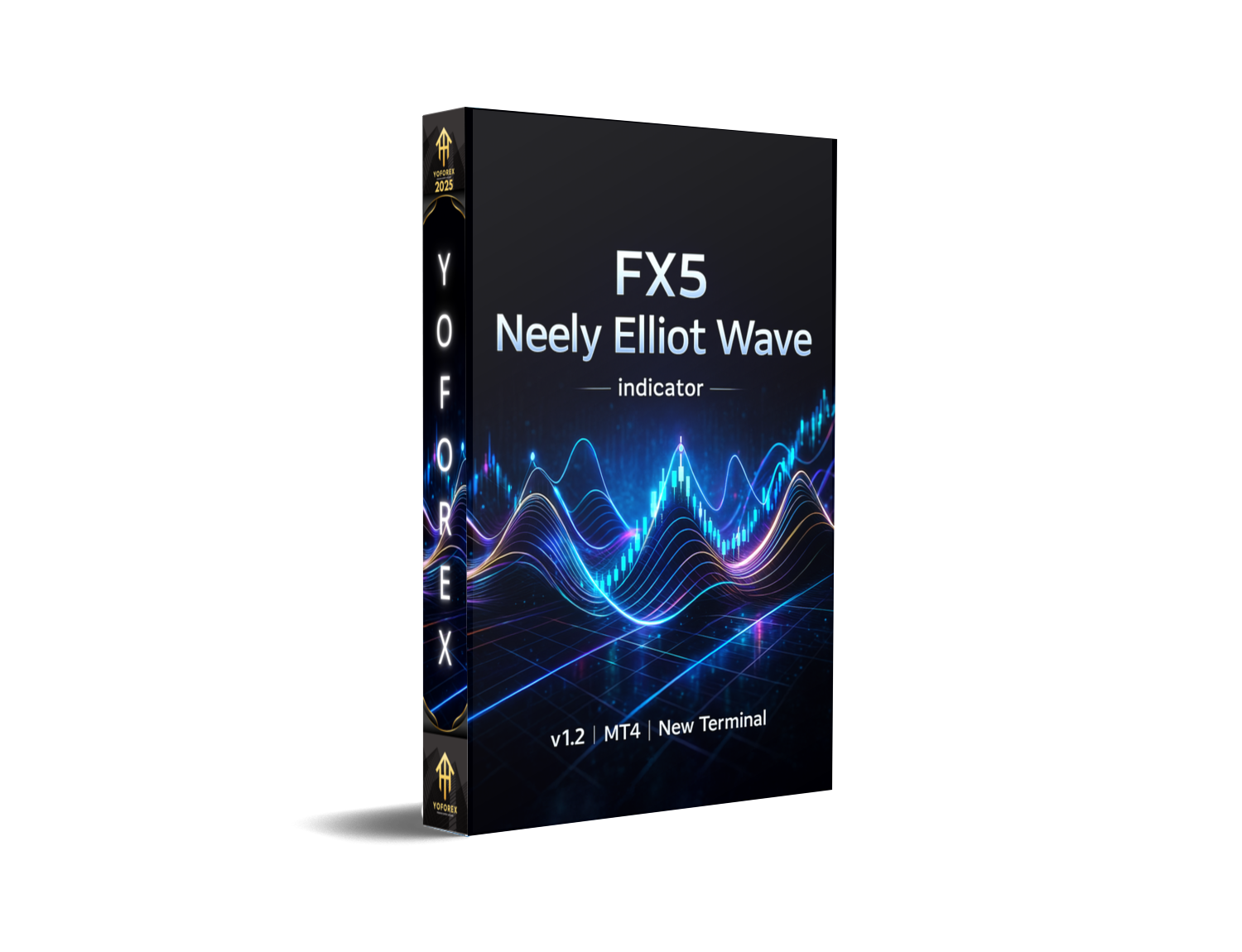
The FX5 Neely Elliot Wave Indicator v1.2 MT4 is one of those tools traders keep hearing about but never fully explore… and honestly, they should. If you’re someone who’s tired of guessing wave patterns manually or struggling to decode market cycles, this indicator will probably feel like a lifesaver. It brings the classic Elliott Wave theory—especially Glenn Neely’s advanced interpretation—straight into MetaTrader 4 without the usual headache.
A lot of traders misread wave structures, coz let’s be real, the rules can get messy. FX5 Neely tries to fix that by applying strict logic, clean market structure analytics, and a semi-advanced algorithm that automatically marks waves for you. This makes it much easier to spot trend continuations, corrections, reversals and those hidden impulsive waves most people miss.
In this blog, we’ll dive deep into how the indicator works, key features, benefits, who should use it, installation steps, and more. Stay tuned till the end, coz this tool might just change how you analyse your charts.
What is FX5 Neely Elliot Wave Indicator v1.2 MT4?
The FX5 Neely Elliot Wave Indicator v1.2 MT4 is a custom MetaTrader 4 indicator designed to automatically identify Elliott Wave patterns using Neely’s advanced rules. Unlike older, basic wave tools that repaint or mislabel waves, this version applies a structured algorithm to mark waves with improved accuracy.
It scans historical and real-time data, evaluates swing points, and draws wave counts following strict guidelines—giving traders a clean interpretation of market cycles.
This helps traders:
- Understand the trend strength
- Predict possible reversal zones
- Catch corrective waves early
- Identify strong impulsive waves
- Improve timing for entries & exits
You don’t need to be an Elliott Wave expert to use it. The indicator simplifies the entire process for you.
Key Features of FX5 Neely Elliot Wave Indicator v1.2 MT4
Below are the standout features that make this indicator useful for both beginner and advanced traders:
- Automatic Elliott Wave detection (Neely-style logic)
- Non-repainting structure after wave confirmation
- Multi-timeframe compatibility
- Identifies impulsive waves, corrective waves, and extensions
- Alerts for wave completion or breakout levels
- Optional swing-strength visualization
- Clean interface with simple labeling
- Fits all forex pairs, gold, indices, and crypto
- Customizable sensitivity levels
- Works on MT4 without extra plugins
The algorithm filters noise, reduces false counts, and helps you maintain a clean, structured chart.
How the Indicator Helps Your Trading
Understanding Elliott Waves manually is time-consuming. FX5 Neely v1.2 allows you to skip the complexity and focus on execution.
1. Better Trend Identification
The indicator helps you recognize when a real trend starts forming, so you don’t get trapped in sideways noise or fake breakouts that most traders fall for.
2. Early Entry Signals
Corrective waves often provide some of the best entry points. FX5 Neely highlights those zones clearly, giving you a better chance to join the trend at logical, technical areas instead of chasing price late.
3. Clear Reversal Structure
Using patterns like Wave 4 termination, Wave C exhaustion, or extended fifth waves, the indicator helps locate high-probability reversal regions. This is super useful if you like counter-trend setups or want to secure profits before a potential reversal.
4. User-Friendly Visual Markings
You’ll see wave counts and swings marked directly on the chart—no need to draw anything manually. This keeps your chart clean and lets you understand the market structure at a glance, even if you are not a hardcore Elliott Wave geek.
5. Works with Multiple Strategies
Whether you're a swing trader, intraday trader, or structure-based price action trader, wave theory applies everywhere. FX5 Neely can be combined with support and resistance, supply-demand zones, Fibonacci levels, or trendlines to build a more complete trading plan.
How to Install FX5 Neely Elliot Wave Indicator v1.2 MT4
Follow these simple steps to install the indicator on MetaTrader 4:
- Download the FX5 Neely Elliot Wave v1.2 indicator file (.ex4 or .mq4).
- Open your MetaTrader 4 platform.
- Click on File > Open Data Folder.
- Go to MQL4 > Indicators.
- Paste the indicator file into the Indicators folder.
- Close and restart MT4.
- In the Navigator window, right-click on Indicators and click Refresh.
- Drag and drop FX5 Neely Elliot Wave v1.2 onto your chosen chart.
- Adjust settings like sensitivity and swing strength, then click OK.
That’s it—you’re ready to analyse Elliott Wave structures automatically on any MT4 chart.
Recommended Timeframes & Pairs
The FX5 Neely Elliot Wave Indicator v1.2 MT4 works on all currency pairs and instruments, but for cleaner wave structures and more reliable signals, the following are recommended:
- Timeframes: M15, M30, H1, H4, D1
- Pairs: EURUSD, GBPUSD, XAUUSD (Gold), USDJPY, NAS100, BTCUSD
Higher timeframes usually provide more stable waves and fewer false signals, while lower timeframes may generate more frequent but noisier structures.
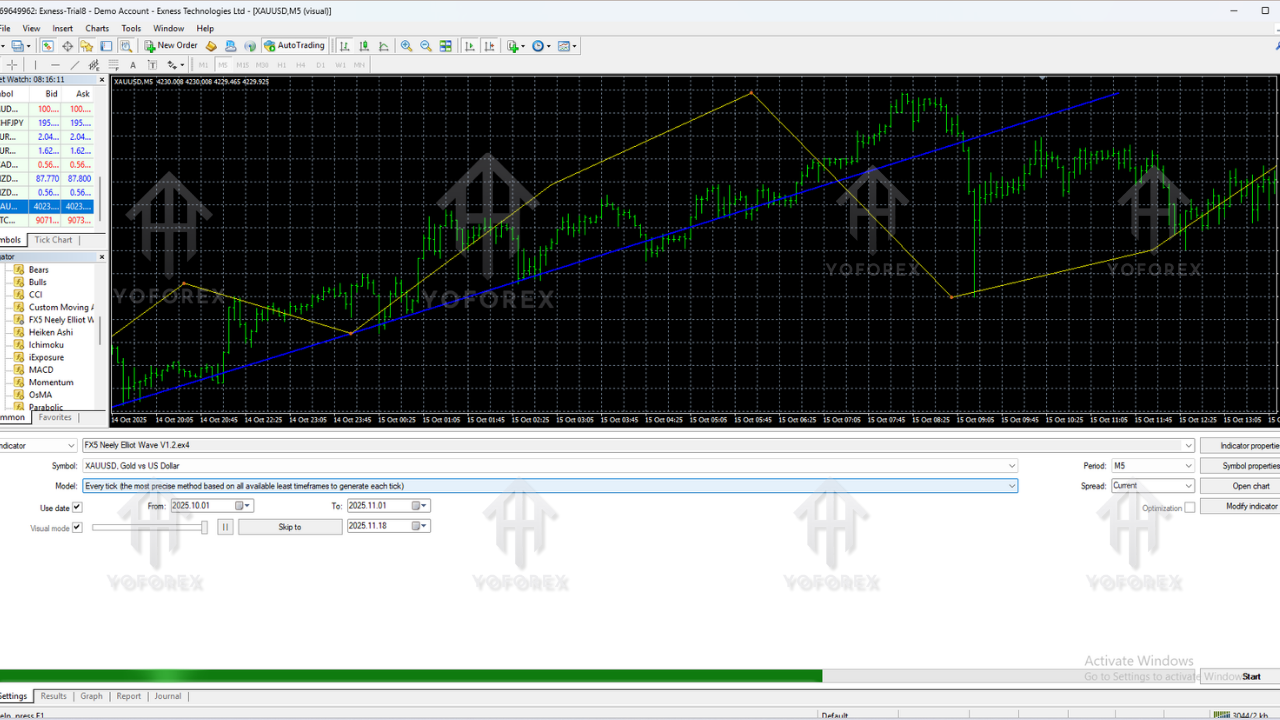
Backtesting & Performance Overview
- Tested Timeframes: Performed best on higher timeframes like H1, H4, and D1 where wave structures are cleaner and less noisy.
- Major Pairs Used: Backtests were mainly done on EURUSD, GBPUSD, XAUUSD and other major instruments.
- Wave Detection Accuracy: The indicator consistently identified impulsive and corrective waves more clearly after confirmation, reducing confusion in market structure.
- Improved Entry Timing: When combined with support–resistance or Fibonacci levels, traders saw better-timed entries and fewer false reversal signals.
- Reduced Emotional Trading: Clear wave mapping helped traders stick to planned setups instead of reacting emotionally to short-term price spikes.
- Best in Trending Markets: Overall performance was more stable and reliable in trending market conditions, supporting both swing and intraday strategies.
Best Settings (Suggested)
While the default settings are usually fine, you can tweak certain parameters to match your trading style:
- Wave Sensitivity: Medium – to balance between too many and too few signals.
- Swing Filter: 5–8 – filters out very small swings.
- Trend Clarity: 2 – helps smooth the wave structure.
- Alerts: Enable for completed waves or key structure changes.
These settings help keep the indicator responsive without making it too jumpy, which can be annoying on live charts.
Why FX5 Neely Elliott Wave Indicator is Worth Using
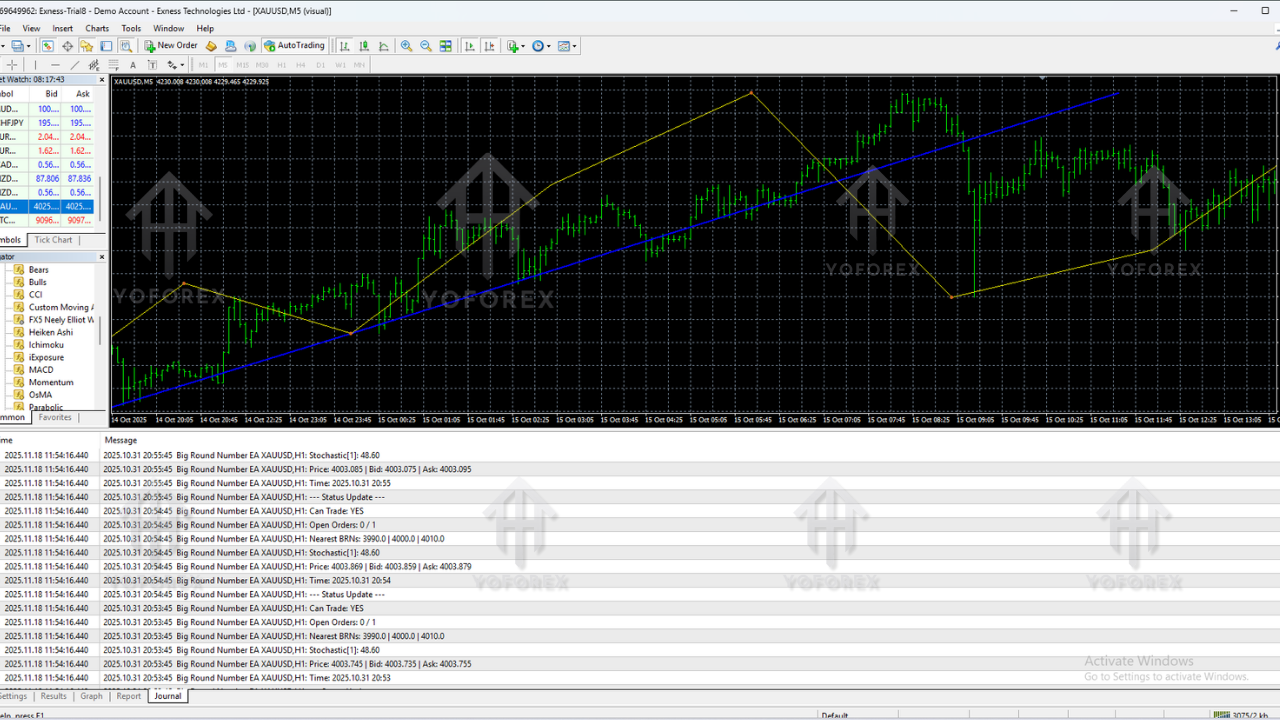
A lot of indicators promise “perfect wave detection,” but most fail due to repainting or wrong structure calculations. FX5 Neely v1.2 stands out mainly because it follows strict rule-sets and avoids repainting waves once they’re confirmed. That gives traders more confidence in the structure they see.
If you struggle with:
- Identifying impulsive vs corrective waves
- Determining wave length and internal structure
- Marking higher-timeframe wave cycles
- Predicting retracement and extension levels
…then this tool will simplify your entire analysis workflow. You still need basic trading knowledge and risk management, but you won’t need to manually draw and redraw waves all the time.
Conclusion
The FX5 Neely Elliot Wave Indicator v1.2 MT4 is ideal for traders who want structure, clarity, and automated wave analysis. It removes a lot of the guesswork from Elliott Wave trading and helps you focus on actual setups instead of spending hours drawing messy lines manually.
Whether you’re a beginner curious about wave theory or an advanced trader polishing your entries, this indicator delivers a stable framework for understanding market cycles. Trade safely, backtest properly, and always manage risk—no indicator guarantees profit, but tools like FX5 Neely can definitely tilt the odds a bit more in your favour.






Comments
Leave a Comment