
FX Shield EA V1.0 MT5 – A Smart, Structured EMA Crossover Robot for Real-World Markets
If you’re looking for a clean, rules-driven Expert Advisor that doesn’t gamble with your account, FX Shield EA V1.0 for MetaTrader 5 deserves a close look. Built on the fxDreema framework, this bot blends a classic EMA crossover entry model with robust risk and money management, giving traders a systematic way to participate in trends without resorting to high-risk tricks. It’s designed to be beginner-friendly (sensible defaults, easy setup) yet powerful enough for advanced traders who want granular controls, clear logic, and automation that sticks to the plan.
What Is FX Shield EA?
FX Shield EA is a rules-based, fully automated trading system for MT5. At its core, it detects momentum shifts using two exponential moving averages—a faster EMA for short-term direction and a slower EMA for trend confirmation. When the fast EMA crosses above the slow EMA in an uptrend (and supporting filters agree), the EA can open long positions; the opposite is true for short setups.
What separates FX Shield from “just another crossover bot” is its layered protection. The EA focuses on position sizing, controlled exposure, and guarded exits, so trades are managed with purpose—from entry, to stop placement, to profit taking, to trailing logic. The end result is a robot that can adapt to different market regimes on M15 to H1 and perform especially well on trending pairs like EURUSD, GBPUSD, USDJPY, and USDCAD.
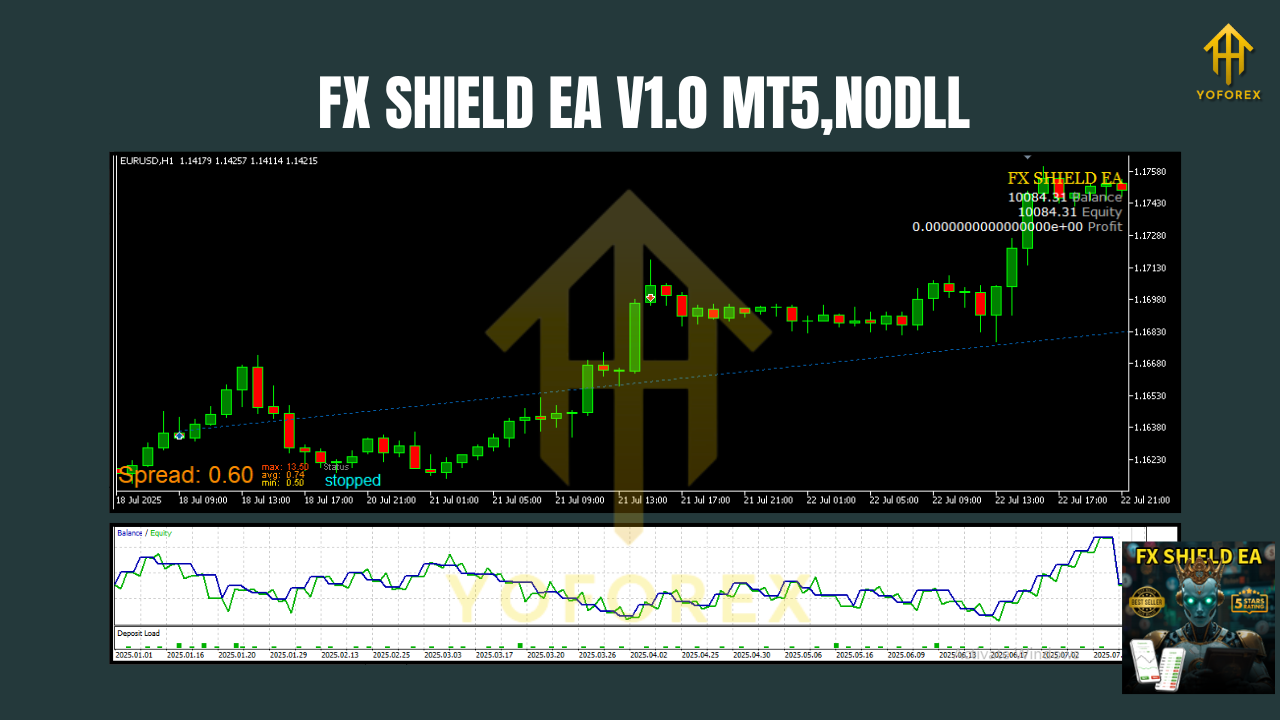
Why EMA Crossover—And Why It Works Here
EMAs emphasize recent price action, making them responsive to new trends. A simple EMA crossover can identify fresh momentum, but on its own it’s vulnerable to whipsaws. FX Shield addresses this with:
- Trend confirmation and optional filter conditions (e.g., volatility or session filters).
- Smart exits that combine fixed stops with partial or full trailing logic.
- Strict risk parameters so one choppy day doesn’t undo a week’s worth of gains.
In short, the entry is simple, and the protection is sophisticated—a good blend for real markets.
Key Features (What You’ll Actually Use)
- EMA Crossover Core – Clear, transparent long/short entries based on fast/slow EMA cross logic.
- Risk-First Design – Fixed Stop Loss and Take Profit with optional ATR-based sizing for dynamic volatility.
- Position Sizing Controls – Choose fixed lots or percentage risk per trade (e.g., 0.5%–1% typical).
- Session & Spread Filters – Trade only within selected hours and skip entries when spreads widen.
- Trade Frequency Control – Limit simultaneous positions and daily trade counts to prevent over-exposure.
- Trailing Stop & Partial Close – Lock in gains and reduce risk as price moves in your favor.
- News-Time Pause (optional) – Reduce event-driven whipsaw by pausing around high-impact releases (manual or via your own process).
- No Martingale, No Grid – Risk stays consistent; compounding is performance-driven, not bet-size-driven.
- Error Handling – Graceful checks for broker conditions (minimum lot, stop levels, etc.).
- Clear Logs & Inputs – Every decision is logged; inputs are organized for fast optimization.
Timeframes, Pairs, and Market Conditions
- Best timeframes: M15 to H1.
- Optimized for: EURUSD, GBPUSD, USDJPY, USDCAD—pairs that trend reliably and offer good liquidity.
- Market regimes: Excels when momentum is active; use filters to reduce trading in tight ranges.
Tip: If your market is range-bound, consider tightening risk, reducing trade frequency, or pausing during low-volatility sessions.
How FX Shield EA Manages Risk
Risk is the difference between a thoughtful algorithm and a coin flip. FX Shield’s protective layering includes:
- Defined SL/TP per setup so the worst case is known before entry.
- ATR-aware options to scale stops in volatile phases.
- Max open trades and daily loss limits to prevent cascading exposure.
- Trailing logic that activates only after a favorable move, helping lock profits without choking trades too early.
Start conservative (e.g., 0.5% per trade) and adjust only after collecting a statistically meaningful sample of trades.
Installation & Quick Start (MT5)
- Copy the EA into
MQL5/Experts/and restart MT5. - Open a chart of your preferred pair (e.g., EURUSD) on M15 or H1.
- Drag & drop FX Shield EA onto the chart; allow algo trading.
- Load default settings or a preset; confirm your lot sizing and risk per trade.
- Enable AutoTrading in MT5 and keep the terminal running (or use a VPS).
Recommended: Use a reliable, low-spread broker and a VPS near your broker’s servers to reduce slippage and disconnections.
Suggested Default Settings (You Can Optimize Later)
- Fast EMA / Slow EMA: 21 / 50 are a sensible starting point (fine-tune per pair).
- Stop Loss / Take Profit: Begin with a R:R near 1:1 to 1:1.5; then adjust with data.
- Risk Per Trade: 0.25%–1.0% for most accounts; keep it steady for consistency.
- Trading Hours: Focus on London–NY overlap when spreads and volatility are favorable.
- Max Trades: 1–2 concurrent positions to avoid stack-ups during chop.
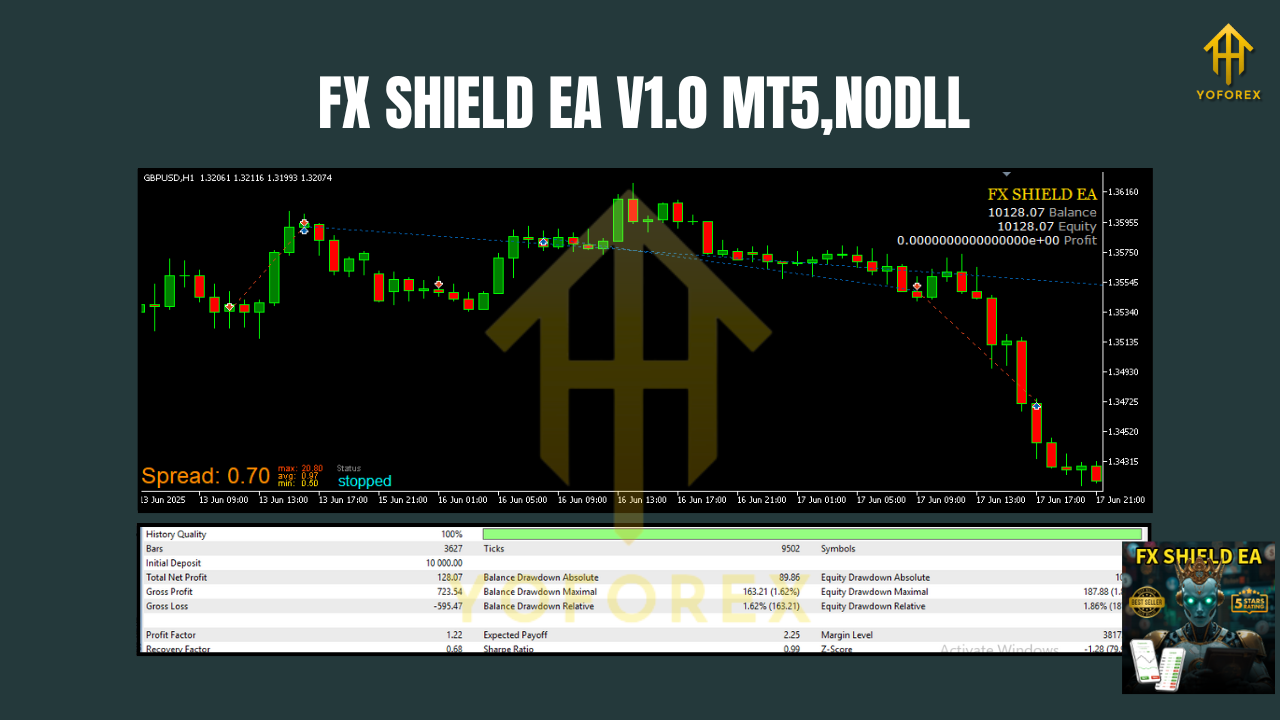
Backtesting & Optimization Tips
Backtests are not the future—but they help shape expectations and settings:
- Use high-quality tick data and include realistic spreads/commissions.
- Test across multiple years and different volatility cycles (calm vs. turbulent markets).
- Optimize carefully: change one variable at a time, avoid curve-fitting, and validate on out-of-sample periods.
- Walk-forward checks: Rotate parameters over rolling windows to confirm stability.
- Forward testing: Run on a demo or small live account to verify execution quality before scaling.
What to look for: steady equity growth, controlled drawdowns, and a profit factor > 1.2 across regimes (figures will vary by broker and settings).
Best Practices for Day-to-Day Use
- Keep it simple: Resist the urge to tweak after every trade. Evaluate monthly, not daily.
- Watch news and sessions: If you know your settings dislike NFP or CPI minutes, pause.
- Maintain logs: Export results weekly; track win rate, average RR, and max drawdown.
- Scale responsibly: Increase position size only after a statistically meaningful track record.
- Stay consistent: Strategy discipline > tinkering. Let the edge play out.
Who Is FX Shield EA For?
- New traders who want a structured, low-maintenance way to participate in trends.
- Intermediate/advanced users who value transparency and want to optimize parameters without black-box mystery.
- Risk-aware investors who prefer no martingale/grid and emphasize capital protection.
Limitations (What It Doesn’t Promise)
- It won’t win every trade; trend systems take small losses in chop.
- Performance is sensitive to spreads, latency, and execution—broker quality matters.
- Over-optimization can ruin robustness; keep parameters stable and data-driven.
Final Word
FX Shield EA V1.0 MT5 is a practical, risk-aware EMA crossover system that values clarity and control over gimmicks. If you appreciate consistent process, sensible risk, and automation that sticks to the rules, this EA can be a strong addition to your toolbox. Start conservative, collect data, and let the edge work over time.
Join our Telegram for the latest updates and support






Comments
Leave a Comment