
Forex Robotron EA V29 MT4: A Practical Guide to Smarter, Fully Automated Trading
If you’re tired of chasing signals, juggling indicators, and second-guessing entries, Forex Robotron EA V29 for MT4 might be exactly what you need. It’s a fully automated Expert Advisor that scans charts around the clock, places trades with strict logic, and manages positions with the kind of discipline most of us wish we had on a Monday morning. The goal here is simple: precision, consistency, and clean trade management—without you glued to the screen.
Below, you’ll find a human-friendly walkthrough of what the EA does, how to install it, recommended ways to run it, risk controls, and practical tips from a trader’s perspective. No fluff, no hype—just the stuff you need to use it confidently.
What Is Forex Robotron EA V29?
Forex Robotron EA V29 is a professional, completely automated forex trading system built specifically for MetaTrader 4 (MT4). It analyzes price data in real time to identify high-probability setups, then executes and manages trades end-to-end. Think of it as your rules-based assistant that never gets tired, never revenge-trades, and never “forgets” the plan just coz the market looks juicy.
Core Idea
- Identify repeatable market conditions that historically produce favorable outcomes.
- Enter with predefined logic (no guesswork).
- Manage risk with protective stops, dynamic exits, and optional breakeven logic.
- Rinse and repeat—24/5, session after session.
Why Traders Like It
- Coverage across all major & minor pairs means you can diversify without juggling multiple bots.
- Any timeframe flexibility lets you experiment with M5, M15, H1, or even H4, depending on your risk appetite and broker conditions.
- $100 minimum deposit makes it accessible to smaller accounts or those who want to start slow.
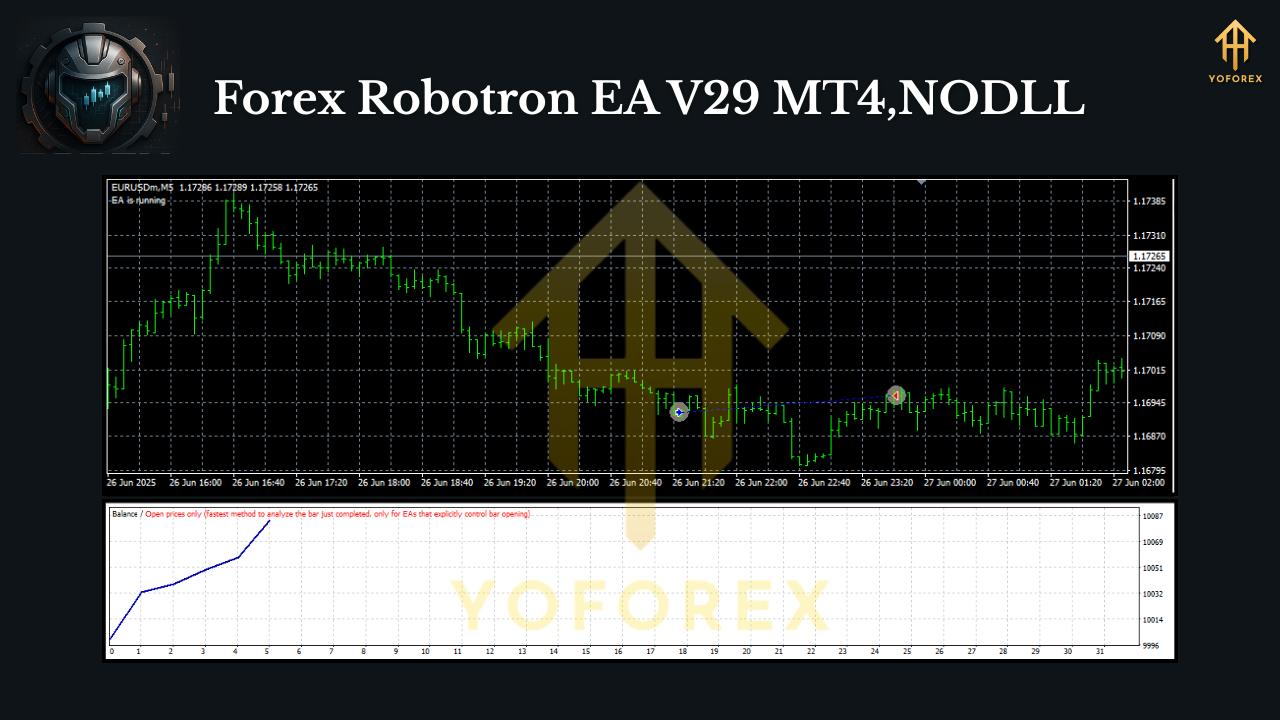
How the Strategy Works (In Plain English)
Robotron V29’s logic focuses on structured market behavior—momentum bursts, pullback continuations, and volatility windows where spreads and liquidity are favorable. It hunts for tight entries that can be protected quickly. Once in a trade, it’ll:
- Keep risk predefined (you choose lot size or use balance-based risk).
- Move to breakeven when conditions allow (optional).
- Trail the stop or close at target depending on the configuration you select.
It’s not martingale, not a “double-down and pray” system, and not a “no stop loss” nightmare. It’s built to be conservative in execution but persistent across many pairs and time conditions—so wins accrue over time. Remember tho: results always depend on broker quality, spreads, slippage, and—yep—your risk settings.
Key Features You’ll Actually Use
- Fully Automated Execution: From signal to exit, hands-off trading on MT4.
- Any Timeframe Support: M1 to H4; most users favor M5–H1 for a balance of signals and noise.
- Multi-Pair Versatility: Works on all major and minor currency pairs; diversify instead of over-leveraging one symbol.
- No Martingale, No Grid: Straightforward, rules-based logic; risk stays contained.
- Stop Loss & Take Profit Controls: Set fixed or dynamic exits based on your plan.
- Breakeven & Trailing Options: Lock in gains without babysitting.
- News/Session Awareness (user-driven): You can manually pause around high-impact events if desired.
- Low Starting Capital: Runs from $100 (use tiny lots), though $300–$500 gives more room to breathe.
- VPS-Friendly: Keep it online 24/5 for consistent execution.
- Simple Inputs: You don’t need to be a coder; most settings are plug-and-play.
Recommended Way to Run It
Here’s a clean starting point—not financial advice, just a pragmatic baseline:
- Pairs: EURUSD, GBPUSD, USDJPY, AUDUSD, USDCAD, NZDUSD, EURJPY to start. Add minors once you’re comfortable.
- Timeframe: M15 or H1 for most brokers; M5 if your spreads are razor-thin and execution is fast.
- Risk per Trade: 0.5%–1% per position if you want to play the long game.
- Lot Sizing: Use fixed micro-lots on small accounts (e.g., 0.01) or balance-based risk once above $300–$500.
- Spread Filter: Keep spreads tight. If your broker’s spreads balloon during news, consider pausing the EA.
- VPS: Yes—latency matters. An inexpensive VPS near your broker can reduce slippage.
Installation & Setup (Step-by-Step)
- Copy the EA: Place
Forex Robotron EA V29.ex4intoMQL4/Expertsin your MT4 data folder. - Restart MT4: Or right-click Navigator → Refresh to see the EA in the list.
- Enable Algo Trading: In MT4, click AutoTrading (make sure it turns green).
- Attach to Chart: Open the symbol/timeframe chart (e.g., EURUSD H1), then drag the EA onto it.
- Allow DLL Imports: In the EA settings, tick Allow DLL imports if required by vendor instructions.
- Inputs: Start with default or preset inputs; adjust only risk and filters at first.
- Magic Numbers: Use different magic numbers per chart if you run it on multiple pairs to avoid cross-trade confusion.
- Save a Template: Once you like your setup, save it as a template to speed up multi-pair deployment.
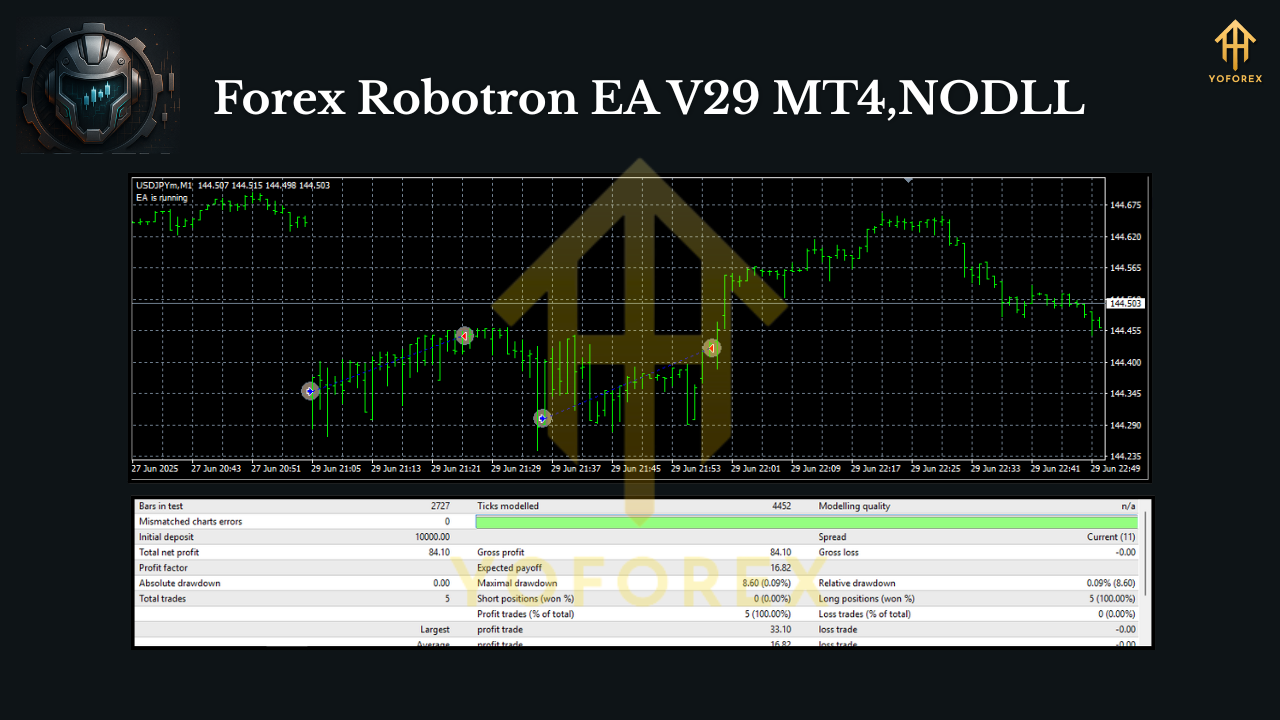
Backtesting & Optimization Tips
- Use “Every tick” modeling for high-quality tests (knowing it’s still a model of reality).
- Test multiple pairs/timeframes to find a balanced basket. One pair can have a quiet month while another does the heavy lifting.
- Focus on risk settings more than minor indicator tweaks; the edge compounds when risk is consistent and drawdowns are controlled.
- Check spread sensitivity: Re-run tests with slightly wider spreads to see how robust the strategy remains.
- Walk-forward checks: Don’t overfit. Try optimizing on one period and forwarding to the next, then rotate.
Risk Management (The Part That Saves Accounts)
You can’t control the market, but you can control exposure. Here’s the quick checklist:
- Small, repeatable risk per trade beats swinging for the fences.
- Max concurrent trades: Cap the number of open positions if you add many pairs.
- Daily loss limit: Stop the EA for the day if you hit a predefined drawdown; live to fight tomorrow.
- Leverage discipline: High leverage looks tempting; keep it reasonable, especially on smaller accounts.
- Withdraw profits periodically if you’re trading live; lock in gains to reduce mental pressure.
Real-World Running Notes
- Broker Choice: Tight spreads + low commissions + fast execution = better outcomes.
- News Windows: High-impact events can cause slippage and spread spikes. Many traders choose to pause for 5–15 minutes before/after big releases.
- Correlation: If you trade multiple USD pairs simultaneously, watch aggregate exposure.
- Patience: Even strong systems have flat or red patches. The goal is consistency over months—not a wild one-week run.
Final Thoughts
Forex Robotron EA V29 MT4 is built for traders who want systematic execution without the drama. It’s disciplined, flexible across pairs and timeframes, and friendly to smaller accounts. The setup is straightforward, the risk is controllable, and the workflow fits right into a diversified portfolio approach. Just remember: it’s a tool, not a money printer—test, iterate, and scale responsibly.






Comments
Leave a Comment