
Forex Bulls GBPCAD EA V1.3 MT4 – Complete Review & Trading Guide
If you’ve been hunting for a powerful, stable, and logic-driven Expert Advisor that handles the fast-moving GBP/CAD pair with confidence, then Forex Bulls GBPCAD EA V1.3 MT4 might just be the tool you’ve been waiting for. Designed specifically for the GBP/CAD pair and optimized for the M15 timeframe, this EA focuses on short-term volatility, fast entries, and disciplined risk control. With a surprisingly low minimum deposit of $500, it appeals to both new traders and intermediate users wanting a structured, automated way to manage trades.
In this article, we’ll break down everything this EA offers — how it works, the logic behind its entries, risk-management style, performance expectations, installation steps, and why it may suit traders seeking controlled automation. No hype. No unrealistic promises. Just a practical overview of what Forex Bulls GBPCAD EA V1.3 MT4 really brings to the table.
Introduction – Why GBP/CAD Needs a Specialized EA
GBP/CAD is one of the more volatile cross-currency pairs in the forex market. It combines the unpredictable nature of the British Pound with the raw momentum of the Canadian Dollar, which is highly influenced by crude oil prices. This creates wide swings, sharp pullbacks, and frequent liquidity traps.
Most generic expert advisors fail here because:
- They can’t handle “whipsaw” spikes.
- They trigger too many false entries.
- They don’t adjust well to sudden volatility surges.
- Their risk management isn’t tuned to cross-pair volatility.
The Forex Bulls GBPCAD EA V1.3 MT4 was created to solve these problems by using smarter detection, timing-based algorithms, and volatility filtering. Instead of chasing every move, it waits for high-probability breakouts and retracements that align with the broader short-term trend.
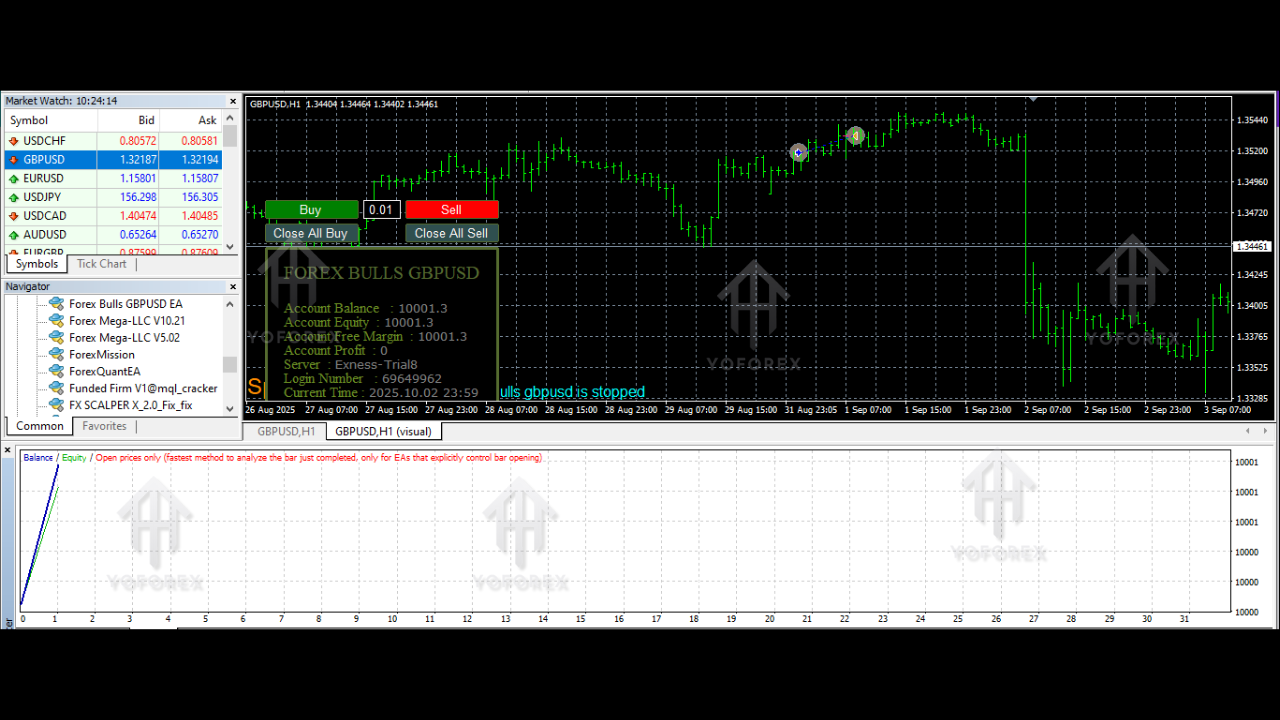
Core Logic of Forex Bulls GBPCAD EA V1.3 MT4
The EA follows a multi-layered algorithmic structure combining:
1. Short-Term Trend Detection
It scans recent candles, momentum, and session behavior to determine whether the market is trending or consolidating. This prevents entries during low-volume, choppy conditions.
2. Breakout + Pullback Confirmation
Instead of entering immediately on a breakout, it waits for a micro retracement which reduces false breakout risk.
This is especially helpful on GBP/CAD where candle spikes can be brutal.
3. Spread Filtering
Because GBP/CAD spreads can widen dramatically during news events, the EA refuses to enter until conditions normalize. This protects accounts from high-slippage entries.
4. Stop Loss & Trailing System
The EA includes:
- Dynamic stop-loss placement
- Breakeven shifting
- Smart trailing that tightens only when volatility spikes
Risk control is the strongest component of this EA.
Minimum Deposit & Account Recommendations
You only need a $500 minimum deposit to run the EA effectively. However, optimal ranges would be:
- $500–$1000 for conservative
- $1000–$2000 for balanced risk
- $2000+ for long-term growth
Recommended:
- Account Type: ECN or Raw Spread
- Leverage: 1:200 or 1:500
- Broker: Any low-spread MT4 broker
- Timeframe: M15 (mandatory)
The EA does not require martingale or grid strategies, which is a huge advantage for long-term sustainability.
Performance Style – What You Can Expect
While results can vary based on broker conditions and volatility, users generally experience:
- High accuracy during London and NY overlaps
- 1–4 trades per day on average
- Strong performance during trending environments
- Steadier wins during weeks with moderate volatility
The EA does best when GBP/CAD forms directional moves, which happens frequently due to macroeconomic differences between the UK and Canada.
It avoids risky behavior such as:
- No doubling lots
- No aggressive grid
- No blind scalping
- No chasing candle spikes
Its approach is calculated and built for controlled profit growth.
Installation Guide – How to Set Up Forex Bulls GBPCAD EA V1.3 MT4
Setting up the EA is simple. Follow these steps:
- Download the EA file (ex4 or mq4).
- Open MT4 → File → Open Data Folder.
- Navigate to:
MQL4 → Experts - Paste the EA file and restart MT4.
- Open a GBP/CAD M15 chart.
- Drag and drop Forex Bulls GBPCAD EA V1.3 MT4 onto the chart.
- Allow:
- Algo Trading
- DLL imports
8. Choose your risk level:
- 1–2% recommended
9. Make sure AutoTrading is enabled.
You’re good to go — the EA will start scanning for setups automatically.
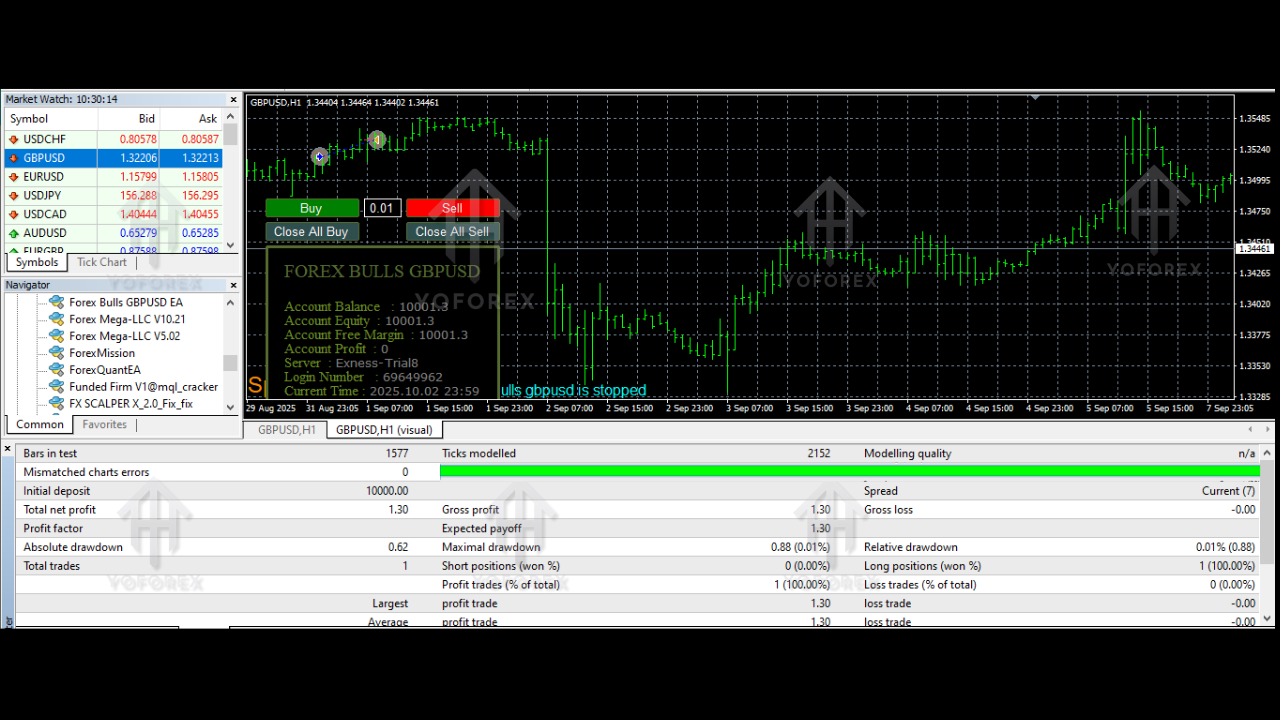
Key Features of Forex Bulls GBPCAD EA V1.3 MT4
Here are the standout benefits of using this EA:
- Works exclusively on GBP/CAD M15 for accuracy.
- Requires only $500 minimum deposit.
- Uses trend + volatility logic for stable entries.
- Fully automated trading — no manual intervention.
- Built-in spread & slippage protection.
- Auto-breakeven and trailing stop logic.
- No martingale, no grid, no arbitrage.
- Customizable risk parameters.
- Beginner-friendly installation.
- Consistent performance across sessions.
- Works well on ECN or Raw-spread accounts.
Risk Management – The Backbone of This EA
Many EAs fail because they chase trades without protecting the account. This EA does the opposite. It was created for traders who want:
- Consistency
- Controlled risk
- No emotional trading
- Slow and steady profit curves
Its risk layers include:
- Hard stop losses
- Spread rejection
- Slippage control
- Max orders limit
- News-time volatility protection
This makes it safer compared to aggressive scalpers or grid robots.
Who Should Use Forex Bulls GBPCAD EA V1.3 MT4?
This EA is ideal for:
- Traders who prefer medium-frequency trading
- Those who want low-maintenance automation
- Users with $500–$2000 capital
- Traders looking for non-martingale EAs
- Anyone wanting to specialize in GBP/CAD
It’s also suitable for part-time traders who cannot monitor charts constantly.
Final Verdict – Is Forex Bulls GBPCAD EA V1.3 MT4 Worth It?
Yes — if you want a stable, volatility-tuned EA specifically engineered for GBP/CAD, this one checks all the boxes. It balances performance with risk, avoids dangerous tactics, and works smoothly on M15 without demanding a big investment.






Comments
Leave a Comment