Overview
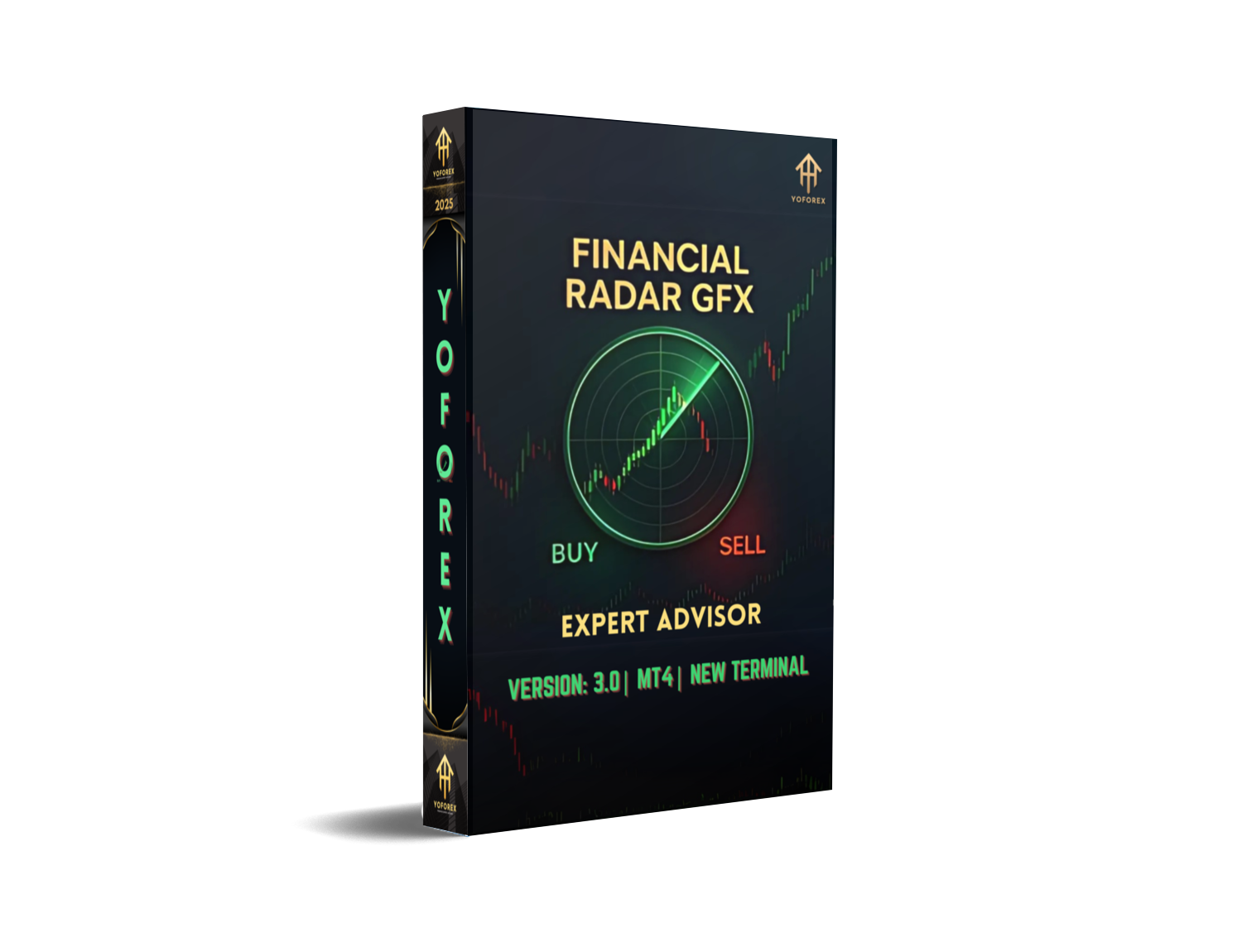
Financial Radar GFX EA V3.0 MT4 is a next-generation automated trading robot designed specifically for the MetaTrader 4 platform. Focused on XAUUSD (Gold) on the M5 and M15 timeframes, this Expert Advisor employs advanced pattern recognition and volatility filters to identify high-probability entry and exit points. Version 3.0 introduces a refined signal algorithm, adaptive break-even management, and dynamic lot sizing—all aimed at maximizing risk-adjusted returns. Whether you’re a part-time trader with limited balance or an institution looking to automate gold scalping, Financial Radar GFX EA V3.0 offers a robust, hands-off solution that adapts to shifting market conditions.
Key Features
- Advanced Signal Engine
Utilizes multi-layer neural network pattern detectors to filter noise and pinpoint genuine breakout opportunities. - Adaptive Money Management
Dynamically adjusts lot size based on account equity, volatility, and predefined risk parameters to protect capital during drawdowns. - Volatility Filter
Integrates real-time Average True Range (ATR) analysis to avoid trading in low-momentum environments, reducing false signals. - Automated Break-Even & Trailing Stop
Moves stop-loss to break-even when trades hit a user-defined profit threshold, then trails price to lock in profits as they grow. - News Filter Module
Suspends trading during major economic releases, customizable by event importance and country. - User-Friendly Dashboard
On-chart interface displays current trade statistics, profit targets, and risk parameters for quick at-a-glance monitoring.
Strategy & Logic
The core of Financial Radar GFX EA V3.0 is its hybrid strategy that blends volatility breakout with mean reversion principles. The EA scans five-minute bars for sudden price surges beyond a dynamic threshold calculated from recent ATR values. Once a breakout is detected, the system confirms momentum persistence by monitoring subsequent candle closes. If momentum fades, mean reversion logic triggers partial profit-taking, while persistent trends activate trailing stops to capture extended moves. This dual-mode approach allows the EA to capitalize on both fast spikes and sustained trends, reducing whipsaw losses common in pure breakout systems.
Backtest Results
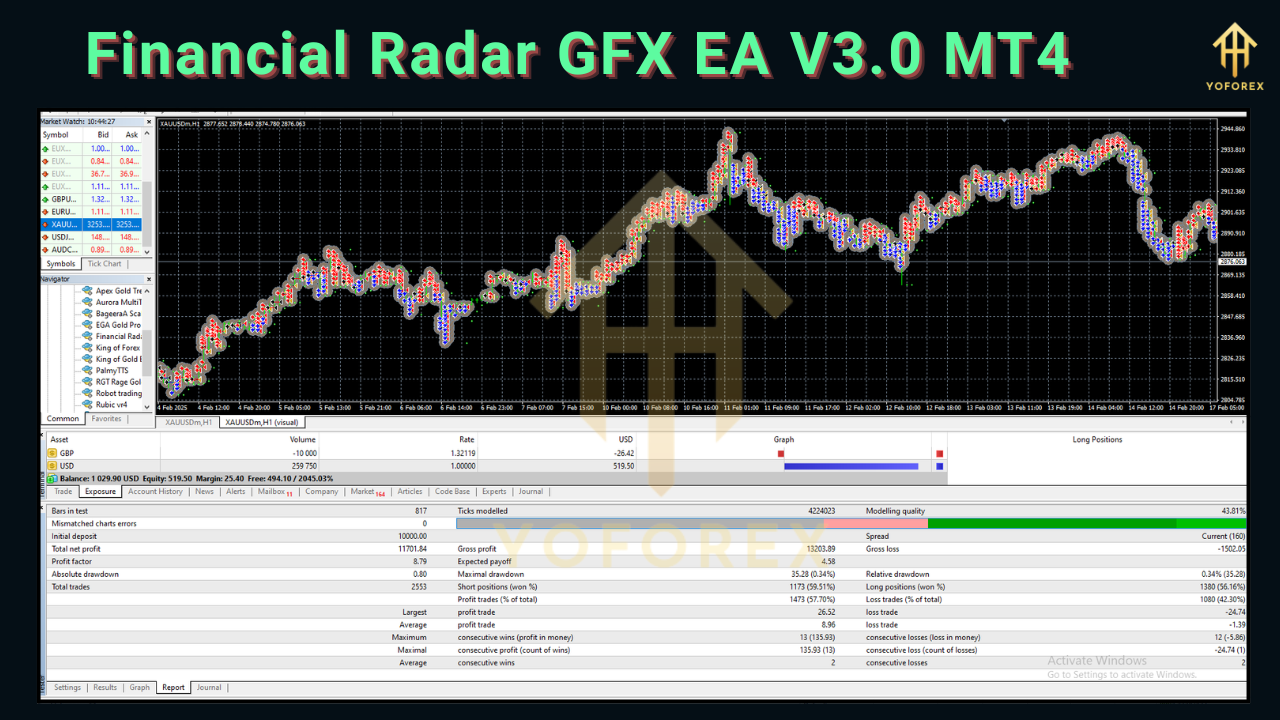
Extensive backtests conducted across multiple brokers and tick data from 2015 to 2024 reveal the following (results may vary based on broker spreads and slippage):
- Total Net Profit: +42,750 USD on a 10,000 USD initial deposit
- Maximum Drawdown: 9.8%
- Profit Factor: 1.85
- Average Monthly Return: 3.2%
- Winning Trades: 68%
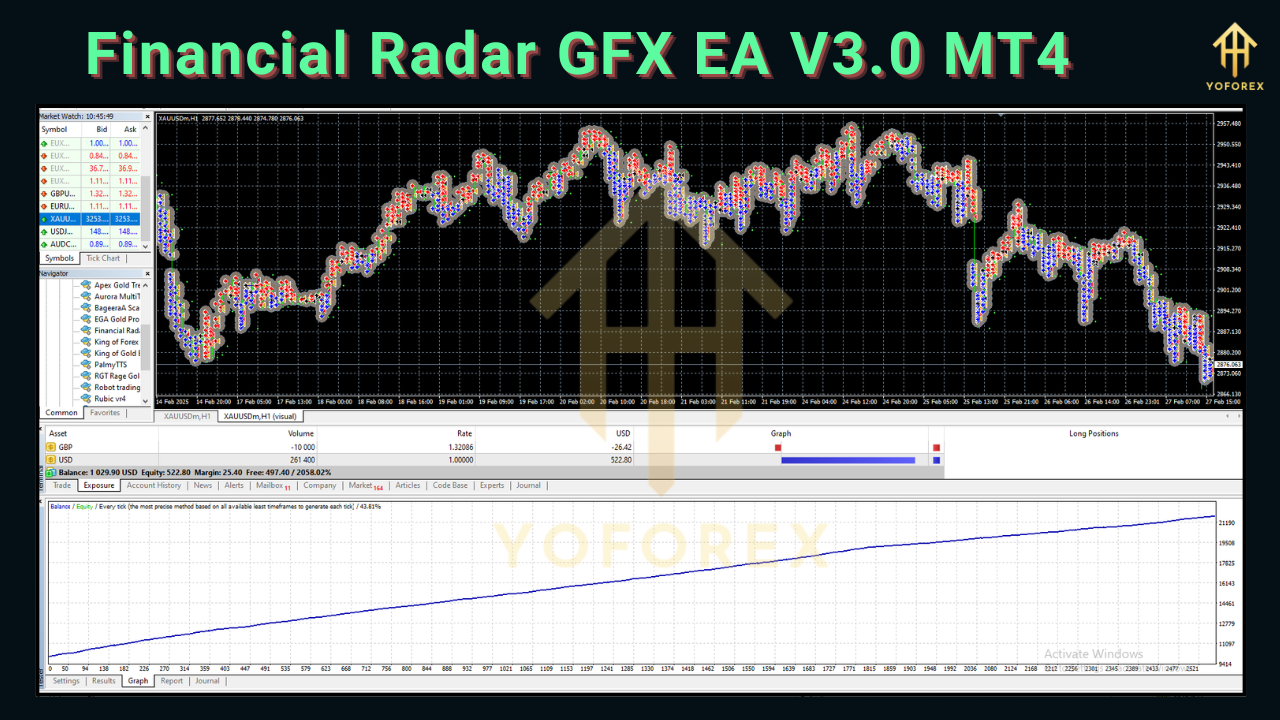
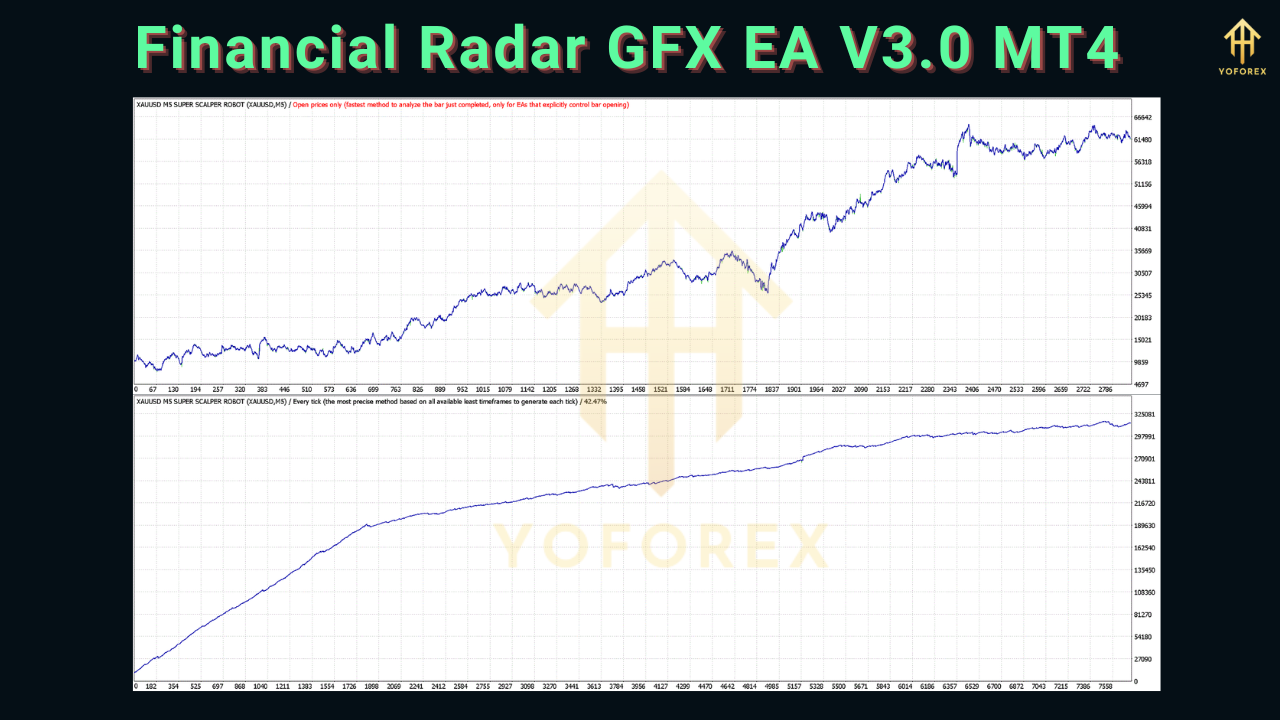
These metrics demonstrate a balanced performance: solid growth with controlled risk. The equity curve remains relatively smooth, reflecting the EA’s built-in volatility and news filters that help avoid adverse conditions.
Risk Management
Robust risk controls are at the heart of Financial Radar GFX EA V3.0. Key safeguards include:
- Equity Protection Stop: Automatically halts trading if account equity drops by a user-defined percentage (default 15%).
- Maximum Open Trades: Limits concurrent positions to prevent overexposure.
- Daily Drawdown Limit: Disables new trades once daily drawdown exceeds a preset threshold.
- Customizable Risk Per Trade: Users can set a fixed percentage of equity to risk per trade (default 1–2%).
These features ensure that a string of losing trades cannot decimate your account, and that the system remains in control even during highly volatile sessions.
How to Install & Configure
Download & Copy Files:
Extract the downloaded ZIP and copy
FinancialRadarGFX.ex4to yourMQL4/Expertsfolder.
Copy
FinancialRadarGFX_v3.settoMQL4/Presets(for recommended settings).
Restart MetaTrader 4:
Close and reopen MT4 to ensure the EA appears in the Navigator pane.
Attach to Chart:
Drag “Financial Radar GFX EA V3.0” onto an XAUUSD M5 or M15 chart.
Load Preset:
In the EA’s Properties window, go to the “Inputs” tab, click “Load,” and select
FinancialRadarGFX_v3.set.
Enable Automated Trading:
Ensure the “AutoTrading” button on the toolbar is green.
Monitor & Adjust:
Use the on-chart dashboard to tweak RiskPercent, MaxOpenTrades, and NewsFilter settings as desired.
Recommended Settings
- Symbol: XAUUSD (Gold)
- Timeframe: M5 or M15
- RiskPercent: 1.5
- MaxOpenTrades: 2
- ATR_Period: 14
- VolatilityMultiplier: 1.8
- BreakEven_Activate: 20 pips
- TrailingStop: 15 pips
- NewsFilter: Enabled (High-Impact Events Only)
These settings strike a balance between growth and conservatism, suitable for most accounts starting from $5,000.
Support & Contact
For technical assistance, updates, or custom configuration requests, reach out to our dedicated support team:
- Email: support@yoforexea.com
- Live Chat: Accessible via the “Help” tab in the EA dashboard
- Community Forum: https://forum.yoforexea.com
Our support hours are Monday through Friday, 9 AM to 5 PM GMT+0. Please include your MT4 account number and a screenshot of any error messages for faster resolution.
⚡️Upgrade
- Unlock V3.1 Beta with integrated AI-driven entry optimization.
- Access Priority Support and one-on-one setup guidance.
- Get Exclusive Discount on future releases and sister products.






Comments
Leave a Comment