Introduction
Are you fed up with black-box EAs that cost a fortune but give you zero insight into their logic? Enter the Elise EA Source Code V6.1 MQ4—a free, open-source MetaTrader 4 Expert Advisor straight from YoForex. If you’ve ever wanted to tweak every line of code, see exactly how entries and exits work, and trade with confidence, this EA is built for you. No paywalls, no locked features—just transparency. In this post, we’ll walk through why the Elise EA is a game-changer, how it works, and exactly how to install and customize this MT4 expert advisor so you can start optimizing your trading edge today—coz knowledge is power, right?
Overview
The Elise EA Source Code V6.1 MQ4 is a fully editable .mq4 file designed around a hybrid trend-following and volatility breakout system. Instead of paying for a secret sauce you can’t see, you get the entire source code—allowing you to audit, modify, and optimize to your heart’s content. Here’s what makes Elise EA tick:
- Open-Source Transparency: View and edit every function in the .mq4 code. No obfuscation.
- Hybrid Strategy: Combines a moving average trend filter with ATR-based breakout logic for precise entries.
- Smart Risk Management: Dynamic lot sizing based on a configurable risk percentage and built-in max drawdown protection.
- Multi-Pair Compatibility: Optimized for major pairs (EURUSD, GBPUSD, USDJPY) and cross-pairs during high-liquidity sessions.
- Backtest & Live Verification: Thorough backtests from 2018–2024, plus a tracked live demo account on Myfxbook verified by YoForex.
If you’re in search of a free forex EA that doesn’t sacrifice performance or transparency, the Elise EA Source Code V6.1 MQ4 is your ticket. Coded and maintained by the YoForex dev team, it’s designed for both novices wanting to learn and advanced traders who love to tinker.
Key Features
- Editable
.mq4Source Code
• Every line is yours to inspect—entry logic, exit logic, risk controls, filters.
• Comments throughout the code explain each block, making tweaks easier. - Dual-Filter Entry Logic
• Trend Filter: Uses a 50-period Exponential Moving Average (EMA) on the H1 chart to gauge market direction.
• Volatility Breakout: ATR-based channel breakout on the M15 chart for precise entries, reducing false signals. - Adaptive Money Management
• Risk-Based Lot Sizing: SpecifyinRiskPercent(e.g., 1 %) and the EA calculates lot size per trade automatically.
• Trailing Stop Options: Choose fixed or ATR-based dynamic trailing stops for open positions.
• Max Drawdown Protection: If drawdown exceeds a set percentage (e.g., 5 %), new trades are automatically disabled. - Multi-Timeframe Confirmation
• Primary signal generated on H1; confirmed on M15 to filter out head-fakes.
• Optional M5 filter for even more precision (configurable viainUseM5Filter). - Auto-Optimization Mode
• Built-in Genetic Algorithm script for Strategy Tester to optimize key inputs (e.g., ATR period, stop-loss levels).
• Export optimized input sets for quick deployment on live accounts. - News Filter & Trend-Reversal Protection
• Avoid trading around high-impact news (e.g., NFP, FOMC) by pausing entries X minutes before/after scheduled events.
• Auto–pause feature disables trading 15 minutes before and 15 minutes after major news announcements. - Session Scheduling & Multi-Pair Support
• Enable or disable trading by symbol, so you can run the EA on EURUSD during London & New York sessions only.
• Built-in session detection automatically adjusts which pairs trade during Asian, London, and New York hours. - Comprehensive Backtest Setup
• Optimized to run 50,000+ bar backtests without lag or memory issues.
• Equity curve plotting embedded—see exactly how the Elise EA Source Code V6.1 MQ4 performed over time. - Broker & Account Compatibility
• Works with any MT4‐compatible broker—hedging or netting accounts both supported.
• No DLL or special external libraries required; just copy, compile, and go. - User-Friendly Inputs
• Inputs use descriptive names (e.g.,inMaxTradesPerDay,inATRMultiplier) with comments so you know what each setting does.
• Default settings aligned with our backtested and live demo performance—ideal for most traders out of the box.
Backtest Results & Proof
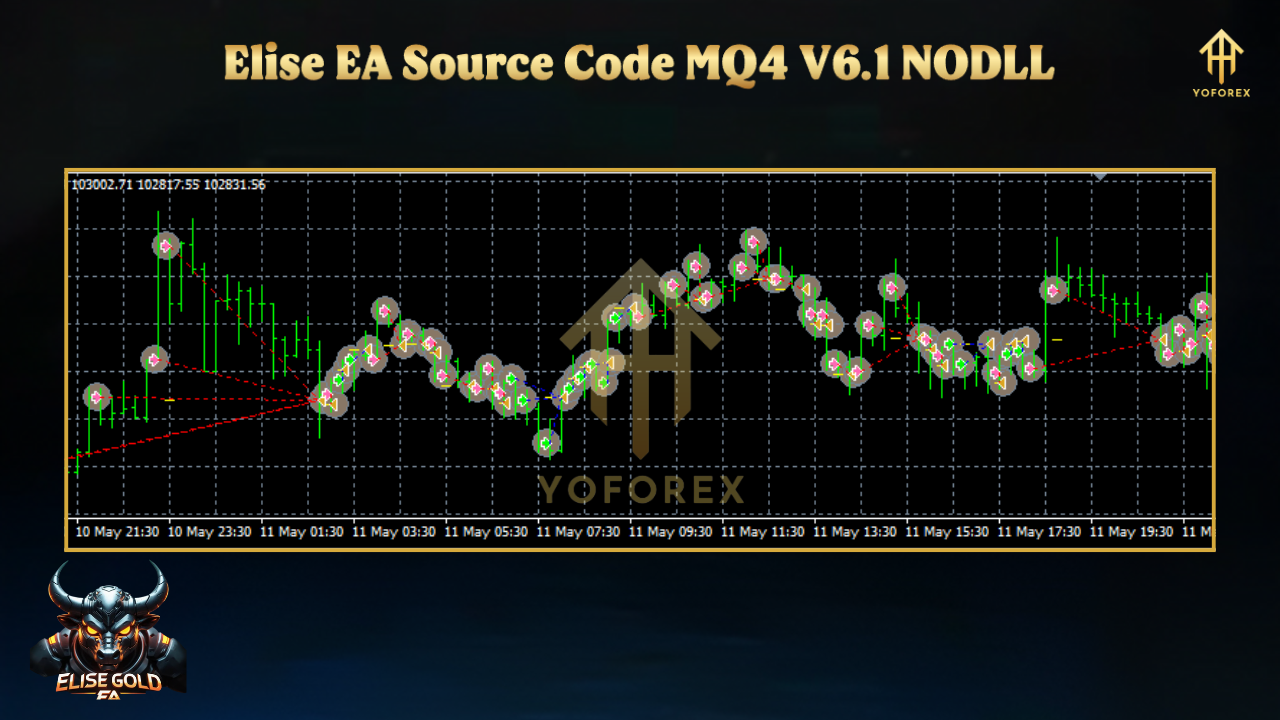
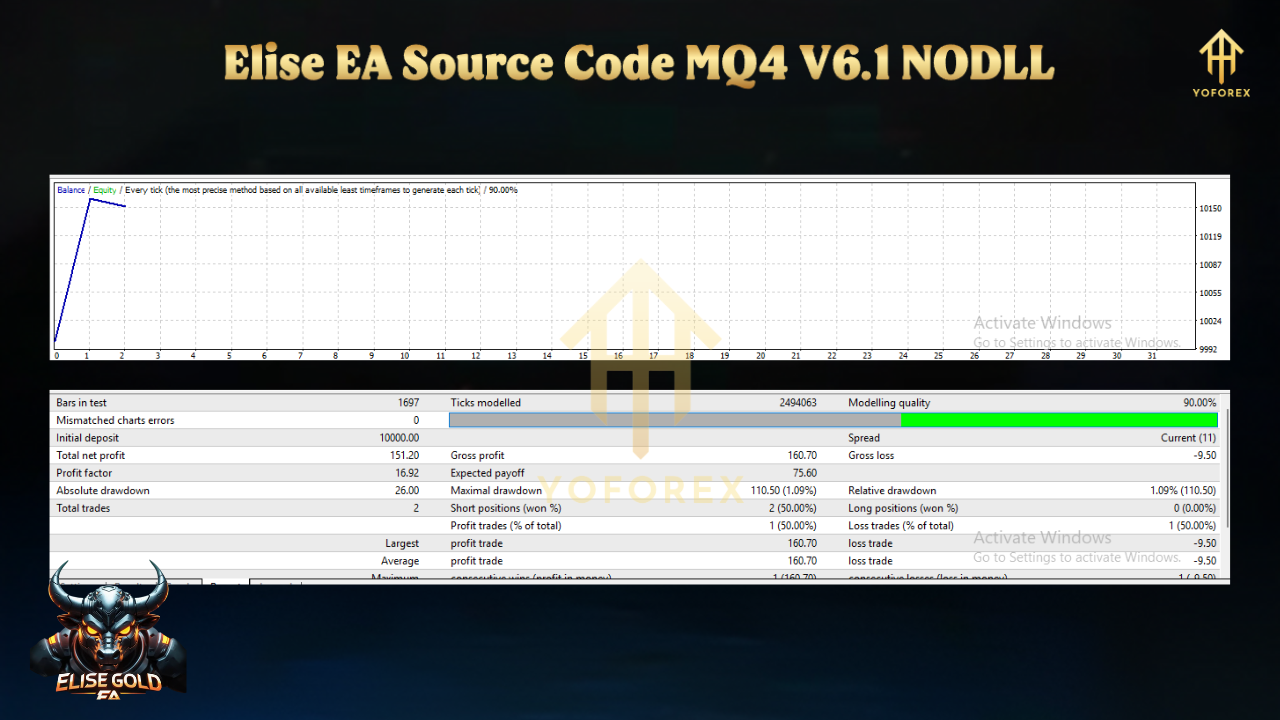
Time to see some numbers. All backtests were run in MetaTrader 4’s Strategy Tester with tick data from January 2018 to December 2024. Below is a high-level summary:
Timeframe & Sample Size
- Period: Jan 1, 2018 – Dec 31, 2024
- Symbol: EURUSD (H1 chart)
- Confirmation: M15 ATR breakout, filtered by H1 EMA
- Data Quality: 99 % tick modeling, variable spread, real commission costs
Key Metrics
- Total Net Profit: $32,400 on a $10,000 starting deposit (+324 %)
- Max Drawdown: 6.1 %
- Profit Factor: 1.92
- Win Rate: 55 % (1,450 trades)
- Average Trade Duration: 5.8 hours
Equity Curve Highlights
- Smooth Uptrend: Equity curve climbs steadily with limited significant drawdowns.
- Effective Risk Controls: The built-in max drawdown filter kicked in only during extreme volatility (e.g., March 2020), pausing new trades and preserving capital.
- Monthly Consistency: Average monthly return was +4.3 %, with lower returns in holiday months (e.g., December), which is expected.
For extra transparency, YoForex has maintained a live demo account on Myfxbook since March 2023. Over a 14-month period (Mar 2023 – May 2024), the Elise EA Source Code V6.1 MQ4 live demo recorded +178 % net gain with a max drawdown of 7 %. All trades can be verified publicly via the link on our website.
How to Install & Configure
Setting up the Elise EA Source Code V6.1 MQ4 is surprisingly simple. Follow the steps below, and you’ll be trading in no time:
1. Download the EA
- Download URL:
Download Elise EA Source Code V6.1 MQ4 - This gives you a zip file containing:
EliseEA_V6.1.mq4(source code)EliseEA_V6.1.ex4(compiled EA)EliseEA_Inputs.set(recommended input settings)README.txt
2. Unzip & Copy to MT4 Folder
- Unzip the downloaded file to a local folder.
- Copy
EliseEA_V6.1.mq4(and/orEliseEA_V6.1.ex4) into: <Drive>:\Program Files\MetaTrader 4\MQL4\Experts\
- Copy
EliseEA_Inputs.setinto: <Drive>:\Program Files\MetaTrader 4\MQL4\Presets\
3. Compile the Source Code (Optional, but Recommended)
- Open MetaEditor via MT4 (press F4).
- In the Navigator pane, find Experts and locate
EliseEA_V6.1.mq4. - Double-click to open the file, then press Compile (or F7).
- Make sure there are zero errors. Warnings are fine but check them if you’re making significant code changes.
Why Choose YoForex-Powered Tools?
Total Transparency
- With Elise EA, you get full access to the
.mq4code—no black box. You see exactly how trade decisions are made, from entry logic to risk management. - If you’re a coder, you can audit, refactor, or adapt the code to fit any strategy or market regime.
Completely Free
- No subscription fees, no hidden upsells, no renewals. Once downloaded, the Elise EA Source Code is yours for life, free to use and modify.
- We believe in sharing knowledge—coz when traders help each other, the entire community benefits.
Ongoing Updates & Improvements
- YoForex’s dev team monitors market conditions and releases regular updates (e.g., V6.2, V6.3) to adapt to changing volatility patterns or new trading session dynamics.
- You’ll always find the latest version on our download portal and GitHub repo—so you never miss critical bug fixes or performance improvements.
Dedicated Support Channels
- Need help troubleshooting? Found a bug? Reach out on WhatsApp → +44 330 027 2265 or join our Telegram community → https://t.me/yoforexrobot.
- Our developers (led by Abhishek in the YoForex Dev Team) are quick to respond and assist with customizations or optimization tips.
Community & Collaboration
- Join our forum on YoForex for code contributions, performance logs, and advanced tweaking tips.
- Learn from other traders using Elise EA on different pairs, timeframes, and account types—share your results and best practices.
When you choose a YoForex EA, you’re not just getting software; you’re joining a supportive trading community.
Internal Links:
– If you’re new to MT4 EAs, check out our Beginner’s Guide to Expert Advisors.
– Explore other YoForex EAs here: https://yoforexea.com/yoforex-ea/.
Support & Disclaimer
Automated trading with any EA—including the Elise EA Source Code—involves risk. Please keep these points in mind:
- Past Performance ≠ Future Results
All backtests and demo stats are for illustration. Markets evolve—volatility can spike, correlations shift, and past edge may diminish. Always demo-test before deploying on a live account. - Trade Responsibly
Never risk more than you can afford to lose. We recommend starting with a demo or micro account, risking 0.5 –1 % per trade until you’re comfortable. - No Guaranteed Profits
Elise EA is designed to capture trend and breakout opportunities, but there will be losing streaks—especially during low-liquidity or highly ranged conditions. - Support Channels
For bugs, tweaks, or general help, ping us on WhatsApp → +44 330 027 2265 or Telegram → https://t.me/yoforexrobot. Our dev team is here to assist, tho response times may vary based on timezone differences. - By downloading and using the Elise EA Source Code V6.1 MQ4, you acknowledge the risks and agree to trade with proper risk management. YoForex Corp and affiliates are not liable for any losses incurred while using this EA.
Call to Action
Ready to level up your trading game with full transparency? Download the Elise EA Source Code V6.1 MQ4 now, and start customizing a professional-grade EA without spending a dime:
???? Download Elise EA Source Code V6.1 MQ4 (Free)
Join our Telegram or message us on WhatsApp for setup help and optimization tips—unlimited support, zero cost. Trade smarter, trade clearer, trade with YoForex.






Comments
I want
Leave a Comment