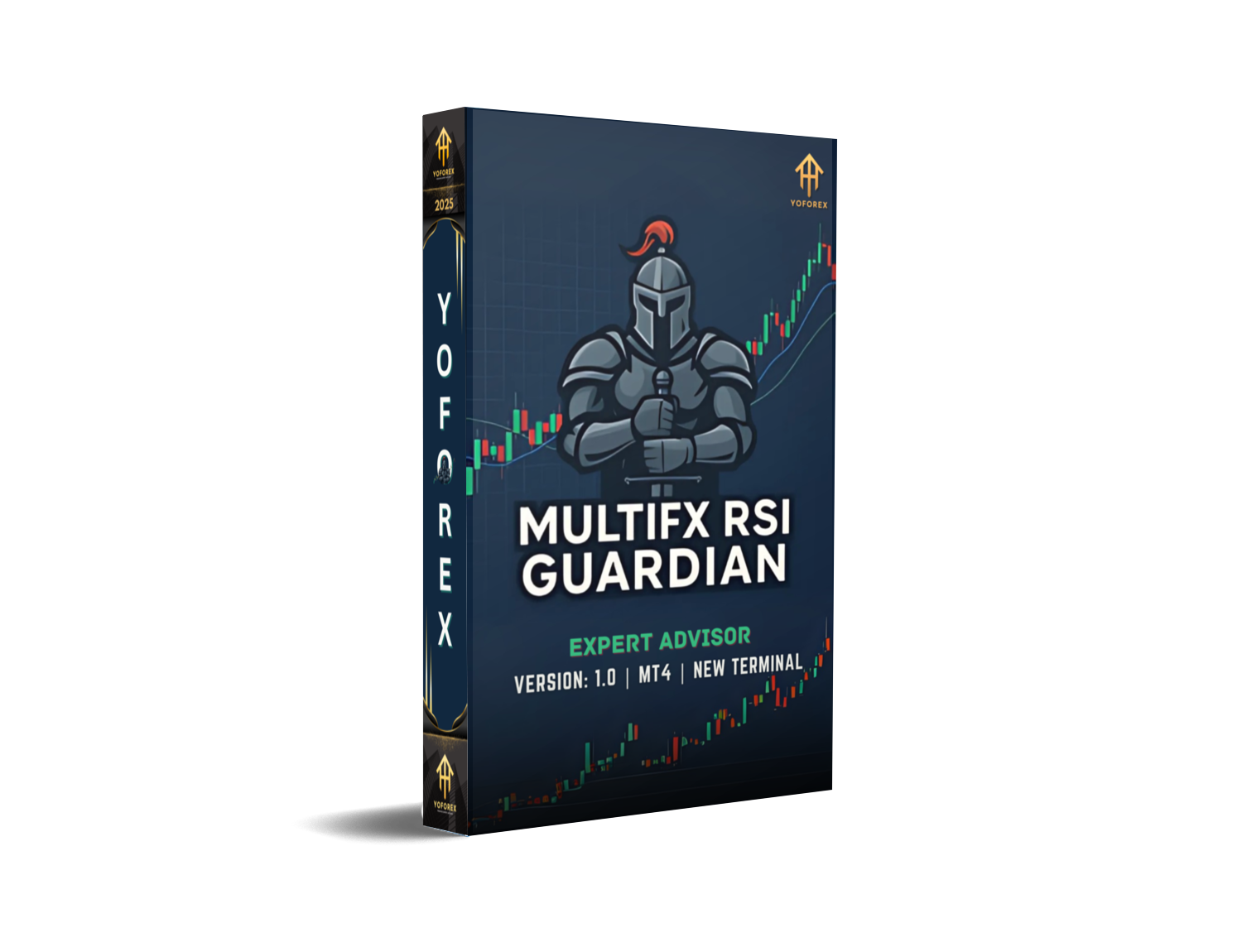
EA139 MultiFX RSI Guardian V1.0 MT4: A Comprehensive Guide to Automated Forex Trading
The foreign exchange market, commonly known as Forex, is one of the largest and most liquid financial markets globally. Traders constantly seek tools and strategies to enhance their trading efficiency and profitability. Automated trading systems, or Expert Advisors (EAs), have gained significant popularity due to their ability to execute trades based on predefined algorithms without human intervention. One such innovative tool is the EA139 MultiFX RSI Guardian V1.0 MT4, designed to leverage the Relative Strength Index (RSI) for effective trading decisions. This blog post aims to provide a comprehensive guide to understanding, installing, and utilizing this EA for optimal trading performance.
Understanding the EA139 MultiFX RSI Guardian V1.0 MT4
The EA139 MultiFX RSI Guardian V1.0 MT4 is an automated trading system developed for the MetaTrader 4 (MT4) platform. It is designed to monitor multiple currency pairs and execute trades based on RSI indicators. The RSI is a momentum oscillator that measures the speed and change of price movements, providing traders with insights into overbought or oversold conditions in the market. The EA139 MultiFX RSI Guardian V1.0 MT4 leverages this indicator to identify potential entry and exit points, thereby automating the trading process.
Key Features
- Multi-Currency Pair Support: The EA is capable of monitoring and trading multiple currency pairs simultaneously, allowing traders to diversify their portfolios and capitalize on various market opportunities.
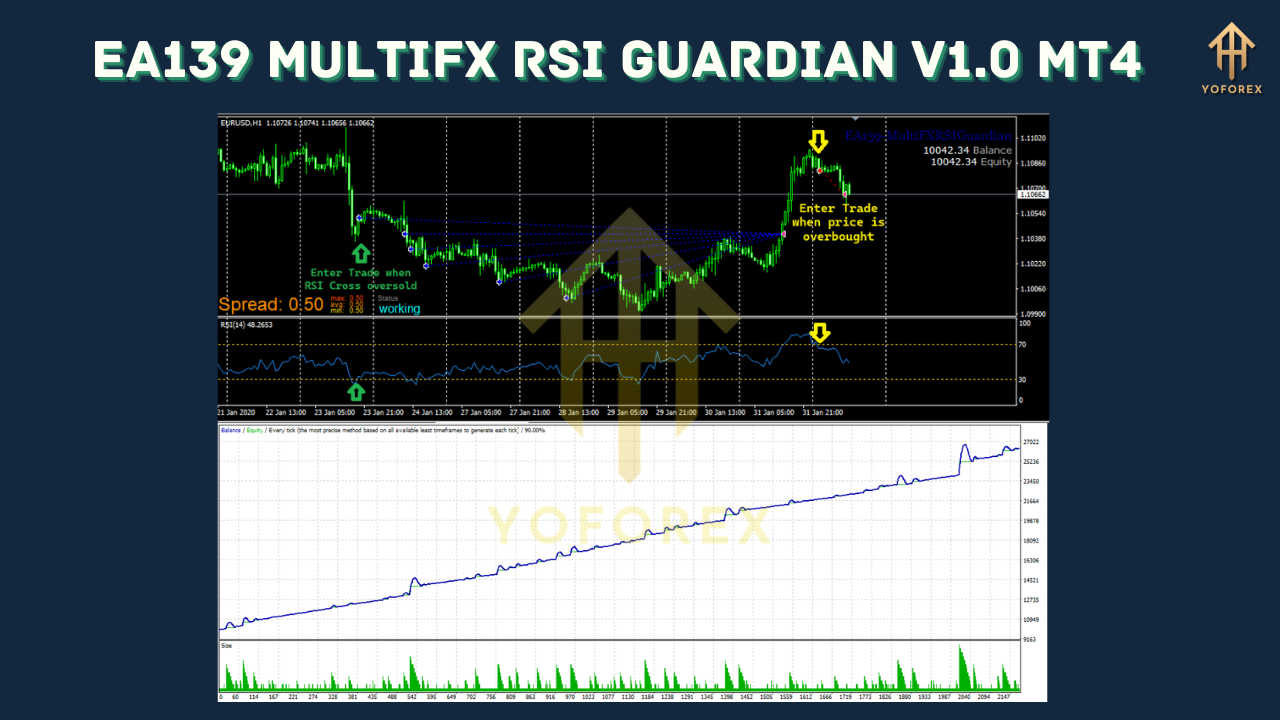
- RSI-Based Trading Logic: The system uses the RSI indicator to determine market conditions and execute trades accordingly. This ensures that trades are entered and exited based on well-defined technical analysis principles.
- Customizable Settings: Traders can adjust various parameters such as lot size, stop-loss, take-profit, and RSI periods to align with their trading strategies and risk management preferences.
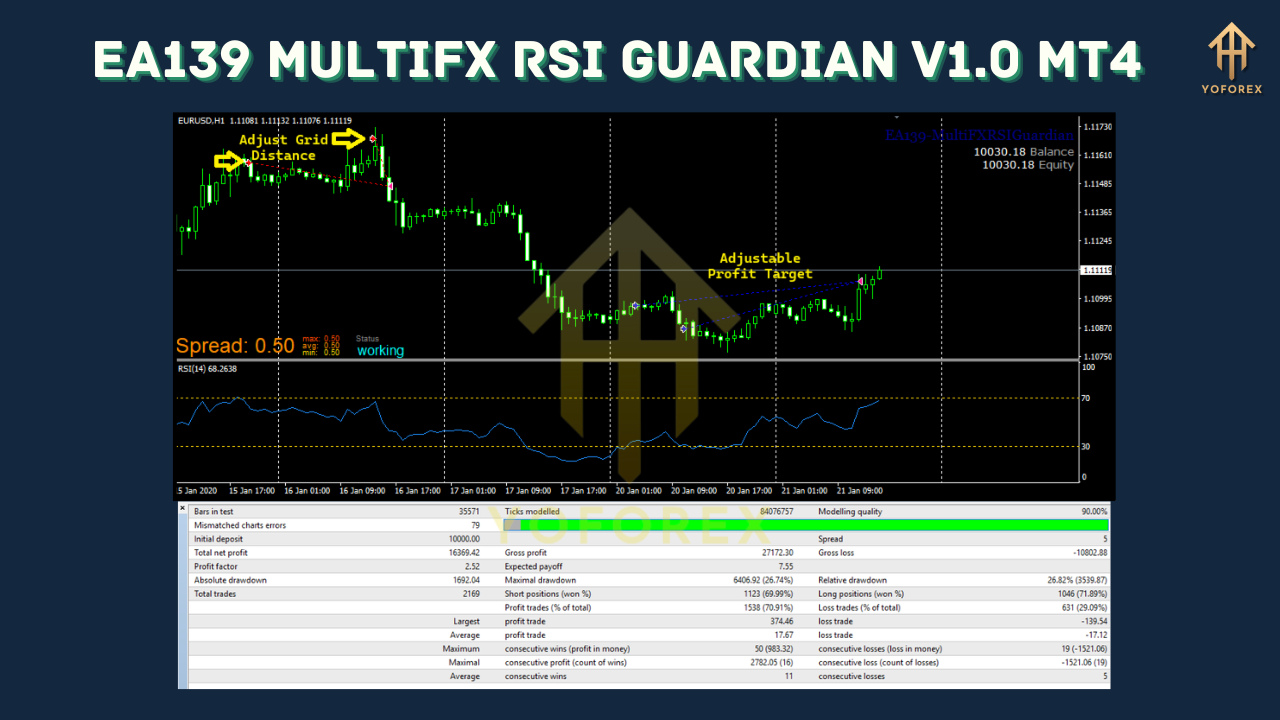
- Backtesting Capabilities: The EA allows for extensive backtesting to evaluate its performance under different market conditions. This feature helps traders to fine-tune the system before deploying it in live trading.
- User-Friendly Interface: The EA is designed with a user-friendly interface, making it accessible to both novice and experienced traders. The installation and configuration process are straightforward, ensuring that traders can quickly set up the system.
Installation and Configuration
Installing the EA139 MultiFX RSI Guardian V1.0 MT4 on the MT4 platform is a straightforward process. Below are the steps to install and configure the EA:
- Download the EA: Obtain the EA file from a reliable source. Ensure that the file is compatible with your version of MT4.
- Open MT4: Launch the MetaTrader 4 platform on your computer.
- Navigate to the Navigator Window: In the top menu, click on "View" and then select "Navigator" to open the Navigator window if it is not already visible.
- Locate the Experts Folder: In the Navigator window, find the "Experts" folder under the "Files" section.
- Add the EA File: Drag and drop the downloaded EA file into the "Experts" folder. Alternatively, you can right-click on the "Experts" folder, select "Add File," and browse to the location of the EA file.
- Restart MT4: Close and restart the MT4 platform to ensure that the EA is properly loaded.
- Attach the EA to a Chart: In the Navigator window, find the EA139 MultiFX RSI Guardian V1.0 MT4 under the "Experts" section. Drag and drop the EA onto the chart of the currency pair you wish to trade.
- Configure Settings: A settings window will appear, allowing you to configure the EA according to your preferences. Adjust parameters such as lot size, stop-loss, take-profit, and RSI periods as needed.
- Enable Trading: Ensure that the "Allow Live Trading" option is enabled in the EA settings to activate the automated trading feature.
Utilizing the EA for Optimal Performance
To maximize the performance of the EA139 MultiFX RSI Guardian V1.0 MT4, consider the following tips:
- Risk Management: Always prioritize risk management by setting appropriate stop-loss and take-profit levels. This helps to limit potential losses and secure profits.
- Regular Monitoring: Although the EA is designed for automated trading, it is advisable to periodically monitor its performance. This allows you to make necessary adjustments based on market conditions.
- Backtesting: Before deploying the EA in live trading, conduct thorough backtesting to assess its performance under various market scenarios. This helps to identify potential issues and optimize the system.
- Diversification: Utilize the multi-currency pair support feature to diversify your trading portfolio. Trading multiple pairs can help to spread risk and capitalize on different market trends.
- Stay Informed: Keep abreast of market news and economic events that may impact currency prices. This information can be valuable in fine-tuning the EA settings and making informed trading decisions.
Potential Challenges and Solutions
While the EA139 MultiFX RSI Guardian V1.0 MT4 is a powerful tool, traders may encounter certain challenges. Below are some common issues and their solutions:
- Market Volatility: Sudden market volatility can lead to unexpected trading outcomes. To mitigate this, ensure that the EA settings are robust enough to handle volatile conditions. Adjust the stop-loss and take-profit levels accordingly.
- Technical Glitches: Occasionally, technical glitches may occur due to platform updates or other issues. Regularly update the MT4 platform and the EA to the latest versions to minimize such problems.
- Over-Optimization: Over-optimizing the EA settings based on past performance can lead to poor results in live trading. Avoid overfitting the system to historical data and instead focus on robust, generalizable settings.
- Broker Compatibility: Ensure that your broker supports the EA and that there are no restrictions on automated trading. Some brokers may have specific requirements or limitations that could affect the EA's performance.
Conclusion
The EA139 MultiFX RSI Guardian V1.0 MT4 is a sophisticated automated trading system designed to enhance trading efficiency and profitability in the Forex market. By leveraging the RSI indicator and supporting multiple currency pairs, this EA offers traders a robust tool for executing trades based on well-defined technical analysis principles. Proper installation, configuration, and utilization of the EA can lead to significant improvements in trading performance. However, it is essential to approach automated trading with a disciplined mindset, prioritizing risk management and continuous monitoring. With the right strategy and mindset, the EA139 MultiFX RSI Guardian V1.0 MT4 can be a valuable addition to any trader's toolkit.
Support & Disclaimer
Got questions or need help? Reach out anytime:
- WhatsApp: https://wa.me/+443300272265
- Telegram: https://t.me/yoforexrobot
Disclaimer: Past performance is no guarantee of future results. All trading carries risk. Always demo-test the EA139 MultiFX RSI Guardian V1.0 MT4 in a risk-free environment before deploying on a live account.






Comments
Leave a Comment