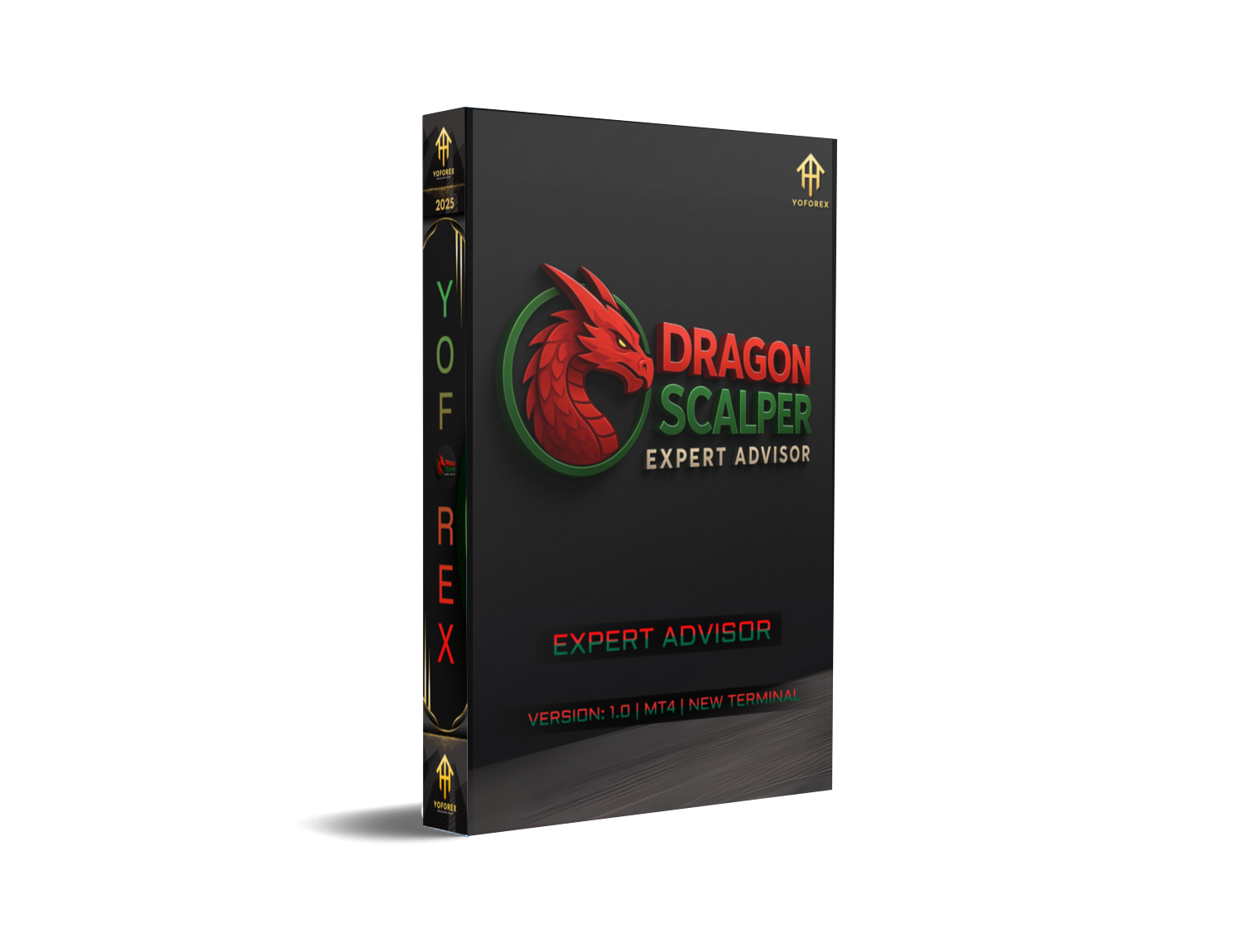
Forex scalping is a game of speed, precision, and low-latency execution. In a market where every pip counts, traders are turning to automated systems to help them stay ahead of the curve. Dragon Scalper EA V1.0 MT4 is one such automated solution—designed specifically for traders looking to capitalize on short-term market movements with confidence and consistency.
Available for download at YoForexEA.com, this expert advisor stands out for its high-frequency trading logic, non-martingale strategy, dynamic lot management, and advanced entry filters. With a focus on minimizing drawdown while capturing fast profits, Dragon Scalper EA is a valuable tool for both beginners and experienced traders who prefer low-risk, short-duration trading setups.
In this post, we’ll explore what makes Dragon Scalper EA so effective, how it works, the setup process, and how it can help you improve your forex trading strategy.
What is Dragon Scalper EA V1.0?
Dragon Scalper EA V1.0 is a fully automated trading robot developed for MetaTrader 4 (MT4). It’s built to perform rapid-fire trades based on momentum and breakout signals during high-liquidity trading sessions—primarily the London and New York overlaps.
The EA focuses on executing fast trades on lower timeframes (M1–M5) with intelligent risk controls. Unlike many EAs that rely on grid or martingale strategies (which increase lot size after losses), Dragon Scalper uses fixed stop-loss, dynamic lot sizing, and smart filters to maximize profitability while maintaining consistent account protection.
This EA is optimized for low-spread brokers and fast VPS connections, making it ideal for traders using ECN accounts and high-speed trading environments.
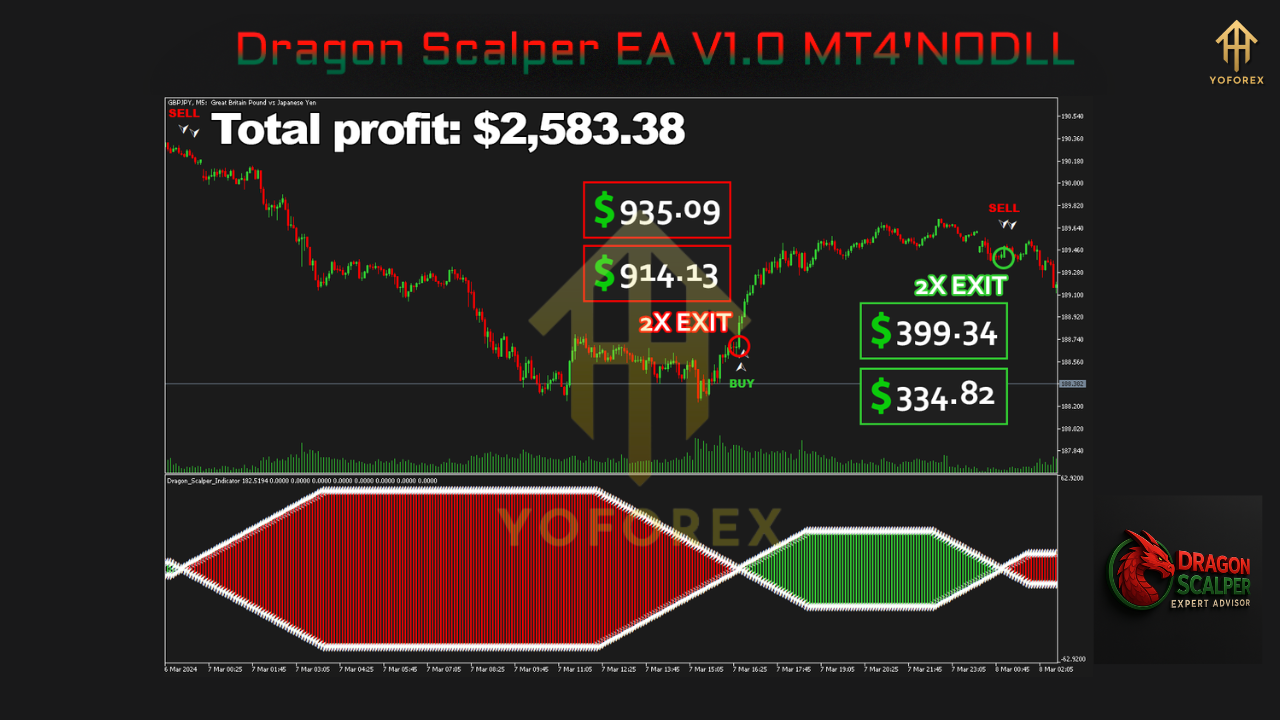
Key Features of Dragon Scalper EA
✔ No Martingale or Grid
Each trade is independent and risk-managed. The EA does not increase position sizes based on past losses, ensuring capital safety.
✔ Dynamic Lot Sizing
Adapts position sizes based on account balance and risk preferences. You can use fixed lots or percentage-based risk.
✔ High-Frequency Scalping
Designed to open and close multiple trades during a session. Takes advantage of quick price movements for fast profits.
✔ Internal SL and TP Management
Operates with stealth stop-loss and take-profit levels, reducing the likelihood of broker manipulation or slippage during volatile conditions.
✔ Spread & Slippage Filters
Only places trades when market conditions are optimal—avoiding excessive spreads and execution delays.
✔ Time-Based Filters
Customize when the EA can trade. Restrict trading to certain hours or sessions for optimal volatility.
✔ News Filtering Capability
Optionally configured to avoid trading during high-impact news releases.
Best Trading Conditions
To achieve the best performance with Dragon Scalper EA V1.0 MT4, follow these recommended conditions:
- Timeframe: M1 or M5
- Currency Pairs: EURUSD, GBPUSD, USDCAD, NZDUSD
- Account Type: ECN or Raw Spread
- Leverage: 1:500 or higher
- Execution Speed: Use a low-latency VPS
- Minimum Deposit: $100 (Recommended: $300–$500+)
- Broker: Reputable ECN broker with low spread and fast order execution
Performance Overview
✅ Backtesting Results:
- Timeframe: M1
- Initial Deposit: $1000
- Profit Over 3 Years: $48,000+
- Win Rate: ~90%
- Max Drawdown: < 5%
- Profit Factor: 2.7+
These results were obtained using high-quality tick data and realistic spreads, simulating actual trading conditions.
✅ Live Trading Reports:
While real-time results will vary depending on broker and settings, vendor reports have shown:
- Monthly Gains: 15–25%
- Max Drawdown: < 15%
- Average Trade Duration: 1 to 10 minutes
- Trade Frequency: 5–20 trades per day
Installation & Setup Instructions
- Download the EA file from the official download link.
- Open your MT4 platform and go to
File > Open Data Folder. - Navigate to
MQL4 > Expertsand paste the EA file. - Restart MT4 or refresh the Navigator panel.
- Drag the EA onto a chart (M1 or M5) of a supported pair.
- Enable "Allow Live Trading" and "Allow DLL Imports".
- Configure the lot size, risk management, and trading hours in the EA input settings.
- Save your settings and let the EA run during your defined trading sessions.
Using a VPS (Virtual Private Server) is highly recommended to ensure 24/7 uptime and low execution latency.
Who Should Use Dragon Scalper EA?
Dragon Scalper EA is ideal for:
- Scalping traders looking for a low-risk, high-frequency strategy
- Part-time traders who want an automated solution
- Beginners interested in a ready-to-use EA without complex settings
- Prop firm traders needing stable, low-drawdown systems
- Traders using ECN brokers and fast VPS setups
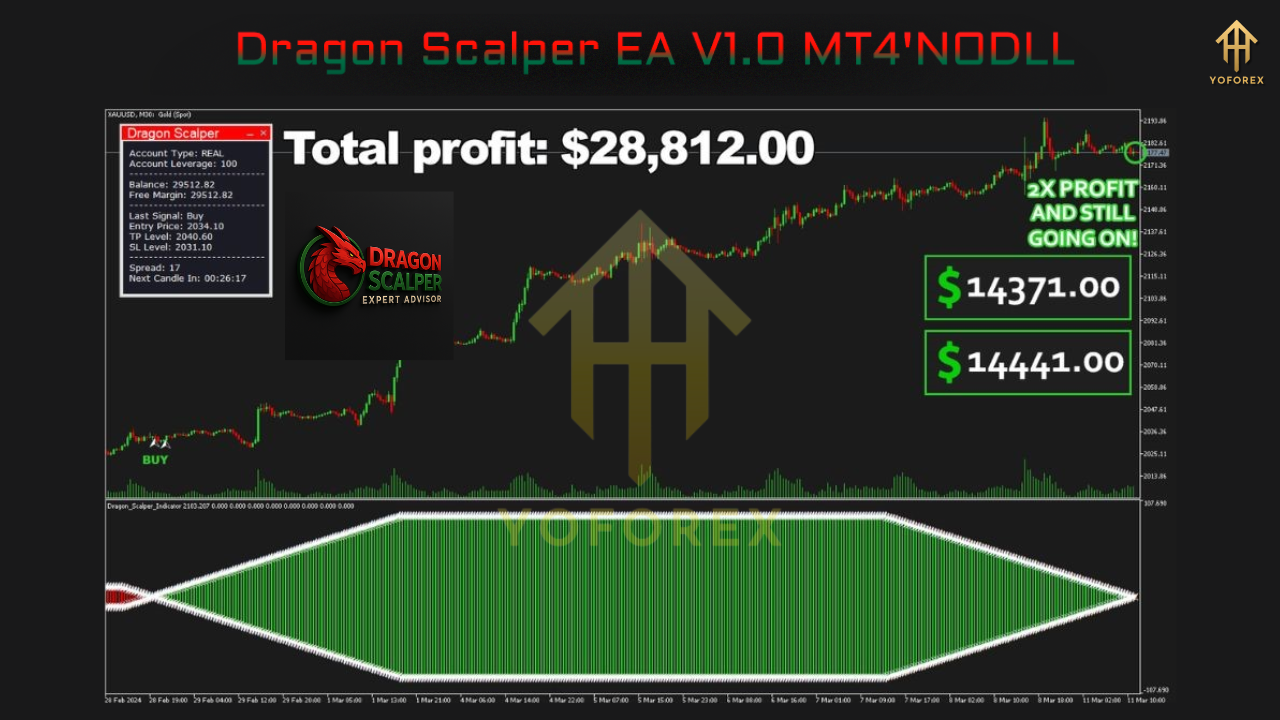
Risk Management Tips
- Always backtest and forward-test on demo before going live.
- Use conservative lot sizes (e.g., 0.01 per $1000) to limit risk.
- Avoid trading during major economic events unless news filtering is active.
- Do not manually interfere with trades—let the EA manage positions.
Why Choose Dragon Scalper EA from YoForexEA.com?
YoForexEA.com is a trusted source of free, high-quality forex robots and indicators. When you download Dragon Scalper EA from this platform, you’re getting:
- 100% free access
- No registration or hidden fees
- Regularly updated and tested tools
- Guides, performance summaries, and usage tips
- Reliable download links and support documentation
YoForexEA continues to support traders with premium-level tools that are freely accessible to help you grow your trading journey.
Build with
- MetaTrader 4 (MT4)
- MQL4 Programming Language
- High-Frequency Trading Logic
- Adaptive Lot Sizing Engine
- Stealth Risk Management Framework






Comments
Leave a Comment