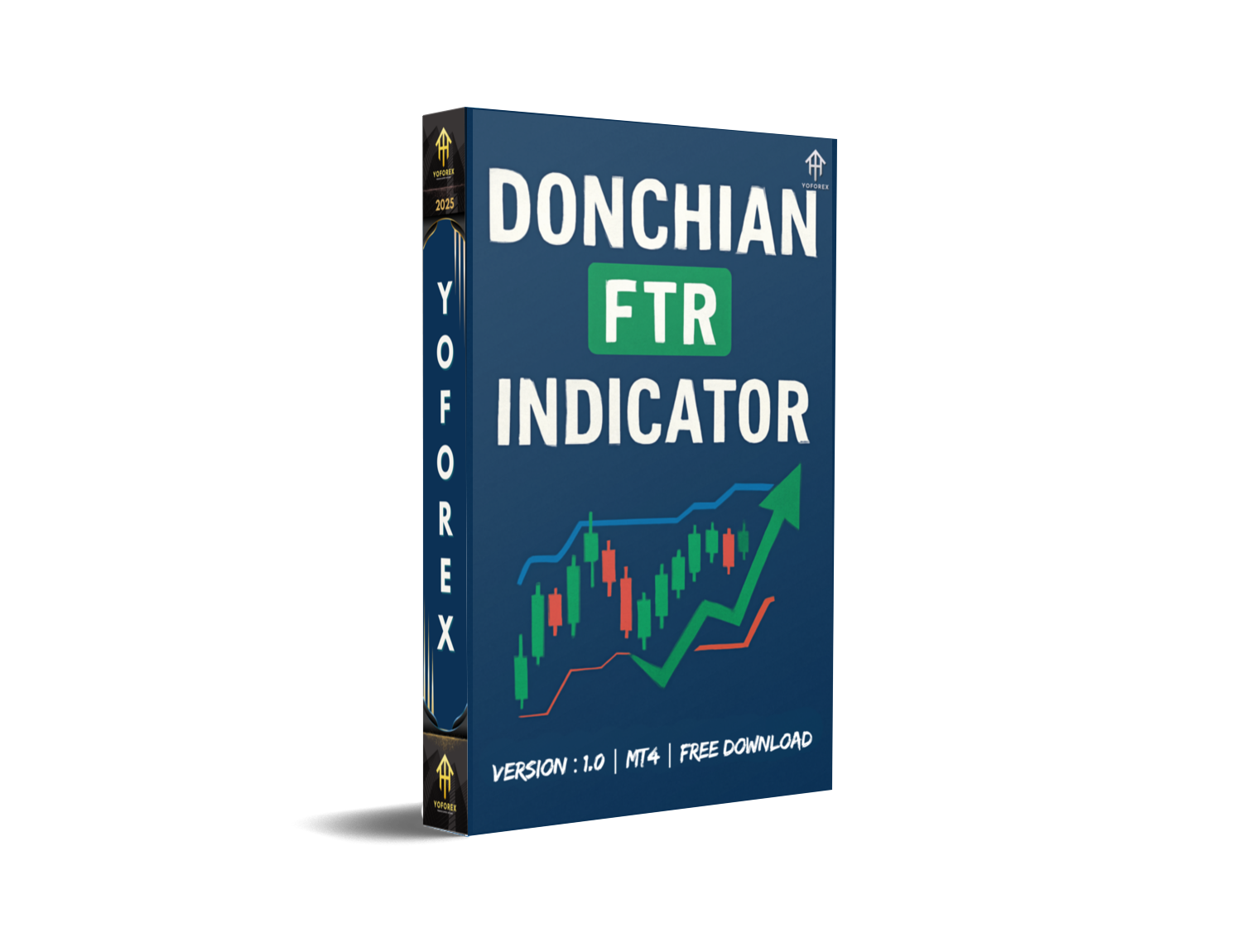
DONCHIAN FTR Indicator V1.0 MT4 – Unlock Precision with Donchian Strategy
Introduction
As a forex trader, having the right tools to accurately analyze the market is crucial to making informed decisions. Indicators are one of the most powerful assets in a trader’s toolkit, providing insights into price movements and trends. One such tool, the DONCHIAN FTR Indicator V1.0 MT4, uses a tried and tested strategy — the Donchian Channel — to give traders an edge in timing their entries and exits.
The DONCHIAN FTR Indicator works across all forex pairs and all timeframes, making it highly adaptable to different trading styles. Whether you’re a scalper looking for fast trades, or a swing trader aiming for bigger moves, this indicator provides reliable, timely signals.
In this blog post, we will break down how the DONCHIAN FTR Indicator V1.0 MT4 works, its key features, how to use it effectively, and why it could enhance your trading strategy.
Overview
The DONCHIAN FTR Indicator V1.0 for MetaTrader 4 (MT4) is an advanced trading tool that builds upon the classic Donchian Channel strategy. The Donchian Channel is used to identify potential price breakouts by tracking the highest high and lowest low over a given period.
The FTR (Breakout) version of the Donchian Indicator adds a layer of sophistication by highlighting specific entry and exit points based on breakout patterns and trend confirmations. This makes it an ideal tool for traders who want to identify price breakouts and capture trending moves in any market.
What makes this indicator stand out is its flexibility. It works across all forex pairs and timeframes, giving traders the freedom to apply it to their preferred markets and trading strategies.
Key Features of DONCHIAN FTR Indicator V1.0 MT4
- Multi-Pair Compatibility – Can be applied to any forex pair such as EUR/USD, GBP/USD, USD/JPY, and more.
- All Timeframe Support – Works seamlessly on all timeframes, from M1 for scalpers to D1 for swing traders.
- Advanced Breakout Detection – Identifies high-probability breakout opportunities based on Donchian channel analysis.
- Dynamic Entry and Exit Points – Provides precise entry and exit signals for trend-following strategies.
- Volatility-Based Filters – Helps avoid trades in low-volatility periods for more reliable signals.
- Non-Repainting Signals – Once a signal is generated, it remains on the chart, providing real-time confirmation.
- Trend Confirmation – Uses additional filters to confirm the strength of the trend before taking action.
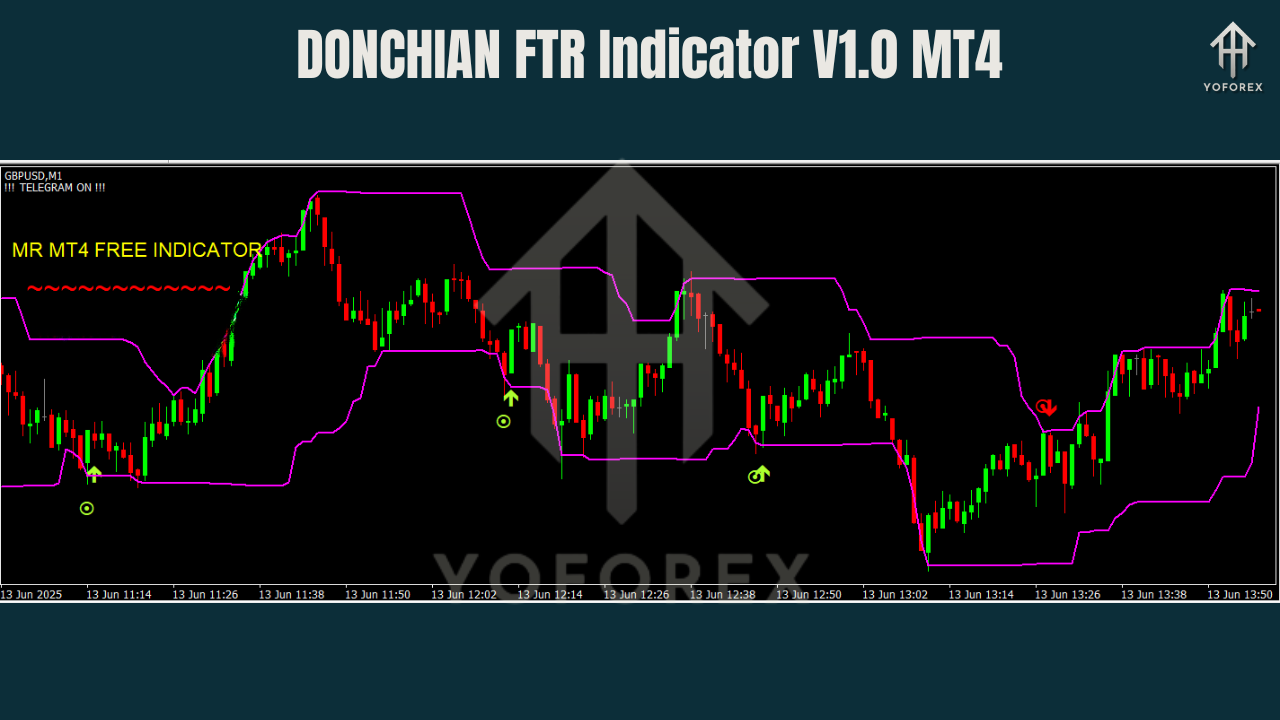
- Visual Alerts – Clear buy/sell arrows on the chart, as well as visual notifications for trade signals.
- Customizable Settings – Adjust the settings to fit your trading style, timeframe, and risk tolerance.
How the DONCHIAN FTR Indicator Works
The DONCHIAN FTR Indicator uses a trend-following strategy combined with breakout detection to identify optimal trade opportunities. Here's how it works:
- Price Action Analysis – The indicator tracks the highest high and lowest low over a specific period (the default is 20 bars, but this can be customized). These levels form the upper and lower bounds of the Donchian Channel.
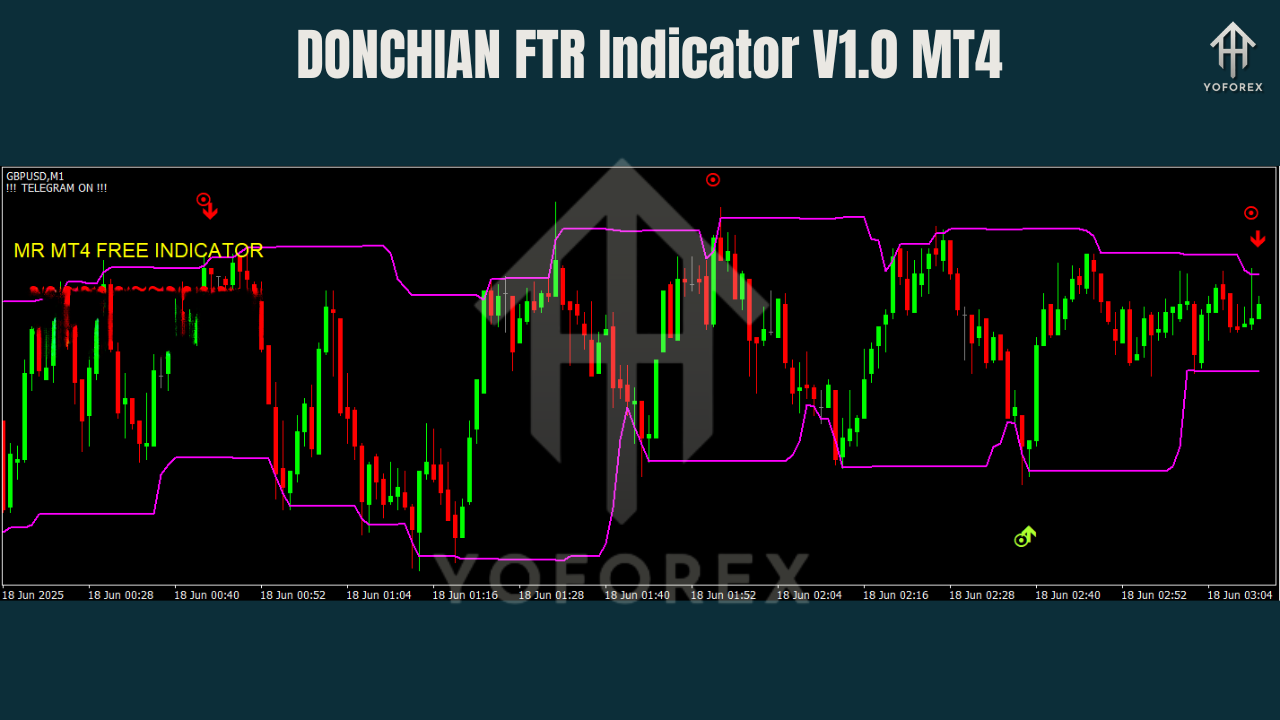
- Breakout Identification – When price moves beyond the upper or lower bounds of the Donchian Channel, it signals a potential breakout. The FTR (Breakout) logic confirms the strength of the breakout and filters out false signals.
- Trend Confirmation – Once a breakout is confirmed, the indicator checks additional trend indicators (like moving averages) to ensure the trade has strong momentum.
- Entry & Exit Signals – The indicator marks buy and sell signals with arrows on the chart. Traders can enter a position when the price breaks out of the Donchian Channel and the trend confirmation indicator supports the move.
- Exit Strategy – Once the trend weakens or the price moves against the trade, the indicator suggests exiting the position, ensuring timely profits and minimal risk.
This combination of breakout detection and trend confirmation makes the DONCHIAN FTR Indicator highly effective in identifying strong trading opportunities.
How to Install and Use the DONCHIAN FTR Indicator on MT4
- Download the Indicator
Download the DONCHIAN FTR Indicator file, which will be in.ex4format. - Add the Indicator to MT4
Open MT4 → File → Open Data Folder → MQL4 → Indicators and paste the.ex4file into the folder. - Restart MT4
Close and reopen your MT4 platform to refresh the Navigator window. - Attach the Indicator to a Chart
Drag the DONCHIAN FTR Indicator onto your chosen currency pair chart. It works on any forex pair and timeframe. - Adjust Settings
- Period: Customize the period (default is 20 bars) for the Donchian Channel to suit your trading style.
- Breakout Filters: Adjust breakout sensitivity to capture fast or slow price moves.
- Risk Management: Set stop-loss and take-profit levels for trade protection.
- Enable Auto Trading
Ensure AutoTrading is turned on in MT4 to allow the indicator to automatically generate signals.
Why Choose the DONCHIAN FTR Indicator?
The DONCHIAN FTR Indicator stands out due to its combination of breakout detection and trend confirmation, offering traders a reliable way to capture strong market moves.
Here’s why you should consider adding this indicator to your trading arsenal:
- Accurate Breakout Detection: Helps you identify key breakout points early.
- Flexible Timeframe Support: Ideal for scalpers (M1, M5), day traders (M15, H1), and swing traders (H4, D1).
- Multi-Pair Compatibility: Perfect for trading EUR/USD, GBP/USD, USD/JPY, or any other major currency pair.
- High Signal Accuracy: Non-repainting signals ensure you get real-time confirmation of trades.
- Customizable: Adjust the period, sensitivity, and filters to match your preferred strategy and risk level.
Best Practices for Using the DONCHIAN FTR Indicator
To maximize the effectiveness of the DONCHIAN FTR Indicator, here are a few best practices:
- Test on Demo: Before going live, test the indicator on a demo account to understand its signals and refine settings.
- Combine with Trend Indicators: Use the Donchian FTR Indicator alongside other trend indicators (like Moving Averages) for added confirmation.
- Monitor Market Conditions: Avoid trading during low-volatility periods and major economic news releases that may affect price movements.
- Adjust Sensitivity for Scalping: If using lower timeframes (like M1 or M5), you may need to adjust sensitivity for quicker responses to market moves.
- Use Stop-Loss and Take-Profit: Always apply proper risk management to protect your capital and lock in profits.
Support
For assistance with setup, configuration, or troubleshooting, reach out to our support team:
- WhatsApp: Click Here
- Telegram: Join Here
Final Thoughts & Call to Action
The DONCHIAN FTR Indicator V1.0 MT4 is an advanced tool for traders who want to capture breakouts and ride trends. With its flexibility, precision, and adaptability to any forex pair and timeframe, this indicator provides everything you need to stay ahead in the market.
Download the DONCHIAN FTR Indicator today and start trading smarter.
Get unlimited support via WhatsApp & Telegram.
YoForex – empowering traders worldwide, one precise trade at a time.
Join our Telegram for the latest updates and support






Comments
Leave a Comment