Every trader knows how hard it is to filter out false signals and find reliable entries. The Digital 30 Mashek Podval Indicator MT4 is designed exactly for that purpose—it helps traders sharpen their market entries, confirm trade setups, and reduce noise on the charts.
Built for the MetaTrader 4 (MT4) platform, this indicator blends digital algorithmic filtering with custom signal generation to create accurate buy and sell opportunities. Whether you’re scalping, day trading, or swing trading, it can fit into your trading plan as a key confirmation tool.
Overview of Digital 30 Mashek Podval Indicator MT4
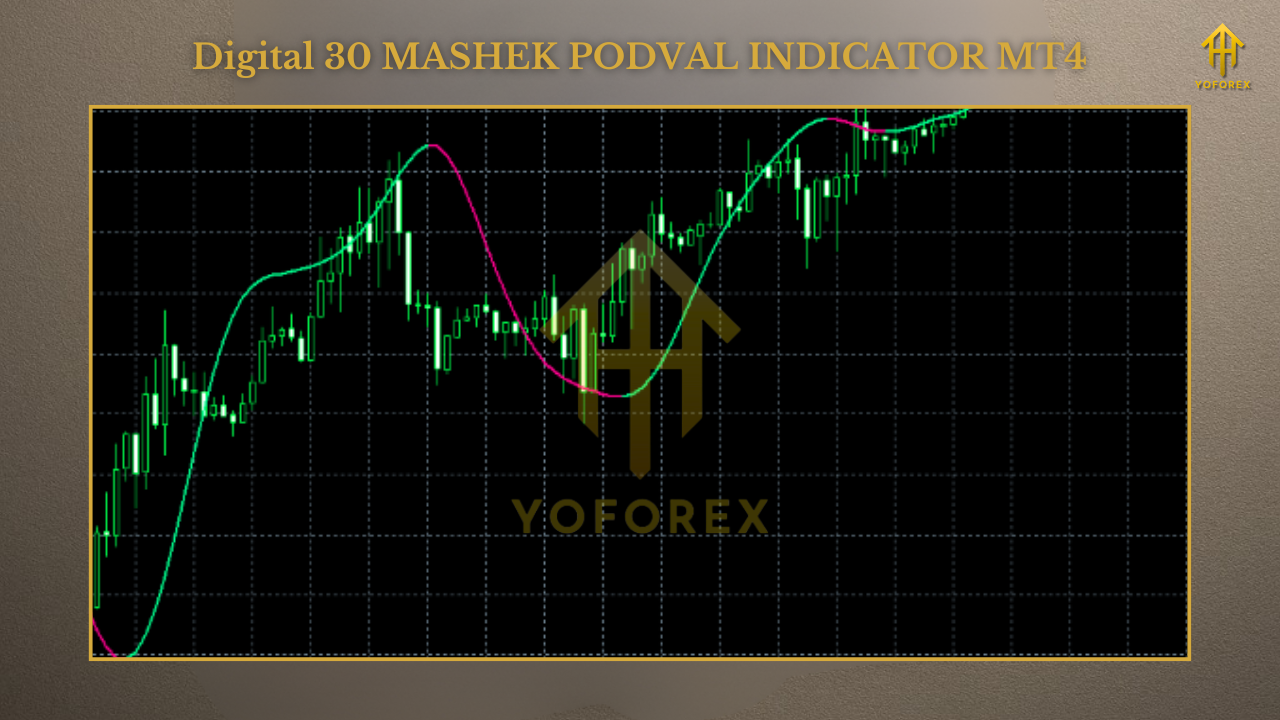
This indicator is not a typical repainting tool—it’s built to give clear, stable signals with minimum lag. The Digital 30 Mashek Podval Indicator MT4 works across forex, gold, indices, and even crypto charts, making it versatile for multiple markets.
Core Highlights:
- Platform: MetaTrader 4 (MT4)
- Indicator Type: Signal + filter tool
- Market: Forex, Gold, Indices, Crypto
- Timeframes: M5 to H1 recommended
- Strategy: Trend following & reversal detection
Key Features
- Accurate buy/sell arrows with minimal lag.
- Works with all major currency pairs and XAUUSD.
- Customizable parameters for different strategies.
- Non-repainting signals—stable entries.
- Lightweight and doesn’t slow MT4 performance.
- Compatible with scalping, intraday, and swing trading.
- Alerts available via chart pop-up, email, or push notifications.
- Can be used as a standalone indicator or in confluence with others (RSI, MACD, Bollinger Bands).
Trading Strategies with Digital 30 Mashek Podval Indicator
- Scalping Mode: Apply on M5 or M15 charts for fast entries.
- Trend Following: Use it on M30 or H1 to catch bigger moves.
- Confluence Strategy: Combine with support/resistance and candlestick patterns.
- Reversal Detection: Spot potential turning points when signals appear near strong zones.
Installation & Setup Guide
- Download the Digital 30 Mashek Podval Indicator MT4.
- Open MT4 → File → Open Data Folder → MQL4 → Indicators.
- Copy the file into the Indicators folder.
- Restart MT4 and check Navigator → Indicators.
- Drag and drop onto your chosen chart.
- Adjust settings for sensitivity and alerts.
Why Choose Digital 30 Mashek Podval Indicator?
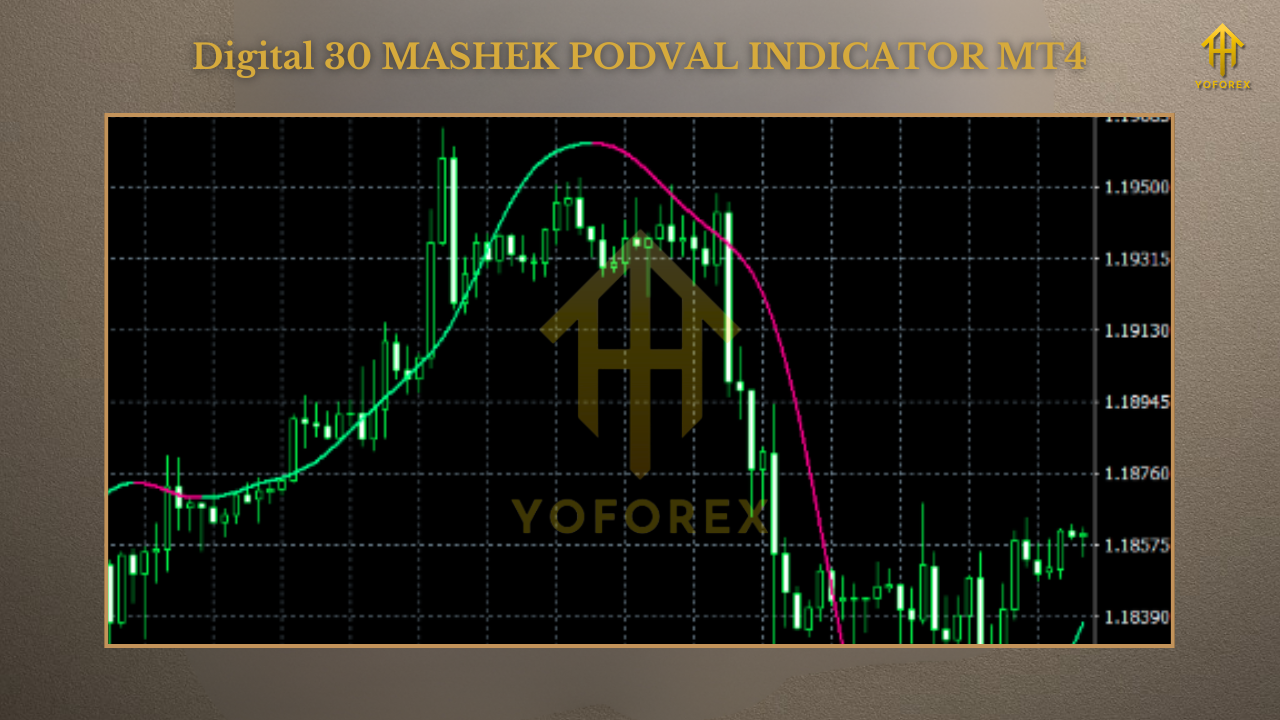
Many indicators flood traders with confusing or late signals. This tool was designed to be clean, accurate, and efficient—a professional-grade indicator that supports decision-making rather than complicates it.
Support & Disclaimer
- Indicators are not magic bullets—they support decision-making but do not guarantee profits.
- Always test on demo before going live.
- Use sound risk management with every trade.
Call to Action
Want to trade with clarity and reduce false signals? Download the Digital 30 Mashek Podval Indicator MT4 today and make your charting simpler, cleaner, and more effective.






Comments
Leave a Comment