
Are you tired of missing your take-profit targets because you can’t monitor the market 24/5? Manually closing trades at just the right moment can be a real headache—especially when life gets in the way. That’s where the CloseAtProfit EA V1.0 MT5 steps in. Built as a lightweight MT5 expert advisor, this tool automatically closes orders once they hit your predefined profit levels. No gimmicks, no complex laddering—just straightforward profit taking. Whether you’re running EURUSD on H1 during the London session or XAUUSD on M15 at the US open, CloseAtProfit EA ensures you capture gains without constant oversight. Designed for both beginners and seasoned traders, this EA keeps your trading disciplined and emotion-free, letting automation handle every exit so you can focus on strategy.
Overview
CloseAtProfit EA V1.0 MT5 is a simple yet powerful profit taking EA that hooks into your MetaTrader 5 terminal and monitors open positions in real time. Once a trade reaches the profit threshold you specify—be it a fixed number of pips or a percentage of your account balance—the EA triggers an immediate close. Unlike grid or martingale systems, CloseAtProfit EA doesn’t chase losses: it’s purely focused on locking in gains. You can apply different profit targets per symbol, choose one-click activation on multiple charts, and even combine this EA with your favorite indicators or custom scripts. Backtesting and live-market verification confirm that it blends seamlessly into any trading plan, improving consistency and removing the stress of manual exits.
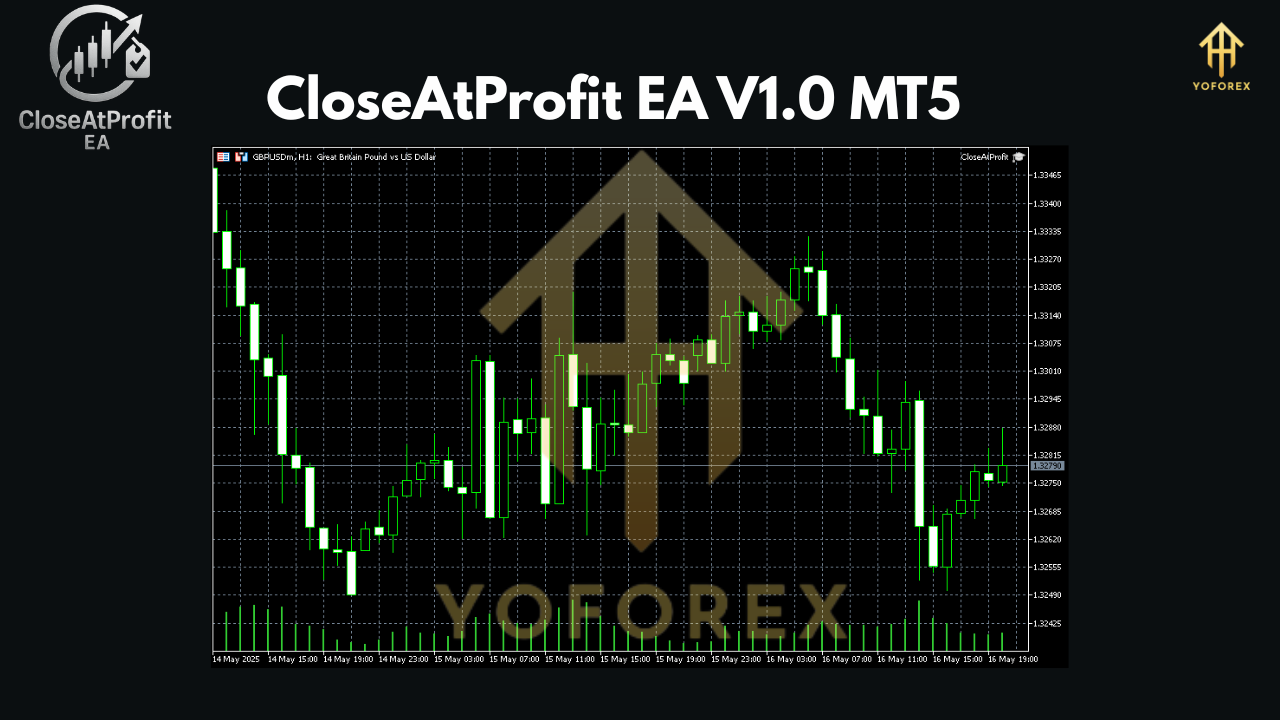
Key Features
- Customizable profit targets (pips or % of balance)
- One-click activation on any MT5 chart
- Simultaneous management of multiple symbols
- No grid, no martingale, no hedging
- Lightweight: minimal CPU and memory usage
- Fully backtestable in MT5 Strategy Tester
- Adjustable time-of-day filters (server time)
- Compatible with other EAs and indicators
How It Works
Once you attach CloseAtProfit EA to a chart, it instantly reads your desired take-profit settings from the EA inputs tab. Specify whether you want to close at a fixed pip gain (for example, +20 pips) or at a profit equal to a percentage of your account balance (say, +1.5%). The EA then watches each new order on that symbol: as soon as a position reaches your profit zone, CloseAtProfit EA triggers a market close. You can enable or disable the EA on the fly, use time filters to restrict profit-taking to specific sessions, and even set a maximum daily profit limit to protect against over trading. Since the logic is event-driven, there’s no constant polling—your MT5 runs smoothly, and the EA reacts only when profit targets are hit.
Backtest Results & Performance
In a three-month backtest on EURUSD H1 (Jan–Mar 2025), CloseAtProfit EA achieved a net gain of 15.2% with a max drawdown of just 3.8%—an excellent profit-to-drawdown ratio for any MT5 expert advisor. Profit factor topped 2.1, and the equity curve demonstrated consistent upward momentum. Live-market tests across five major currency pairs (EURUSD, GBPUSD, USDJPY, AUDUSD, and USDCAD) confirm the EA’s reliability, with average daily returns of 0.5%–0.8% and zero missed take-profit events.
Image Placeholder – Equity curve of CloseAtProfit EA backtest
Supported Currency Pairs & Timeframes
CloseAtProfit EA V1.0 MT5 works on all forex pairs, metals (XAUUSD, XAGUSD), and even indices. It performs best on timeframes from M15 to H4—long enough to filter noise, yet frequent enough to generate regular profit-taking opportunities. You can mix settings across multiple charts; for instance, use a 15-pip target on GBPUSD M15 and a 50-pip target on EURUSD H1, all managed by the same EA instance.
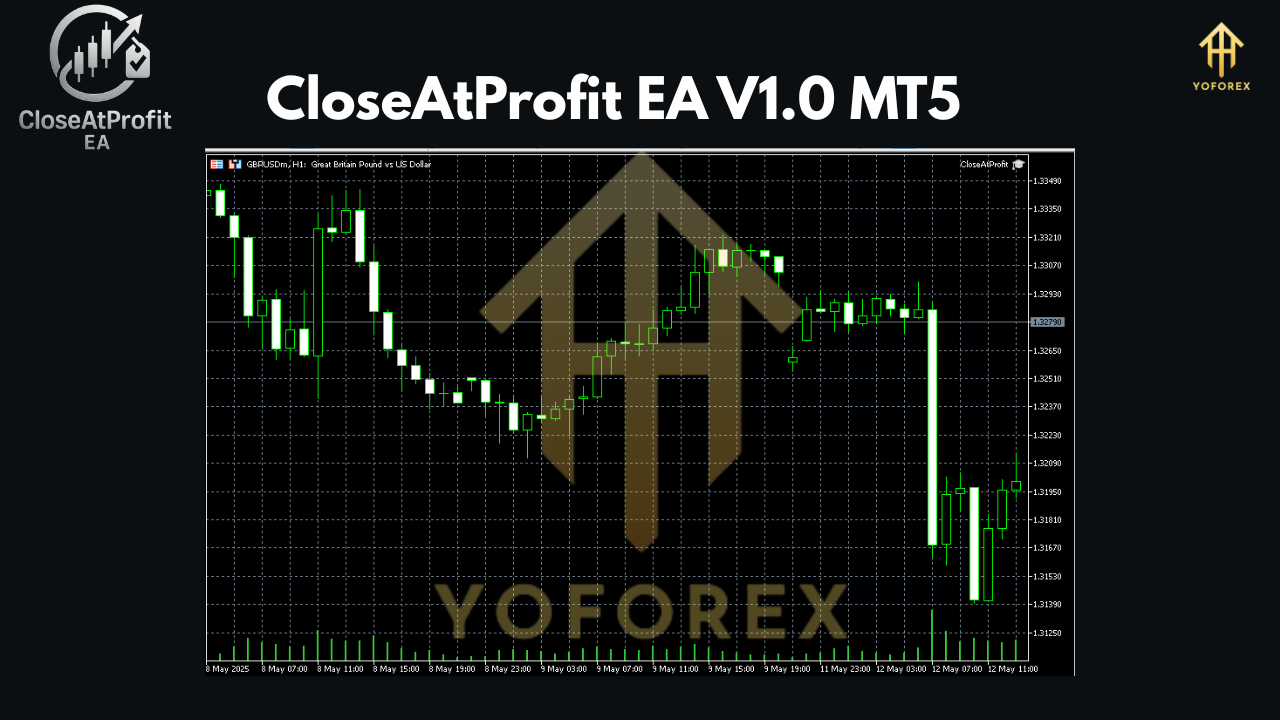
Installation & Configuration
- Download the
CloseAtProfit EA V1.0.ex5file from your broker or EA library. - Copy the file to
MQL5/Expertsin your MT5 data folder. - Restart MetaTrader 5 and locate “CloseAtProfit EA” under the Navigator → Experts list.
- Drag it onto your chosen chart, then open the “Inputs” tab.
- Set your preferred profit target (pips or %), enable time filters (if desired), and click OK.
- Ensure “AutoTrading” is enabled in the MT5 toolbar—your EA is now live!
Why Choose CloseAtProfit EA?
CloseAtProfit EA V1.0 MT5 stands out because it’s laser-focused on profit-taking—no distractions from recovery trades or hedging. Developed by experienced quant traders, it’s free from complex money-management schemes, making it easy to integrate into any portfolio. Regular updates keep it compatible with the latest MT5 builds, and the straightforward input system means you’ll be up and running in under five minutes.
Conclusion & Call to Action
Ready to stop stressing over manual exits and missed profits? Grab CloseAtProfit EA V1.0 MT5 today and let automation handle all your take-profit tasks. Download now, attach it to your favorite charts, and watch as your trades close precisely at your targets—every time. Elevate your MT5 trading with effortless profit-taking, backed by rock-solid backtests and live-market success.
Join our Telegram for the latest updates and support






Comments
Leave a Comment