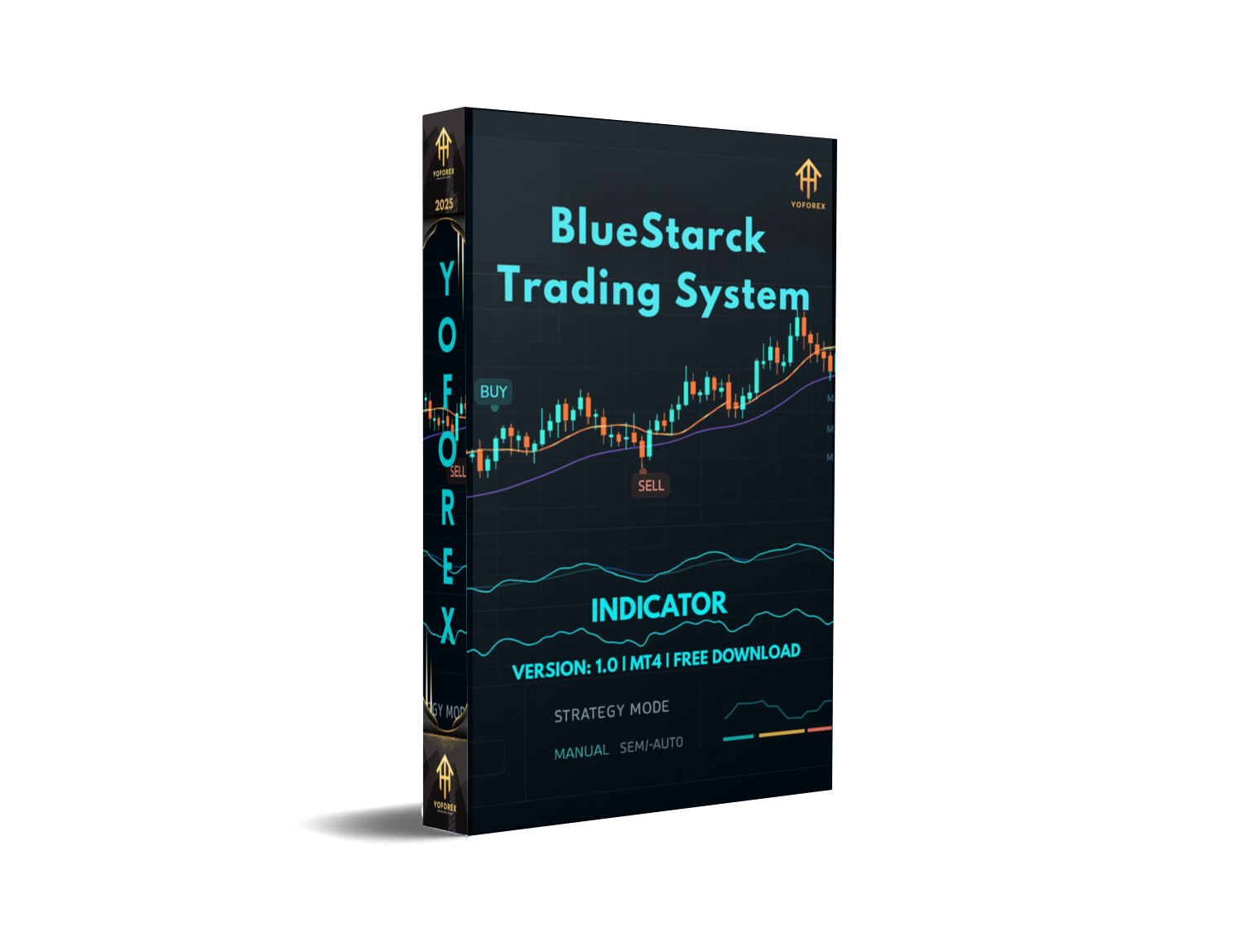
BlueStarck Trading System Indicators V1.0 MT4: Empower Your Forex Trades
Introduction
Tired of guessing market moves and missing out on big swings? Meet the BlueStarck Trading System Indicators V1.0 MT4, a powerful suite built to give you clear, actionable signals across all major currency pairs. Designed for traders with a minimum deposit of just $200, this tool levels the playing field—whether you’re fresh on the demo or looking to turbocharge your live account.
How the BlueStarck System Works
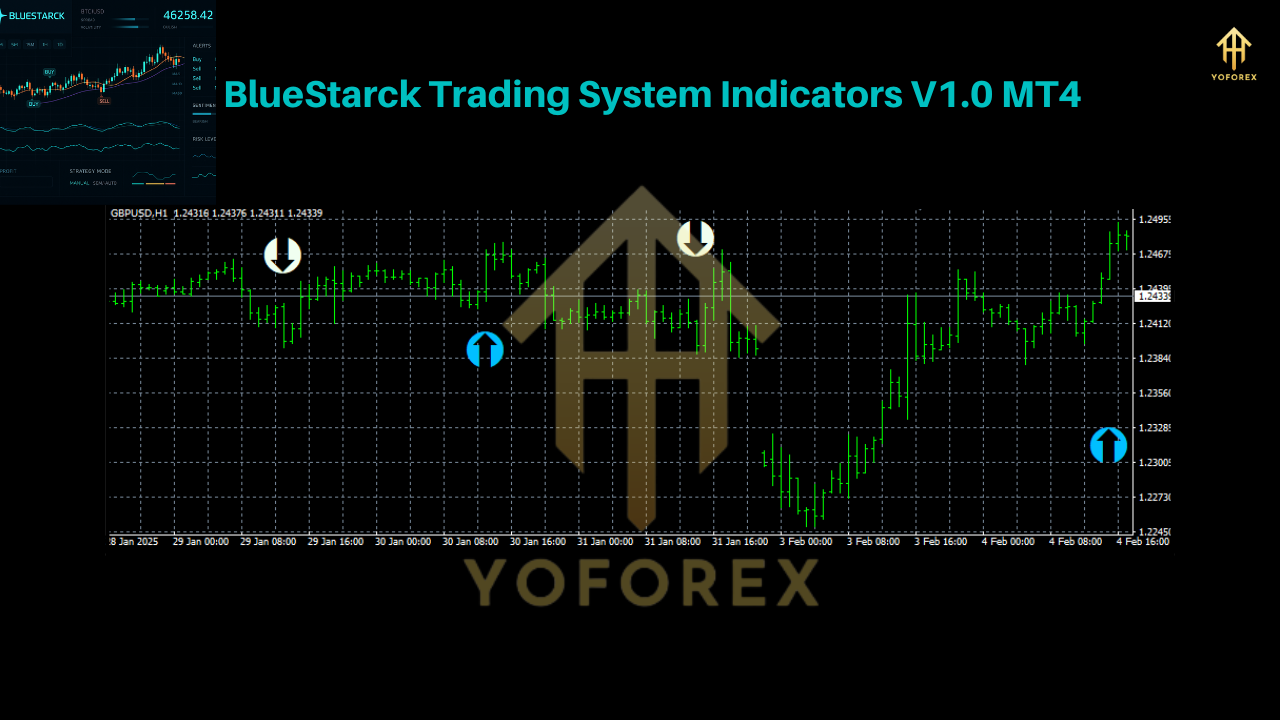
At its core, BlueStarck combines volatility filters with momentum oscillators to identify high-probability entries and exits. Under the hood, you’ll find:
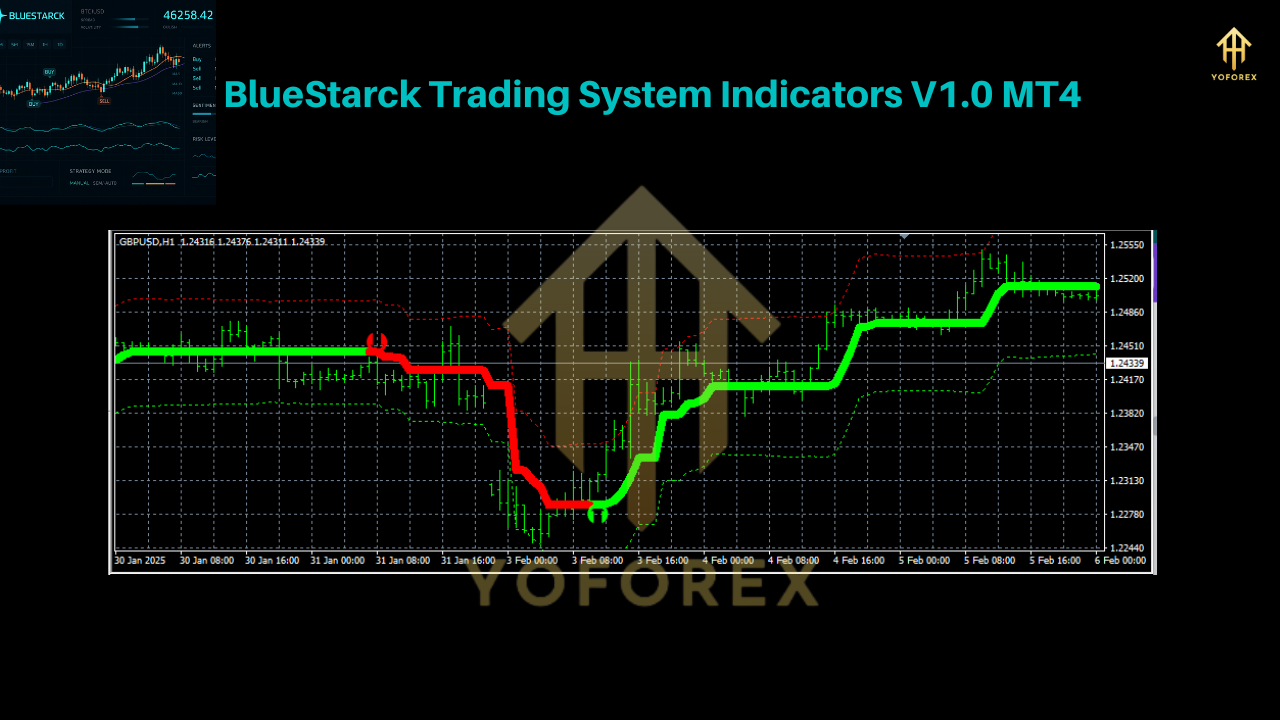
- Dynamic Band Channels that adapt to changing market environments.
- Momentum Crossovers which flag when bulls or bears are gaining strength.
- Signal Confirmation Filters to reduce false alarms.
These components work in harmony to highlight trade zones rather than just arrows, so you can see the “why” behind each signal.
Key Benefits
- Low Deposit Barrier: Start with as little as $200—ideal for retail traders.
- Multi-Pair Support: Reliable signals for EUR/USD, GBP/USD, USD/JPY, USD/CHF, AUD/USD, EUR/JPY.
- Flexible Timeframes: Works on M1, M5, M15, M30, H1, H4, and Daily charts.
- Clear Entry/Exit Zones: No guessing; see precise levels.
- No Repaint Logic: Signals don’t vanish or change, so your backtests match live performance.
- Lightweight Footprint: Optimized for speed; won’t slow down your MT4.
Supported Currency Pairs
- EUR/USD – Classic liquidity and tight spreads.
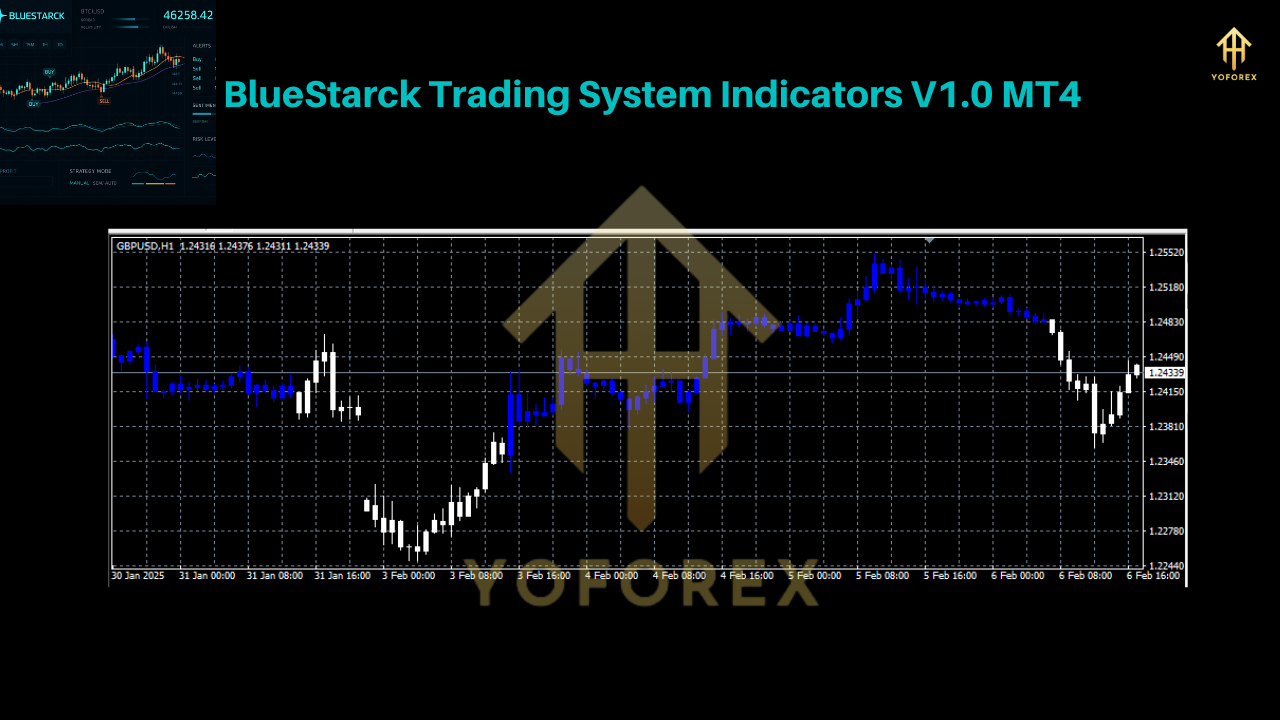
- GBP/USD – Great for volatility seekers.
- USD/JPY – Mix of trend and range conditions.
- USD/CHF – Correlated moves with EUR pairs.
- AUD/USD – Commodity-driven momentum.
- EUR/JPY – Cross-pair opportunities.
Flexible Timeframes
Whether you scalp on M1 or swing on Daily, BlueStarck adapts:
- Scalpers love the M1–M5 setups for quick entries.
- Day traders find value in M15–H1 for trend confirmation.
- Swing traders can spot big moves on H4 and Daily without overtrading.
Getting Started: Installation & Setup
- Download the indicator from yoforexea.com.
- Copy
BlueStarck_Trading_System.ex4into your MT4’sExperts/Indicatorsfolder. - Restart MetaTrader 4.
- Attach the indicator to your preferred chart.
- Adjust Settings:
- Risk Filter: Default = 0.01 (1% risk per signal)
- Band Period: 20
- Momentum Period: 14
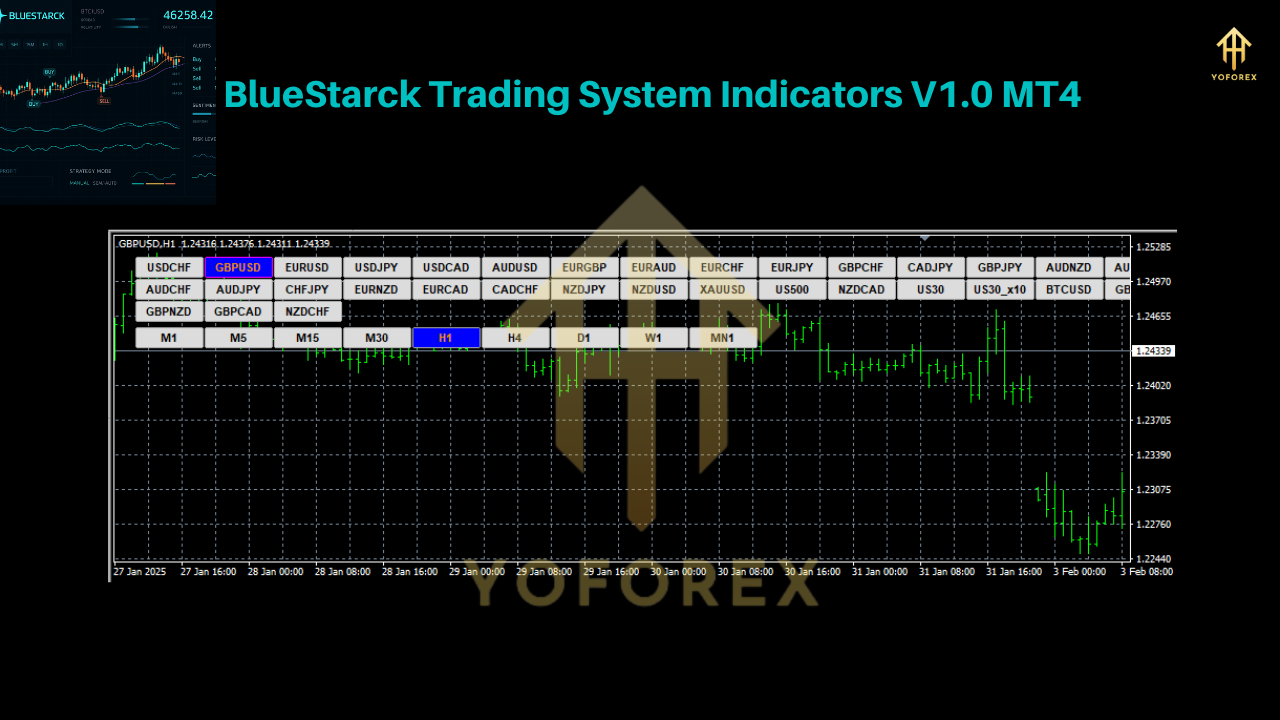
- Confirm you see the live signals appear as green/red zones on the chart.
Trading Strategies & Tips
- Trend-Following: Use H1 + M15 combo—only take signals in direction of higher-timeframe trend.
- Breakout Plays: On Daily charts, wait for a squeeze in the bands, then trade the expansion.
- Range Trading: On sideways markets, fade the outer bands with strict stop-loss discipline.
- Money Management: Always cap your exposure at 1–2% of account balance per trade.
Conclusion
The BlueStarck Trading System Indicators V1.0 MT4 isn’t just another arrow machine—it’s a complete signal suite built for clarity and consistency.
Join our Telegram for the latest updates and support






Comments
Leave a Comment