
Bitcoin Wizard EA V3.10 MT4 – Smart Bitcoin Trading with Pending Orders
If you’ve been chasing Bitcoin trades manually, you probably already know the struggle. Timing the market is tough, price swings are wild, and emotions get in the way. That’s exactly where an automated Expert Advisor (EA) like Bitcoin Wizard EA V3.10 MT4 steps in. Instead of juggling candlestick patterns or reacting late to big moves, this bot does the heavy lifting—placing precise pending orders around high and low points to ride strong upward trends.
And the best part? It avoids risky tricks like martingale, hedging, or doubling down when trades go bad. This makes it stand out as a clean, strategy-focused tool for Bitcoin traders who want automation without insane risk exposure.
Let’s break down what makes this EA special, how it works, and why it could be your ticket to steady BTCUSD performance.
Overview of Bitcoin Wizard EA
The Bitcoin Wizard EA is designed exclusively for Bitcoin (BTCUSD) trading on the MetaTrader 4 (MT4) platform. Instead of spraying trades randomly or chasing every little tick, it focuses on one simple yet powerful method—placing pending orders around high and low points within specific time frames (M30).
This approach means it’s not constantly opening trades; instead, it waits patiently for the market to hit those levels where momentum is likely to continue. Once triggered, it rides the wave—whether it’s a breakout rally or a strong retracement.
Unlike many over-engineered bots that mix 10 different indicators, Bitcoin Wizard EA keeps things straightforward. It’s all about precision + automation.
Core Details:
- Platform: MT4
- Currency Pair: BTCUSD
- Time Frame: M30
- Minimum Deposit: $100 (recommended higher for smoother money management)
- Strategy Type: Pending order breakout logic
- Risk Methods Avoided: No Martingale, No Hedging, No Netting, No multiple-position flooding
This makes it perfect for traders who want exposure to Bitcoin’s volatility but with a controlled approach.
Key Features of Bitcoin Wizard EA
Here’s what makes this EA shine:
- Smart Pending Orders: Places trades only at key high/low levels within M30 windows.
- No Martingale or Hedging: Pure strategy—avoids risky multipliers.
- Fully Automated: Runs 24/7 without babysitting.
- Works on MT4: Simple integration, user-friendly setup.
- Low Deposit Friendly: Starts from as little as $100.
- Optimized for BTCUSD: Specifically tailored to Bitcoin’s unique price action.
- Continuous Operation: No gaps, it runs through market hours.
- Trend Exploitation: Focused on catching strong upward (or downward) moves.
- Lightweight Execution: Doesn’t overload your MT4 with dozens of indicators.
- Risk Control: Avoids strategy-stacking that could blow accounts.
Backtest Results & Performance
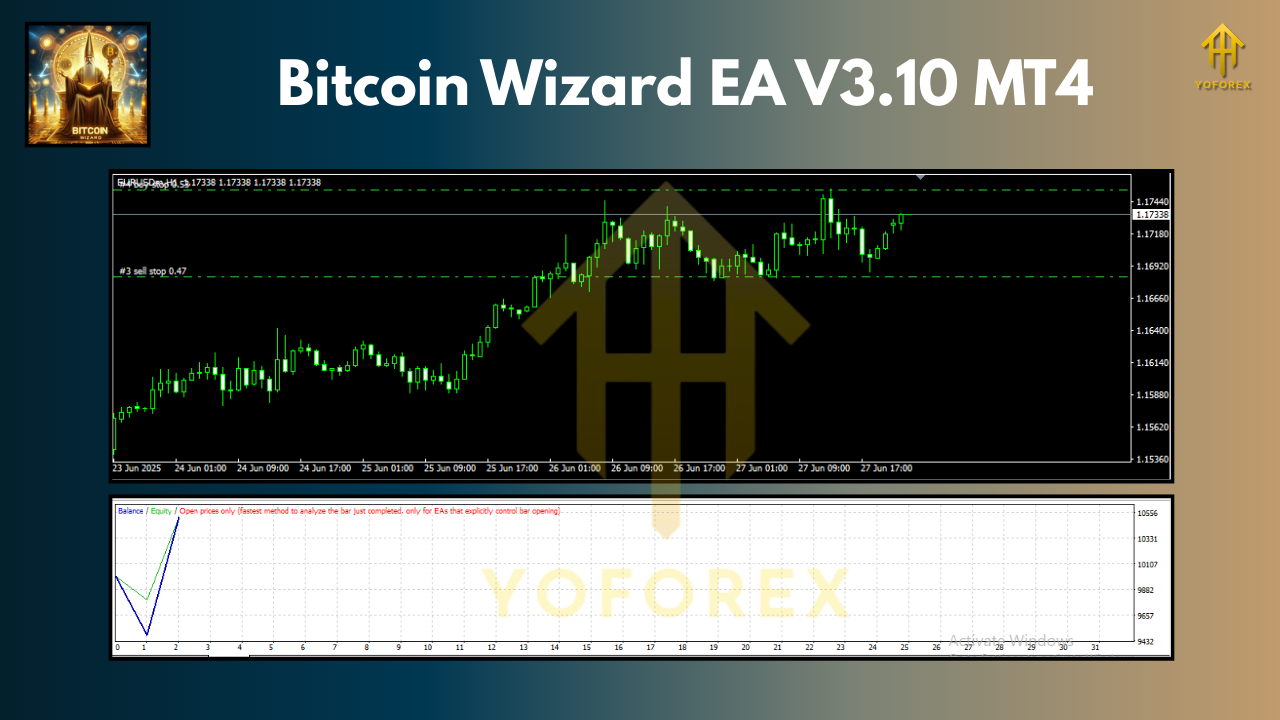
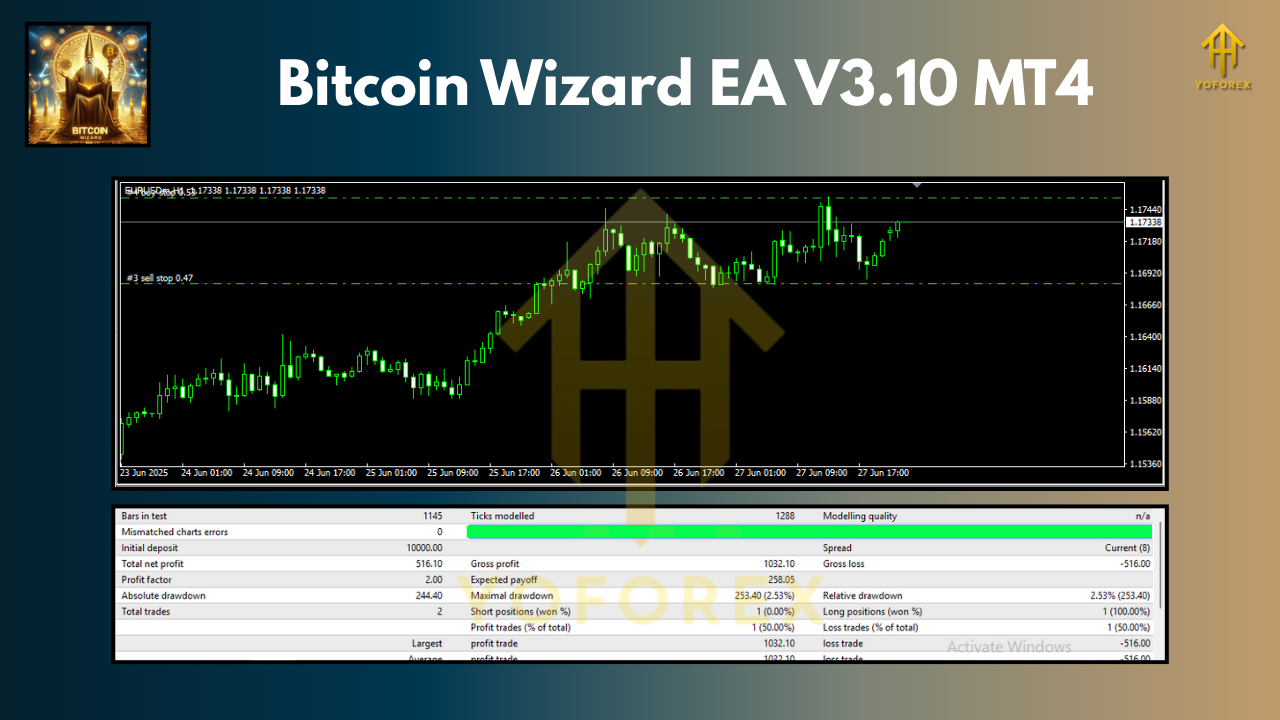
The developers have highlighted that Bitcoin Wizard EA was built to handle Bitcoin’s explosive volatility. In backtests, it shows consistency by waiting for breakouts rather than guessing sideways movements.
When run on BTCUSD with M30 timeframe, the EA tends to show:
- Steady Profit Curves: Growth without the wild drawdowns you see in martingale bots.
- Strong Win Rate in Trending Periods: Especially during strong Bitcoin runs (like bull markets).
- Controlled Drawdown: Since it doesn’t layer multiple orders or chase losses.
Of course, every trader knows backtests aren’t a guarantee. But they’re a good sign that the EA works on historical BTCUSD conditions.
Tip: Running this EA on a demo account first helps you fine-tune position size and risk before going live.
How to Install & Configure Bitcoin Wizard EA
Getting started is pretty simple. Here’s a step-by-step:
- Download the EA – Grab Bitcoin Wizard EA V3.10 MT4 from the official provider.
- Open MT4 – Go to your MetaTrader 4 terminal.
- Copy Files – Place the EA file inside the
Expertsfolder (File > Open Data Folder > MQL4 > Experts). - Restart MT4 – Close and re-open MT4 to load the EA.
- Attach to Chart – Drag the EA onto a BTCUSD chart set to M30 timeframe.
- Set Parameters – Adjust inputs like lot size, risk percentage, or other available settings.
- Enable AutoTrading – Make sure MT4’s “AutoTrading” button is active.
That’s it—you’re good to go.
Why Choose Bitcoin Wizard EA?
There are literally hundreds of EAs out there for crypto and forex, so why this one? Here’s the big picture:
- Focused Design: It doesn’t try to be an all-rounder; it’s built for BTCUSD only.
- No Hidden Risks: You’re not unknowingly running martingale or hedge logic.
- Beginner Friendly: Simple install, simple concept.
- Low Capital Friendly: Starts with just $100, so small traders can test it.
- Reliable Automation: Runs without needing emotional decisions.
For traders looking to capitalize on Bitcoin’s volatility without gambling, this EA is worth considering.
Support & Disclaimer
If you hit any bugs, need updates, or want to discuss strategies, support is usually available through trading communities or direct provider channels.
But remember:
- Trading involves risk. Even with automation, markets are unpredictable.
- Past performance is no guarantee of future results.
- Always start with a demo account before committing real money.
Call to Action
Ready to automate your Bitcoin trading?
Download Bitcoin Wizard EA V3.10 MT4 today and put your BTCUSD trading on autopilot.
With just a $100 starting deposit and a simple install process, you could be testing it in minutes.
Take control of Bitcoin’s volatility—with a strategy that’s clean, automated, and risk-aware.






Comments
Leave a Comment