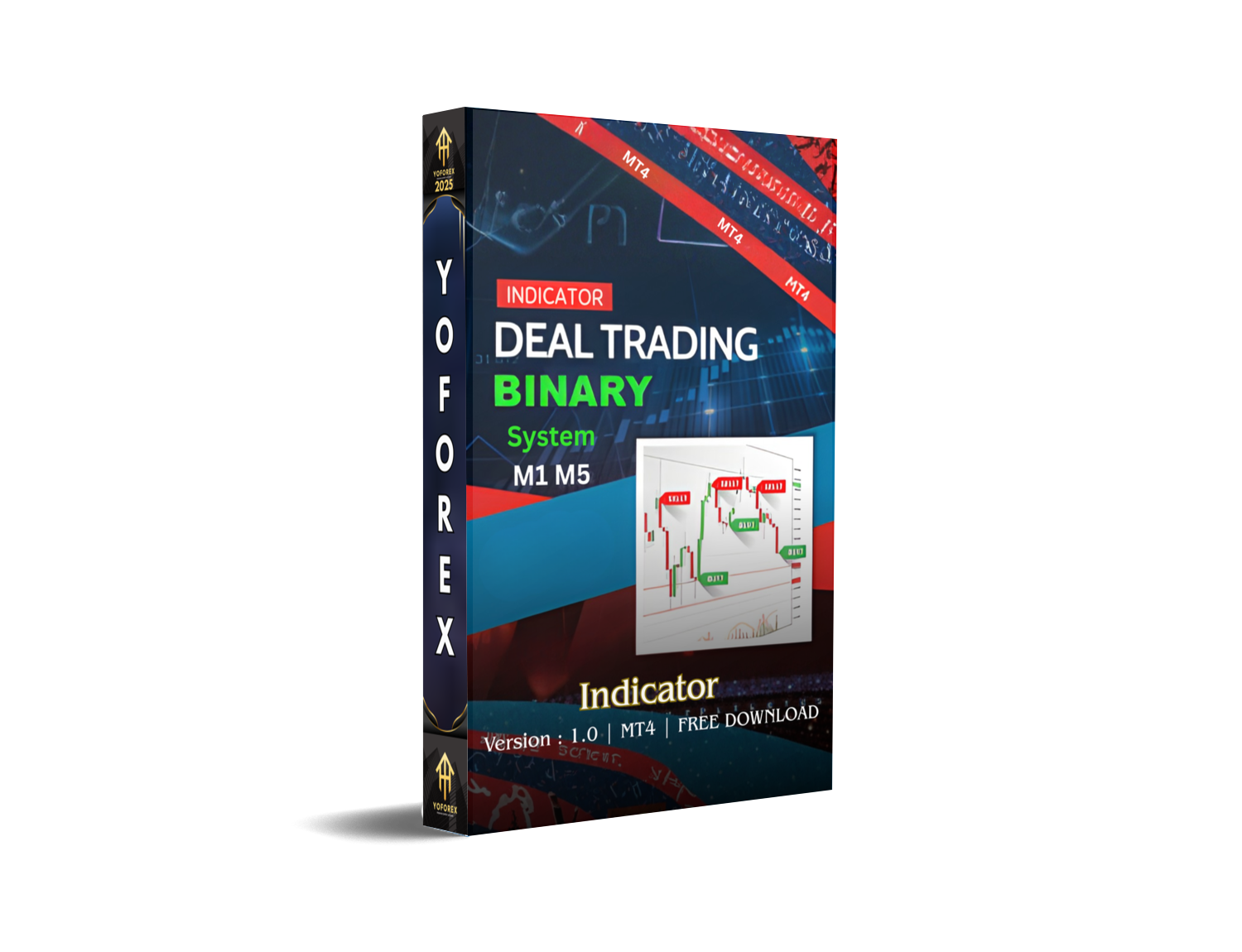
Binary System M1 M5 Indicators MT4 – Full Review
If you’ve been grinding the charts looking for a simple but effective way to trade binary options, especially on the lower timeframes like M1 and M5, then the Binary System M1 M5 Indicator for MT4 is probably something you’ve come across. And honestly, it’s one of those tools that looks basic on the surface… but once you actually understand how it reads market movement, the reversal models, the fractal structure, it begins to make a whole lot of sense.
Before we go too deep—let me clear the most important part upfront:
This is a free version, and it only shows history signals.
That means you won’t get real-time “live entry signals”—but you will get accurate visual data showing where signals would appear. That alone makes it quite valuable if you're trying to learn reversal patterns, timing expiry windows, or testing your strategy logic without risking money. Some traders skip tools like this coz of the “history only” limitation, but actually, for beginners it’s a blessing—you learn first, trade later.
Let’s unpack everything it offers, how it works, and whether it’s worth adding to your MT4 chart.
Overview: What Is Binary System M1 M5 Indicator for MT4?
The Binary Deal Trading Indicator, also known as the Binary System M1 M5, is designed specifically for binary options trading. Unlike forex indicators that focus on trend continuation or long-term movement, binary indicators usually revolve around timing, reversal pressure, price exhaustion, and micro-structure patterns.
This indicator focuses on three major elements:
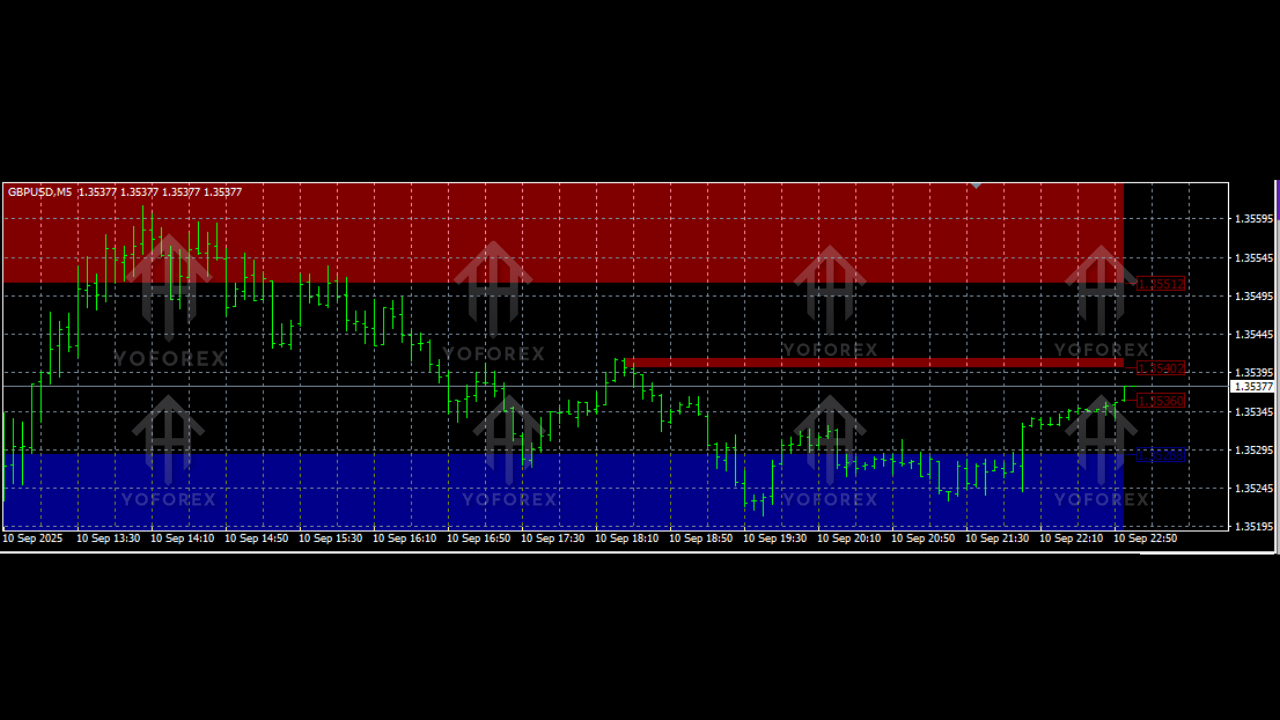
- Overbought & Oversold Market Levels
- Reversal Price Detection
- Fractal Turning Points
Because binary options rely heavily on short-term expiry (5 to 15 minutes usually), these particular elements become extremely powerful. A single candle shift can make or break your trade.
The indicator works on any timeframe, though the developer recommends:
- M1
- M5
- M15
These are classic binary time frames where micro-shifts matter the most.
It forecasts:
- where the price is likely to reverse,
- when the market is stretched too far,
- and where sharp turning points are expected.
The free version’s biggest drawback:
It doesn’t fire real-time pop-up alerts.
Instead, it only displays signals on previous candles.
But honestly, that’s not a deal-breaker for learners. You can study all the signals, identify patterns and confluence conditions, and build your confidence.
How the Indicator Works
A lot of MT4 indicators throw complicated math at you. This one tries to stay simple while still packing logic underneath. Here’s the basic breakdown:
1. Overbought/Oversold Zones
The indicator uses a mix of volatility calculations and oscillator-type readings to detect when price is stretched too far on small timeframes.
That’s when reversals usually happen.
2. Reversal Forecasting
It looks at:
- candle strength
- wick length
- micro trend direction
- short-term exhaustion
- volume “behavior” in binary terms
This is useful because binary expiry trades rely on precise reversal moments.
3. Fractal Points
Fractals show swing highs and swing lows.
The indicator uses them to:
- confirm turning points
- validate reversal zones
- measure momentum shifts
Fractals may look tiny, but they’re powerful timing tools in binary trading.
4. Expiry Filtering (5 to 15 Minutes)
Signals are designed to work best when your expiry is 5–15 minutes after the signal appears.
This matches how M1/M5 markets react.
Some traders try 1-minute expiry but that’s way too aggressive.
The indicator is built for a slightly wider reaction window.
Why Do Signals Show Only on History?
This question comes up a lot.
Because this is a free version.
The developer intentionally disables live-forward signals to prevent misuse and ensure users test the system first.
You still get:
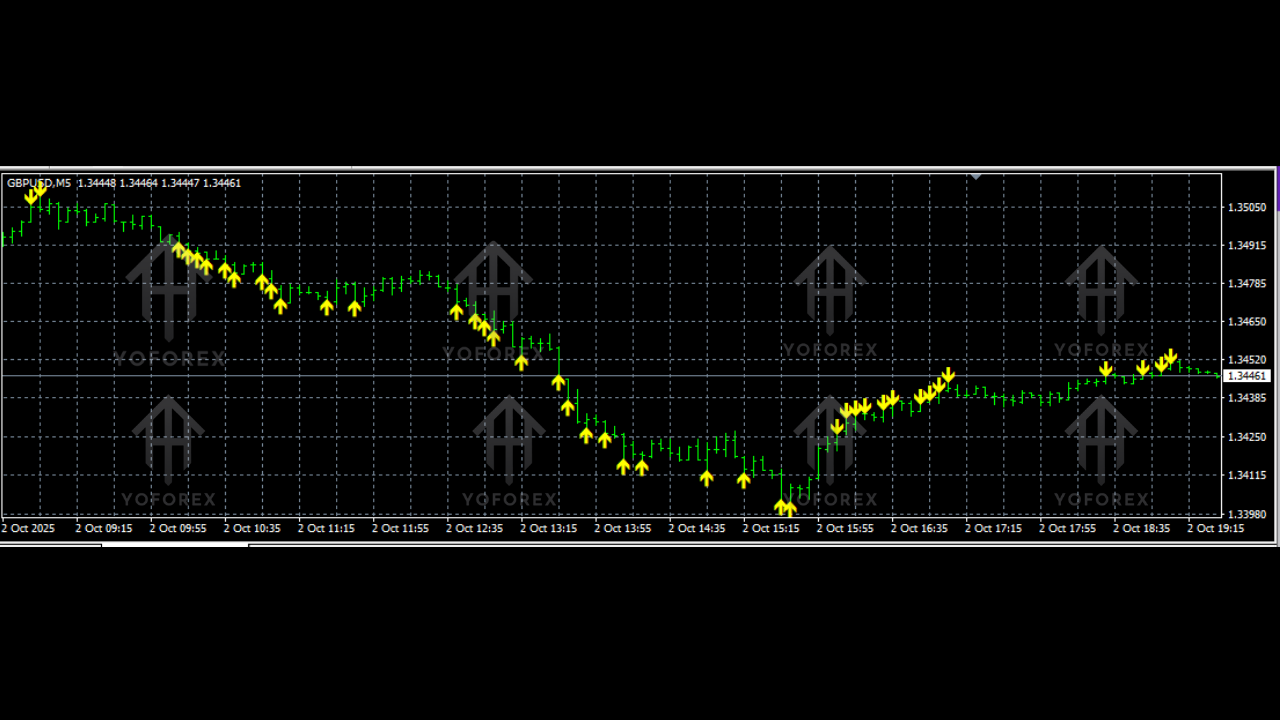
- all arrows
- all reversal markers
- fractal points
- peak/low detection
- overbought/oversold shading
- trend pressure shifts
But all of this appears after the candles complete.
So is it useless?
No… actually it’s perfect if you’re:
- learning binary options
- backtesting expiry strategies
- studying how price reacts around extremes
- improving your chart-reading confidence
- verifying your psychology before going live
Beginners often blow accounts coz they jump in too soon.
History-only signals force you to understand the system before you depend on it.
Performance & Backtest Interpretation
Since the tool doesn’t generate live data, performance evaluation is done visually by studying history signals.
Here’s what you can usually observe when using it:
+ Clear reversal accuracy on exhausted markets
Most signals appear right after a steep push—this is ideal for binary reversals.
+ Good match for 5–10 min expiry windows
Most signals show stable reversal within 2–5 candles after the marked point.
+ Works well during volatile sessions
Especially:
- London Open
- New York Open
- US News spikes
Binary traders love volatility, coz stable trends sometimes reduce reversal opportunities.
+ Avoids flat/noise markets well enough
Sideways markets often cause false signals, but history review shows that this indicator tries to avoid marking reversals during extreme low-volume conditions.
+ Overbought/Oversold shading is helpful
This adds visual confirmation so you don’t rely on arrows alone.
+ Fractal combinations are accurate on M5
M5 chart produces extremely clean swing points with this tool.
You’re not meant to trade blindly off a single signal.
Instead, the combination of:
- OB/OS
- Reversal mark
- Fractal break
- Candle confirmation
…creates a complete entry setup.
How to Use the Indicator Step by Step
Even tho it doesn’t show real-time alerts, the logic is the same when you interpret historical signals.
Step 1 – Add to MT4
Load the indicator from the “Indicators” folder in MT4 and drag it to your chart.
Step 2 – Select Timeframe
Recommended:
- M1 for rapid setups
- M5 for higher accuracy
- M15 for stable reversals
Step 3 – Observe Overbought/Oversold Zones
When price enters these zones, get ready for a potential reversal.
Step 4 – Wait for Reversal Signal
When a signal arrow appears historically, study the candle structure around that moment.
Step 5 – Count Candle Reaction
Most signals trigger movement within:
- 2–3 candles (M1)
- 1–2 candles (M5)
Step 6 – Test Expiry Choice
Remember:
Expiry best = 5 to 15 minutes.
This helps build your understanding before you ever take a live trade.
Pros & Cons of Binary System M1 M5
Pros
- Free version—no cost barrier
- Simple visual interface
- Great for binary beginners
- Teaches reversal timing
- Useful for strategy building
- Good for manual backtesting
- Fractal detection improves accuracy
Cons
- No real-time signals
- Can’t use directly for live binary entries
- Needs manual interpretation
- Not suitable for flat markets
Who Should Use This Indicator?
This indicator is ideal for:
- Beginners learning binary options
- Traders focusing on lower timeframes
- Anyone studying reversal strategy
- Traders who want to improve chart reading
- People who prefer visual signal tools
It’s not ideal for:
- Scalpers needing live alerts
- Forex trend followers
- Long-term traders
- Those who want automated entries
Final Thoughts
The Binary System M1 M5 Indicator MT4 might not be a “live signal” tool in its free version, but it’s incredibly useful if you want to really understand how reversal-based binary setups work. Whether you’re learning, testing, or refining expiry logic, this tool gives you all the structure you need.






Comments
Leave a Comment