Introduction
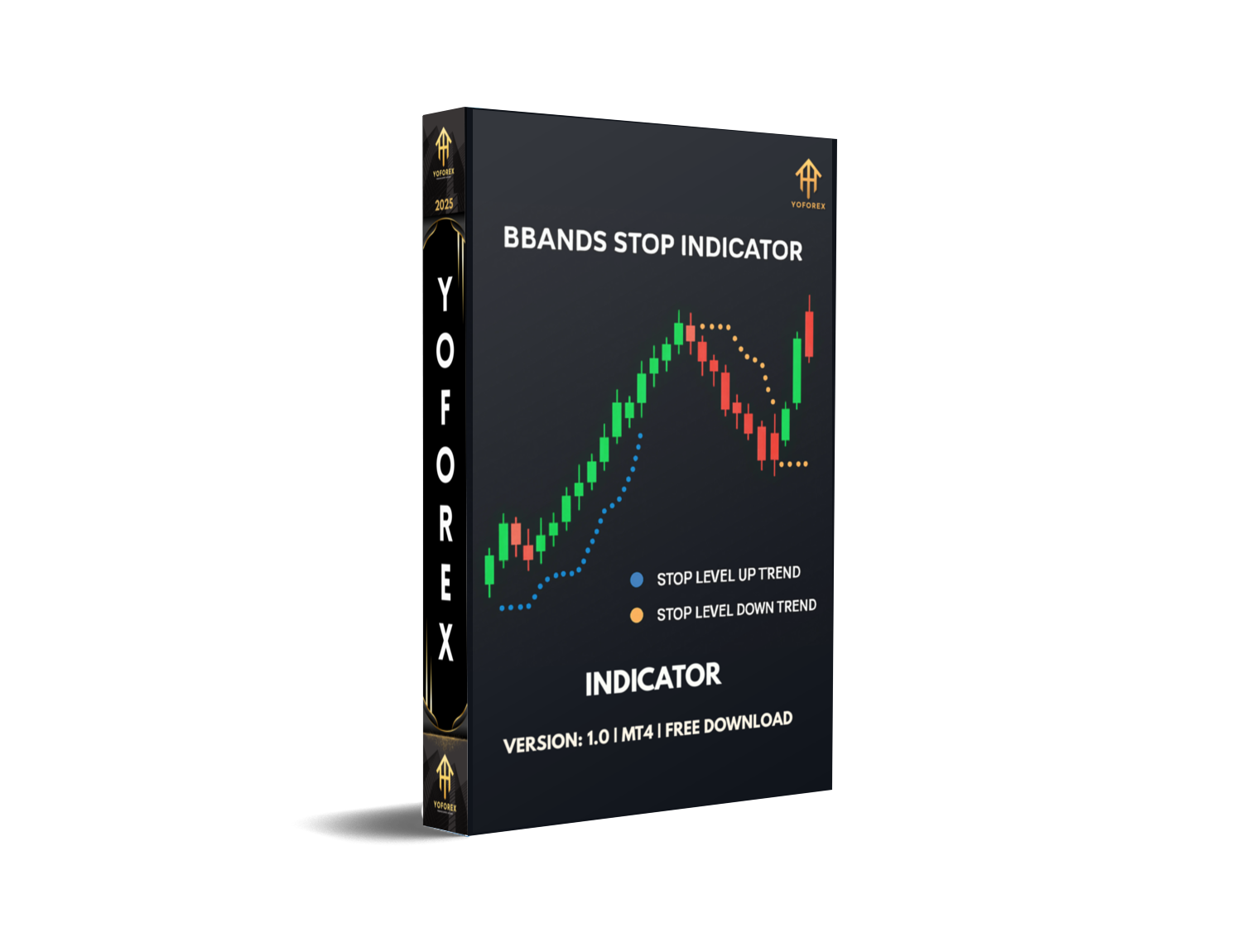
Tired of chasing the market with noisy indicators and unclear exit points? BBand Stop Alert Indicator V1.0 brings clarity to your MT4 charts by fusing the tried-and-tested Bollinger Bands concept with a no-nonsense, trend-following twist. Instead of three bands, you get visual arrows (green for buy, yellow for sell) and a dynamic stop-loss line that moves with price. This helps you lock in profits, trim drawdowns, and trade with confidence—whether you’re scalping, day trading, or swing trading.
Built on an 8-period price-monitoring system and a standard deviation of 1, the BBand Stop Alert Indicator analyzes the last 1,000 bars to filter out the noise and highlight genuine trend shifts. You’ll see exactly when to enter, where to place your stop, and when the trend may be losing steam. No more guesswork, no more second-guessing.
Overview
At its core, the BBand Stop Alert Indicator V1.0 is a modified Bollinger Bands indicator designed specifically for trend traders on MetaTrader 4. Traditional Bollinger Bands plot upper and lower bands around a moving average to measure volatility, but they don’t explicitly tell you when to get out. BBand Stop Alert shifts the focus from volatility measurement to clear entry/exit signals and stop-loss guidance.
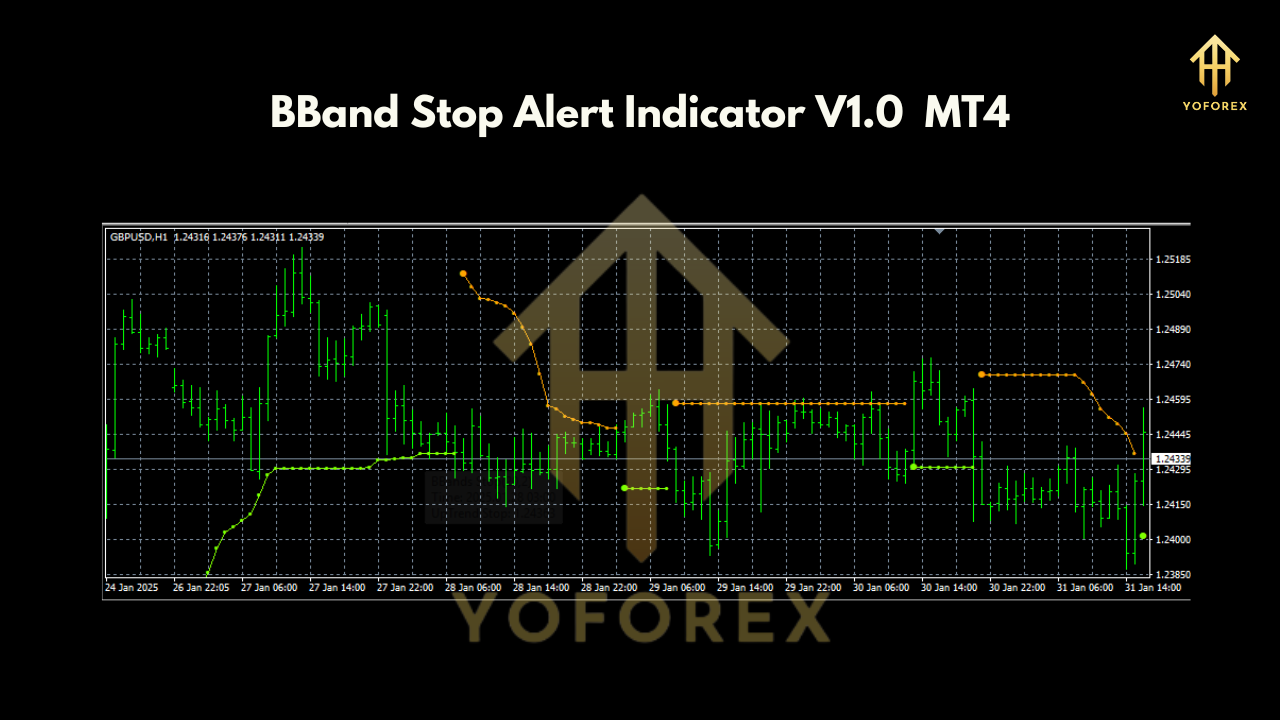
By monitoring highs and lows over an 8-period window and applying a 1-standard deviation filter, the indicator draws a trailing stop line that hugs price action. Whenever price breaks above or below this adaptive band, you’ll see a corresponding arrow: green for bullish setups and yellow for bearish ones. The stop line then offers a logical spot to place your protective stop.
Because it recalculates on each new bar for the most recent 1,000 bars, BBand Stop Alert Indicator works equally well on M1, M5, M15, H1, and higher timeframes. Scalpers can catch quick moves; swing traders can ride trends without being stopped out by normal volatility.
Key Features
- Trend-Following Arrows: Green arrows signal bullish breakouts; yellow arrows indicate bearish breakdowns.
- Dynamic Stop-Loss Line: Automatically plots an adaptive stop line based on 8-period highs/lows and 1-std dev.
- Configurable Periods: Adjust the price-monitoring period (default 8) and standard deviation (default 1) to suit your style.
- 1,000-Bar Backtesting: Built-in backtesting logic over the last 1,000 bars to ensure reliable performance.
- Multi-Timeframe Utility: Works on all MT4 timeframes, from scalping on M1 to swing trading on H4.
- Low-Noise Signals: The tight standard deviation filter reduces false alerts in choppy markets.
- Easy to Read: Minimalist arrows and a single stop-loss line keep your chart clean.
- No Martingale or Grid: Pure trend-following approach—no risky position-sizing strategies involved.
How It Works
BBand Stop Alert Indicator first calculates an 8-period simple moving average (SMA) of the price. It then determines the upper and lower bands by applying a 1-standard deviation multiplier to the highs and lows over that period. Unlike Bollinger Bands, which center around the SMA, BBand Stop Alert anchors its stop-loss line on the outer edge of the band.
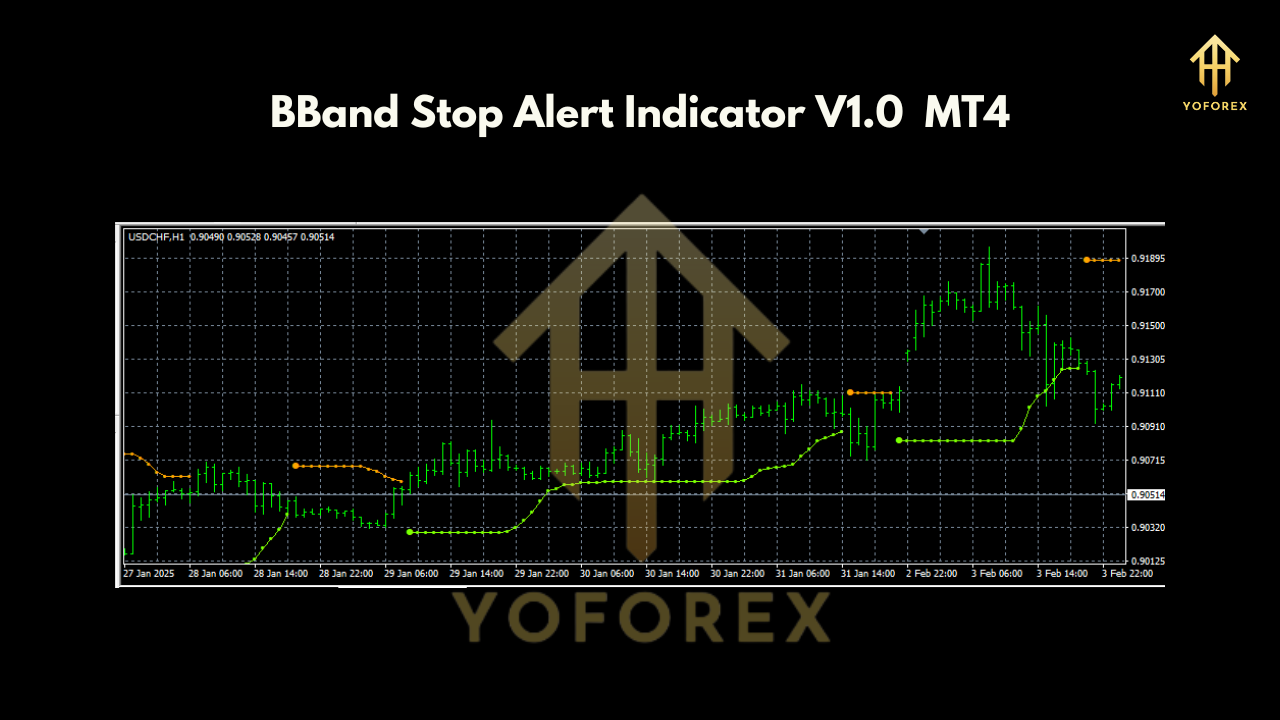
When the price closes above the upper band, a green arrow appears beneath the bar, indicating a potential long entry. Conversely, a close below the lower band triggers a yellow arrow above the bar, signaling a short entry. From that point, the stop-loss line trails price, recalculated each bar, to protect your open position.
Because the indicator considers the last 1,000 bars, it adapts to shifting market regimes—expanding in high volatility and contracting during quiet periods. This balance ensures you’re not whipsawed out of trades but still have a tight stop when trends reverse.
Installation & Setup
- Download the BBand Stop Alert Indicator V1.0 (file:
BBand_Stop_Alert_v1.ex4) from yoforexea.com. - Copy the
.ex4file into your MT4 platform folder:
- Restart MetaTrader 4 or hit Refresh in the Navigator panel.
- Attach the indicator to your chart: drag “BBand Stop Alert Indicator V1.0” onto any chart.
- Customize settings in the Inputs tab:
Period(default 8)StdDev(default 1)LookbackBars(default 1000)
- Save your template for future use (e.g., “BBand_Stop_Alert.tpl”).
Trading Styles & Best Practices
• Scalpers: Use M1–M5 charts, tighten StdDev to 0.8 for faster signals.
• Day Traders: Operate on M15–H1, keep default settings; combine with a trending pair like EURUSD.
• Swing Traders: Apply to H4; set Period to 10 for smoother signals.
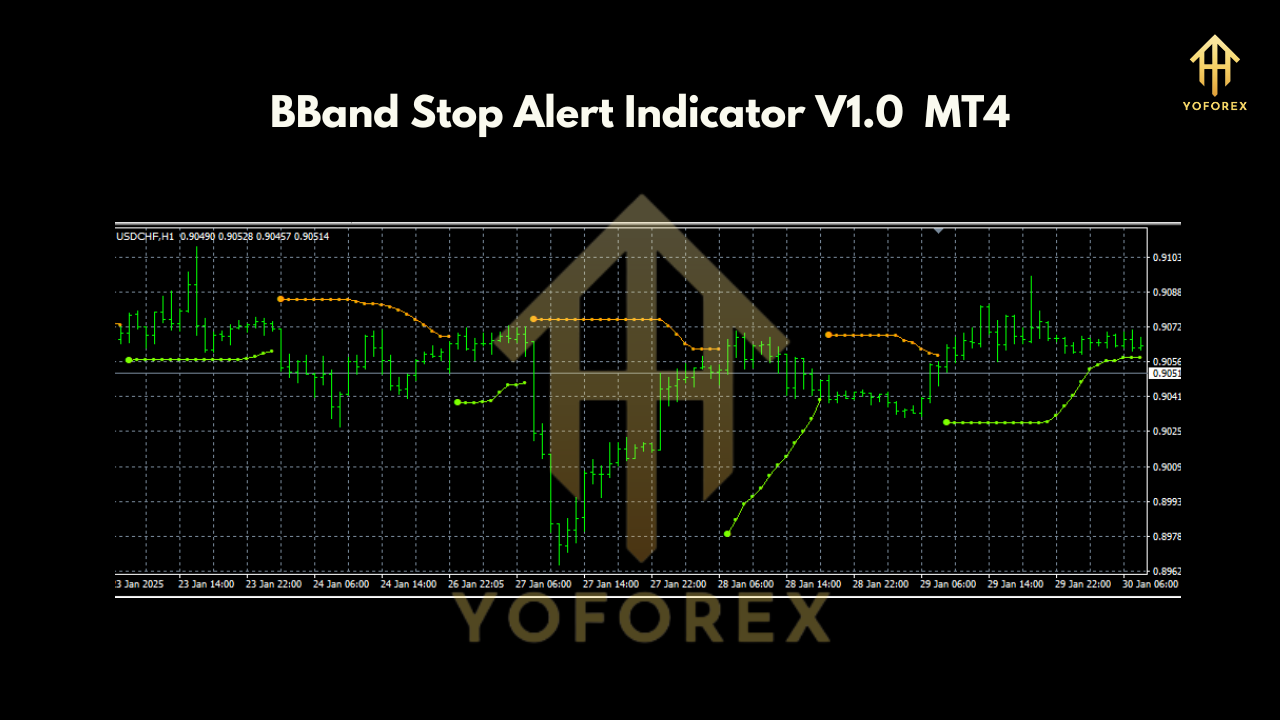
• Always confirm arrows with basic support/resistance or a higher timeframe trend filter.
• Place your stop just beyond the stop-loss line drawn by the indicator—no guesswork needed.
Conclusion
The BBand Stop Alert Indicator V1.0 for MT4 strips away the complexity of traditional Bollinger Bands and delivers laser-focused trend signals plus a built-in stop-loss mechanism. Whether you scalp, day trade, or swing trade, this lightweight tool can help you stay on the right side of the market and protect your capital.
Ready to trade with confidence? Download your free copy of BBand Stop Alert Indicator V1.0 now and start spotting trend entries and exits with precision.
Join our Telegram for the latest updates and support






Comments
Leave a Comment