Introduction
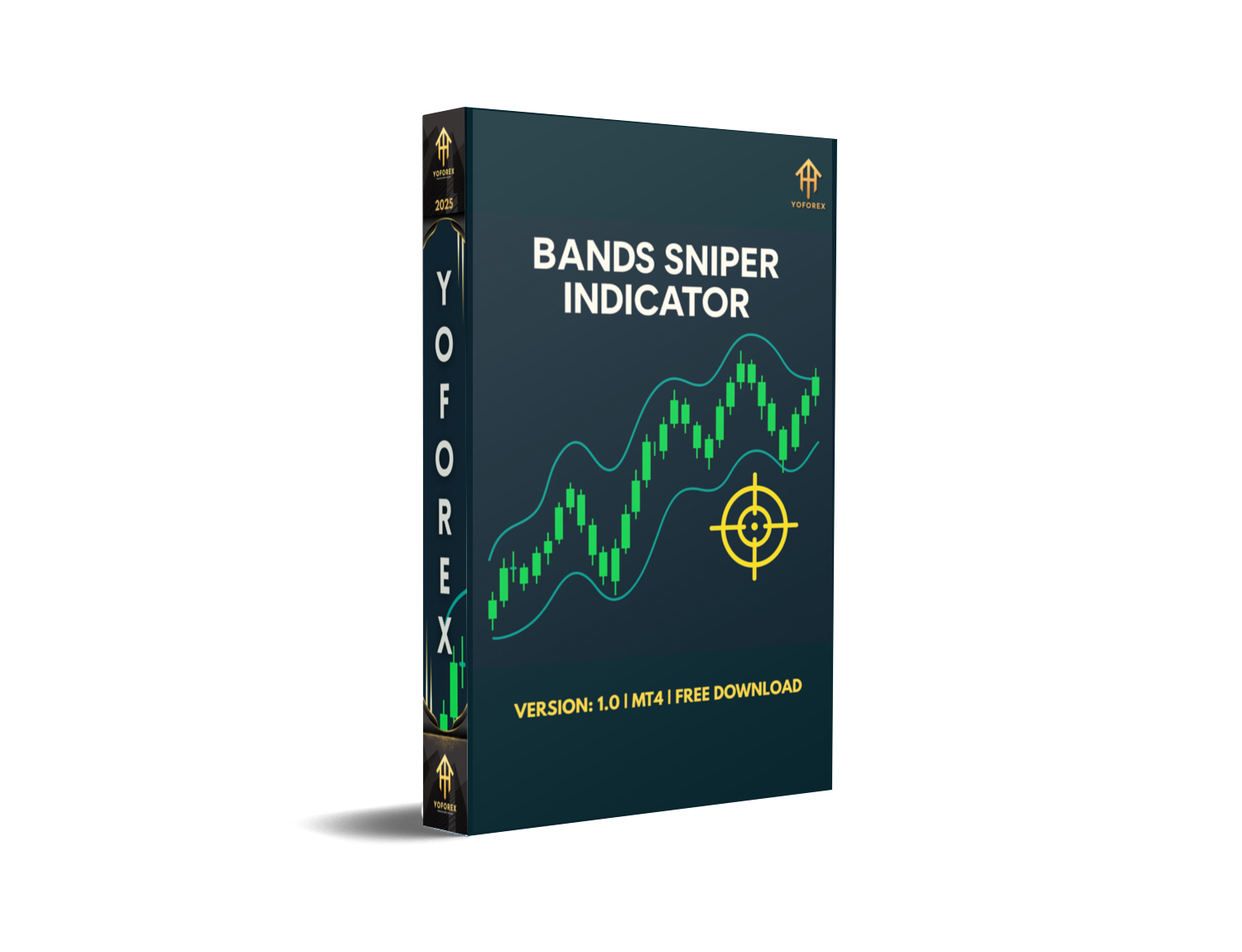
If you’ve been tired of lagging indicators that repaint signals right under your nose, the Bands Sniper Indicator V1.0 MT4 just might be your new best friend. This custom MT4 tool blends adaptive price channels—think Bollinger Bands—with momentum filters and trend-following cues to generate clean buy and sell arrows (or dots) on your chart. And the best part? It’s engineered to be non-repainting, so you’re trading on signals that stay put. Whether you’re scalping on M1 or swing-trading on D1 across EUR/USD, GBP/USD, or any major pair, the Bands Sniper has your back.
How the Bands Sniper Works
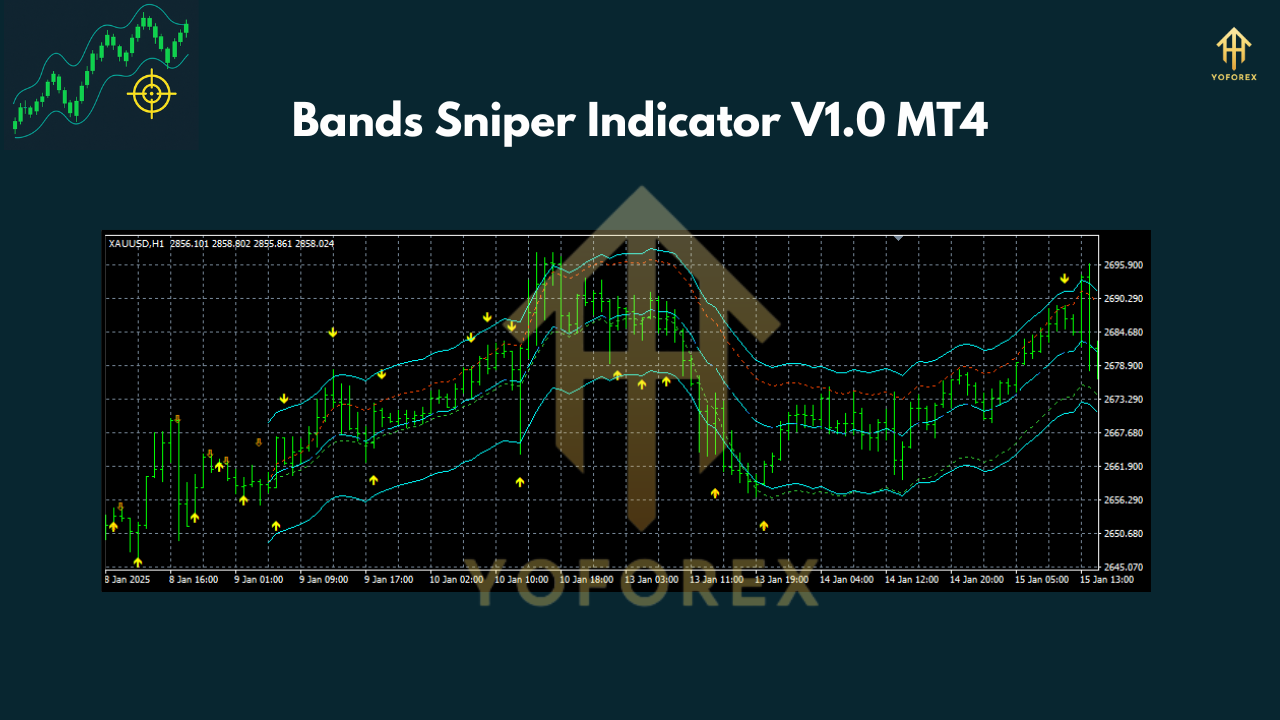
At its core, the indicator plots dynamic upper and lower bands around price, automatically adjusting to recent volatility. When price touches or breaches these bands in tandem with internal momentum checks, the Bands Sniper plots a colored dot or arrow:
- Magenta dot: potential reversal near the lower band
- Aqua dot: potential reversal near the upper band
- Breakout arrows: when price decisively pierces a band
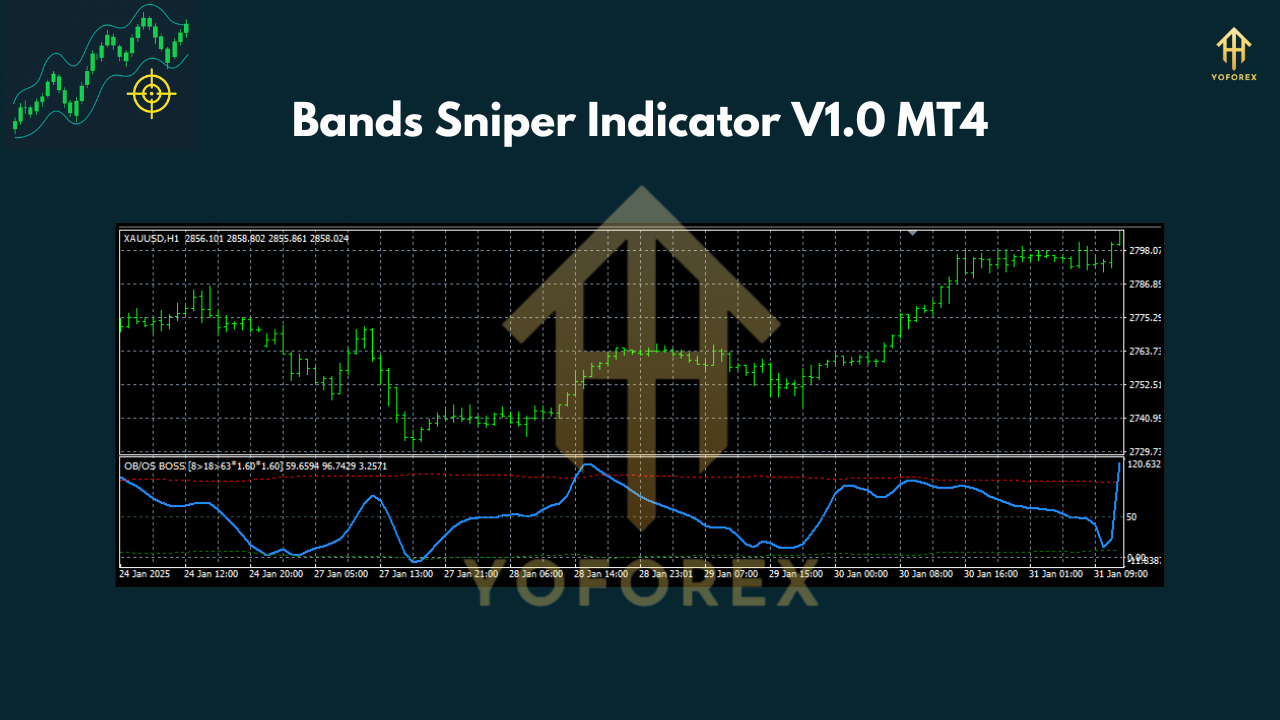
Additional filters—such as an embedded RSI threshold—help weed out weak signals, ensuring you only see high-probability setups. And because the code is optimized to avoid repainting, once a signal appears, it remains on your chart for accurate backtesting and live trading.
Key Trading Strategies
1. Reversal (Mean Reversion)
- Timeframes: M15, H1
- Entry:
- Buy when a magenta dot appears near the lower band and you spot bullish candles (hammer, engulfing).
- Sell when an aqua dot shows up near the upper band with bearish patterns.
- Exit: Target the middle band or opposite band; place stop-loss 5–10 pips beyond the band.
- Tip: Confirm with RSI (below 30 for buys, above 70 for sells) to filter false reversals.
2. Breakout Trading
- Timeframes: H4, D1
- Entry:
- Buy on a strong candle closing above the upper band accompanied by a buy arrow.
- Sell on a candle closing below the lower band with a sell arrow.
- Exit: Use a trailing stop or aim for the next major support/resistance.
- Tip: Steer clear of thin sessions (Asian hours) to reduce whipsaws.
3. Scalping
- Timeframes: M1, M5
- Pairs: High-liquidity crosses like EUR/USD, USD/JPY
- Entry & Exit: Quick in-and-out trades targeting 3–5 pips; use the opposite band as a stop-loss reference.
- Tip: Disable during news spikes; combine with a spread filter to avoid high-cost entries.
Setup & Configuration
- Download the
Bands_Sniper_v1.ex4file from your MT4Expertsfolder. - Attach the indicator to any chart via Navigator → Indicators → Bands Sniper.
- Default Settings:
- Period: 20
- StdDev: 2.0
- RSI Filter: On, Level 30/70
- Recommended: Save a template (
.tpl) with your preferred color scheme and load it per chart.
Tips for Optimal Use
- Time filter: Turn off signals during major news events.
- Money management: Never risk more than 1–2% per trade.
- Backtesting: Use at least 6 months of tick data to gauge win rate.
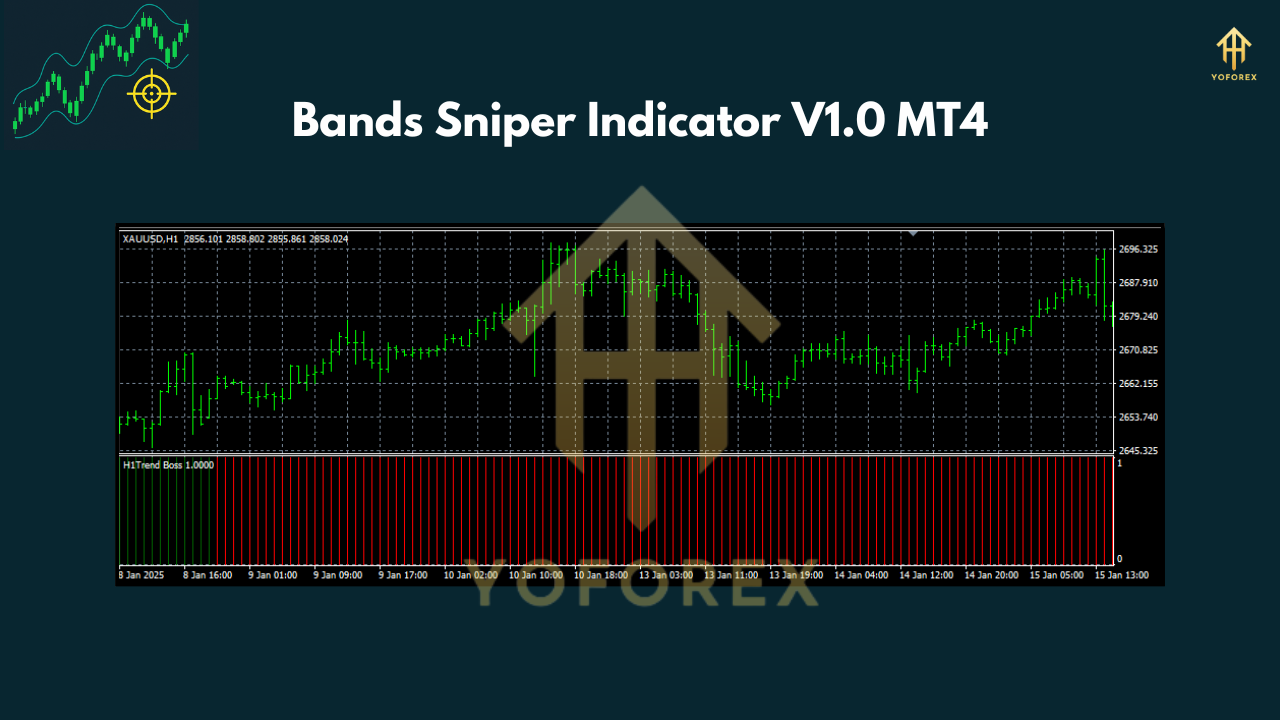
- Combine: Pair with a trend-direction filter (e.g., 200 SMA) to trade only with the larger trend.
Why Bands Sniper Indicator Stands Out
• No repainting: Trade on confirmed signals.
• Versatile: Works from scalping on M1 to swing trades on D1.
• Built-in filters: RSI and volatility checks reduce noise.
• Lightweight: Minimal CPU load even on multiple charts.
Conclusion
The Bands Sniper Indicator V1.0 MT4 is a robust, non-repainting tool that caters to traders seeking clean, reliable entry and exit cues. From mean-reversion bounces to breakout plays and quick scalps, it adapts seamlessly across timeframes and pairs. If you’re looking to elevate your MT4 toolkit, give the Bands Sniper a spin.






Comments
Leave a Comment