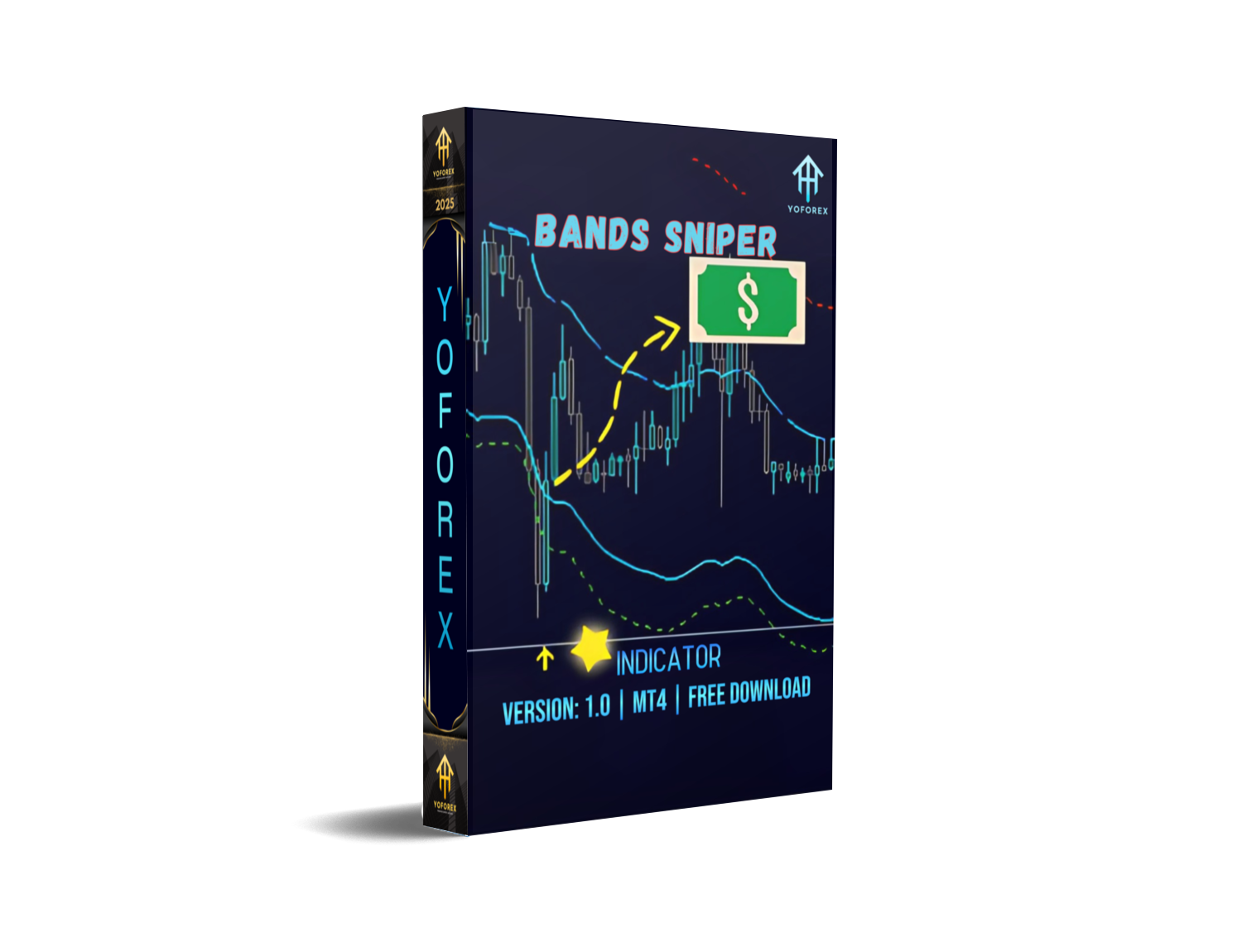
Bands Sniper Indicator MT4: A Comprehensive Guide to Precision Trading
In the fast-paced world of forex trading, having a reliable technical indicator can mean the difference between profit and loss. Among the plethora of tools available for MetaTrader 4 (MT4), the Bands Sniper Indicator stands out for its ability to identify high-probability trade setups with remarkable accuracy. Whether you’re a novice trader seeking clarity or an experienced professional aiming to refine your strategy, this guide delves into everything you need to know about the Bands Sniper Indicator—its functionality, benefits, installation process, and practical application. By the end, you’ll understand why this tool has become a staple for traders worldwide and how to leverage it for consistent results.
What Is the Bands Sniper Indicator?
The Bands Sniper Indicator is a custom technical analysis tool designed for the MT4 platform. Unlike standard Bollinger Bands, which rely solely on volatility, Bands Sniper combines multiple data points—including price action, trend direction, and momentum—to generate precise entry and exit signals. Its core function is to detect “sniper-like” opportunities where price is likely to reverse or continue a trend, minimizing false signals and maximizing profitability.
Developed by seasoned traders, this indicator is particularly effective in volatile markets, making it ideal for scalping, day trading, and swing trading across forex, commodities, indices, and cryptocurrencies.
How Does Bands Sniper Work?
At its heart, the Bands Sniper Indicator uses a proprietary algorithm to analyze three critical factors:
- Price Deviation: Measures how far current price is from a dynamic moving average (e.g., 20-period EMA). Extreme deviations signal potential reversals.
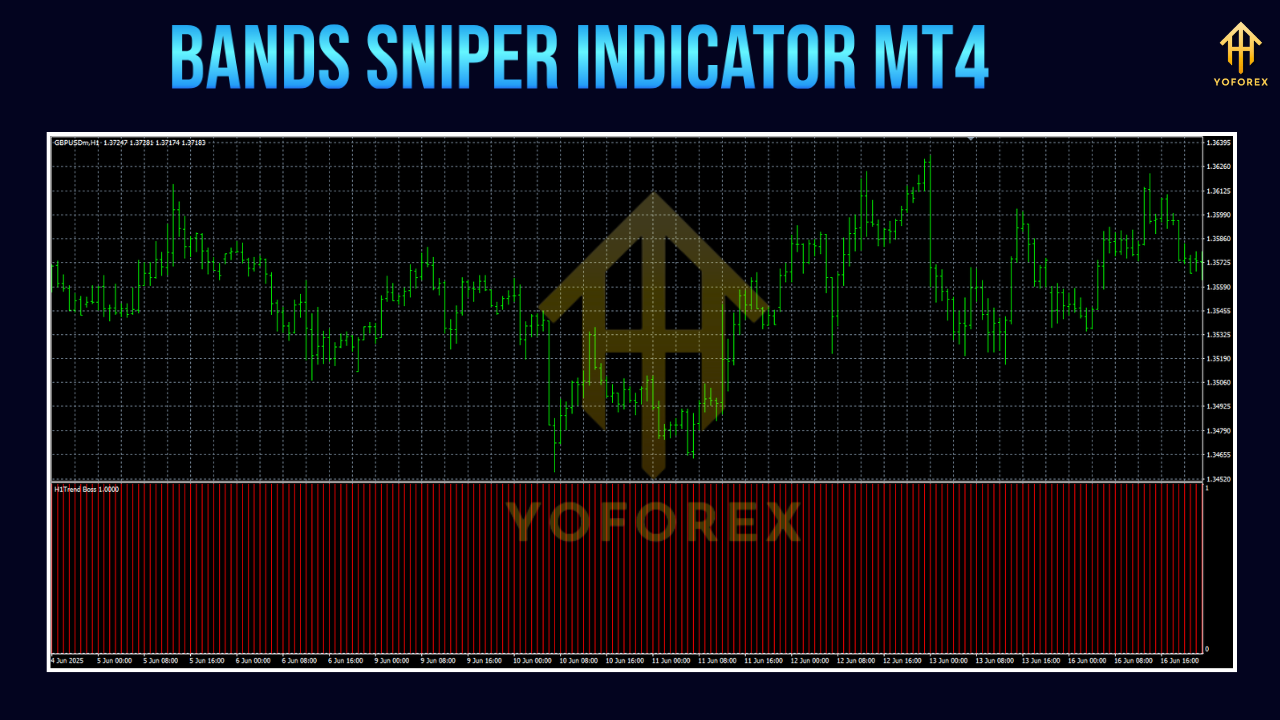
- Trend Strength: Evaluates the slope and consistency of the trend using multiple timeframes. Strong trends validate continuation signals.
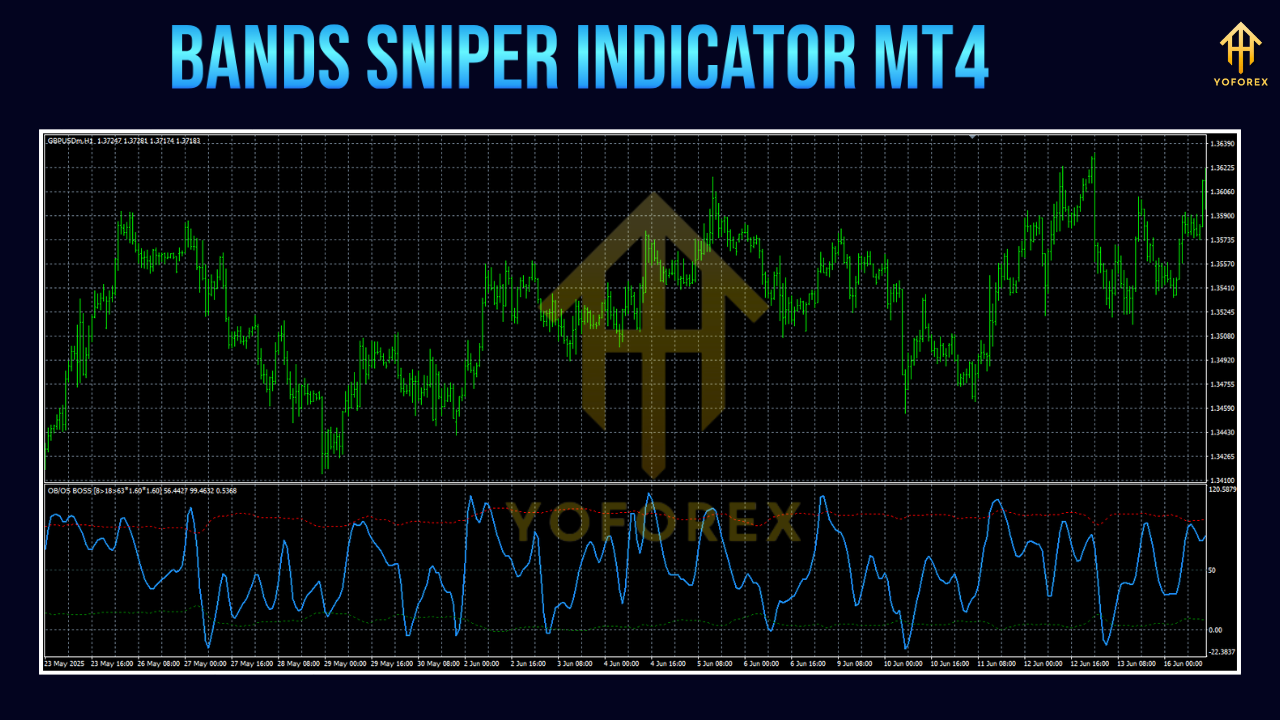
- Momentum Oscillators: Integrates RSI or Stochastic to confirm overbought/oversold conditions, reducing the risk of trading against prevailing momentum.
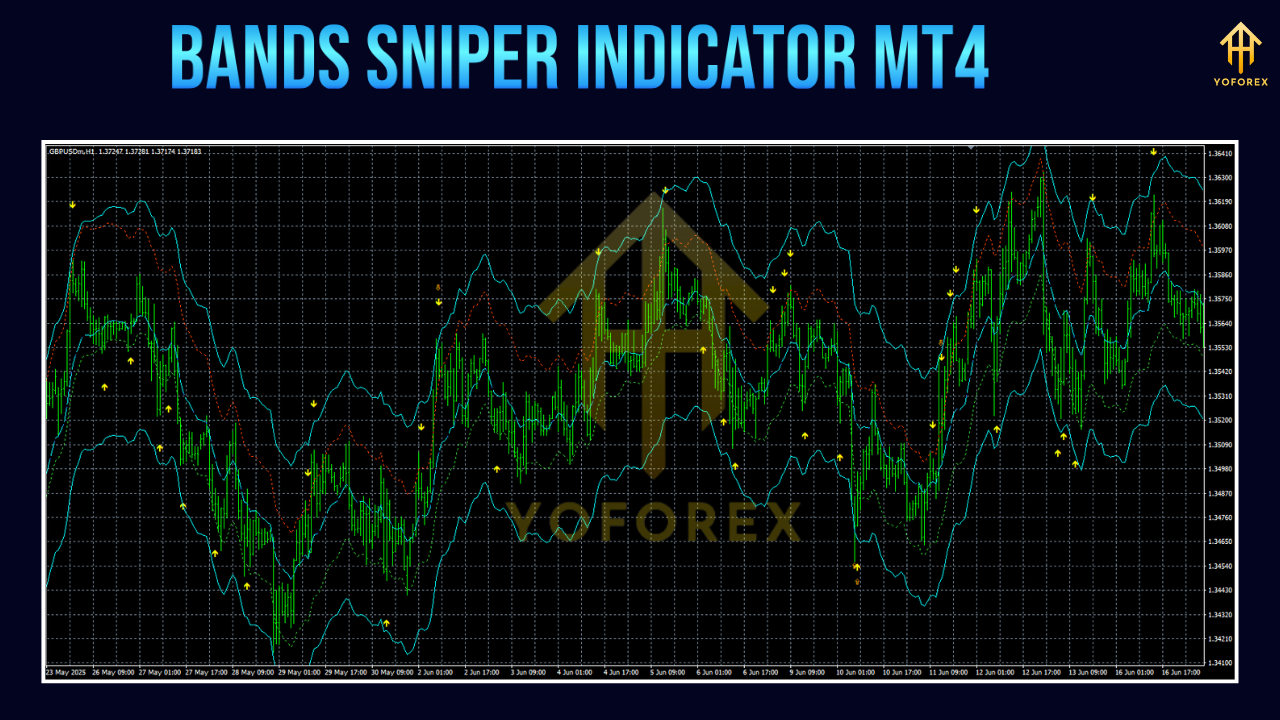
When these elements align, the indicator paints clear buy/sell arrows on the chart, alerting traders to optimal entry points. For example:
- A green arrow indicates a bullish reversal (buy signal).
- A red arrow signals a bearish reversal (sell signal).
Unlike lagging indicators (e.g., MACD), Bands Sniper is forward-looking, providing real-time alerts that adapt to market changes.
Key Features
- Customizable Parameters: Adjust sensitivity, timeframe alignment, and alert preferences to match your trading style.
- Multi-Timeframe Analysis: Validates signals across daily, 4-hour, and 1-hour charts for higher accuracy.
- No Repainting: Signals remain static once generated, eliminating ambiguity.
- Risk Management Tools: Built-in stop-loss and take-profit levels based on volatility, helping traders preserve capital.
- User-Friendly Interface: Intuitive dashboard with color-coded signals and audible alerts.
Benefits of Using Bands Sniper
- Reduced False Signals: Combines volatility, trend, and momentum filters to minimize whipsaws.
- Time Efficiency: Automates analysis, allowing traders to monitor multiple pairs simultaneously.
- Versatility: Effective in trending and ranging markets, suitable for all experience levels.
- Backtesting Compatibility: Works with MT4’s Strategy Tester, enabling traders to optimize settings before live trading.
Installation Guide for Bands Sniper
Follow these steps to install the indicator on your MT4 platform:
- Download the File: Obtain the Bands Sniper
.ex4file from a trusted source (e.g., the developer’s website or reputable forex forums). - Open MT4: Launch your MetaTrader 4 terminal.
- Access File Menu: Click
File>Open Data Folder. - Navigate to Indicators Folder: In the opened folder, go to
MQL4>Indicators. - Paste the File: Copy the downloaded
.ex4file and paste it into theIndicatorsfolder. - Refresh MT4: Close and reopen MT4. The indicator will appear in the
Navigatorpanel underCustom Indicators. - Apply to Chart: Drag the Bands Sniper icon onto your desired chart. Configure parameters (e.g., period, deviation) in the pop-up window and click
OK.
How to Use Bands Sniper for Trading
To maximize the indicator’s potential, follow this step-by-step strategy:
Step 1: Identify the Trend
Use a higher timeframe (e.g., 4-hour or daily) to determine the primary trend. Bands Sniper performs best when aligned with the overall market direction.
Step 2: Confirm Signals on Lower Timeframes
Switch to a shorter timeframe (e.g., 15-minute or 1-hour) to look for Bands Sniper signals. Only act if:
- The signal arrow appears near key support/resistance levels.
- Momentum oscillators (RSI/Stochastic) confirm overbought/oversold conditions.
- Volume spikes accompany the signal (if using volume-based plugins).
Step 3: Set Entry and Exit Points
- Entry: Place a buy order at the open of the candle following a green arrow; sell at the open after a red arrow.
- Stop-Loss: Position below the most recent swing low for buys, above the swing high for sells.
- Take-Profit: Use the indicator’s built-in target levels or trail stops via MT4’s trailing stop feature.
Step 4: Manage Risk
Never risk more than 2% of your account per trade. Bands Sniper is a tool, not a guarantee—always use it alongside proper risk management.
Tips for Effective Usage
- Avoid Overtrading: Wait for high-confidence signals; don’t chase every arrow.
- Combine with Price Action: Use candlestick patterns (e.g., pin bars, engulfing candles) to confirm signals.
- Adjust Settings for Volatility: Increase deviation during low-volatility periods to capture larger moves.
- Paper Trade First: Test the indicator on a demo account for at least 30 days to refine your approach.
Frequently Asked Questions (FAQs)
Q: Is Bands Sniper repaint?
A: No. Once a signal is generated, it remains fixed on the chart, ensuring transparency.
Q: Can I use Bands Sniper on other platforms?
A: The indicator is exclusive to MT4. However, similar tools exist for cTrader and TradingView.
Q: What assets work best with Bands Sniper?
A: Highly liquid pairs like EUR/USD, GBP/USD, and gold yield the most reliable signals due to their volatility.
Q: Do I need programming skills to use it?
A: Not at all. The indicator is plug-and-play; no coding knowledge is required.
Conclusion
The Bands Sniper Indicator MT4 is a powerful ally for traders seeking precision and consistency. By combining advanced algorithms with user-friendly design, it simplifies complex market analysis and delivers actionable signals. Whether you’re targeting quick scalps or multi-day swings, this tool can enhance your trading edge—provided you use it responsibly.
Remember: No indicator guarantees profits. Success lies in discipline, continuous learning, and adapting the tool to your unique strategy. Start with a demo account, master the settings, and gradually integrate Bands Sniper into your routine. With practice, you’ll unlock its full potential and join the ranks of successful MT4 traders.
Support & Disclaimer
Got questions or need help? Reach out anytime:
- WhatsApp: https://wa.me/+443300272265
- Telegram: https://t.me/yoforexrobot
Disclaimer: Past performance is no guarantee of future results. All trading carries risk. Always demo-test the Bands Sniper Indicator MT4 in a risk-free environment before deploying on a live account.






Comments
Leave a Comment