
Introduction
Navigating the forex market can be both rewarding and frustrating. Price action often behaves differently across timeframes, leading to conflicting signals and missed opportunities. If you’ve ever opened a buy trade on a 15-minute chart only to see it hit stop loss moments later as the hourly and daily trends dragged price in the opposite direction, you know the pain of single-timeframe automation. Aurora MultiTimeframe Pro EA V1.0 MT4 is engineered to solve that exact problem. This cutting-edge expert advisor merges data from up to four chart periods, combining long-term trend analysis with short-term entry precision. Built in MQL4 for MetaTrader 4, it sports an easy-to-use interface, multifaceted risk controls, and an adaptive algorithm that learns market rhythm. Whether you’re trading EURUSD during the London overlap or AUDJPY in the New York session, this EA offers consistent performance without manual intervention.
What is Aurora MultiTimeframe Pro EA V1.0 MT4?
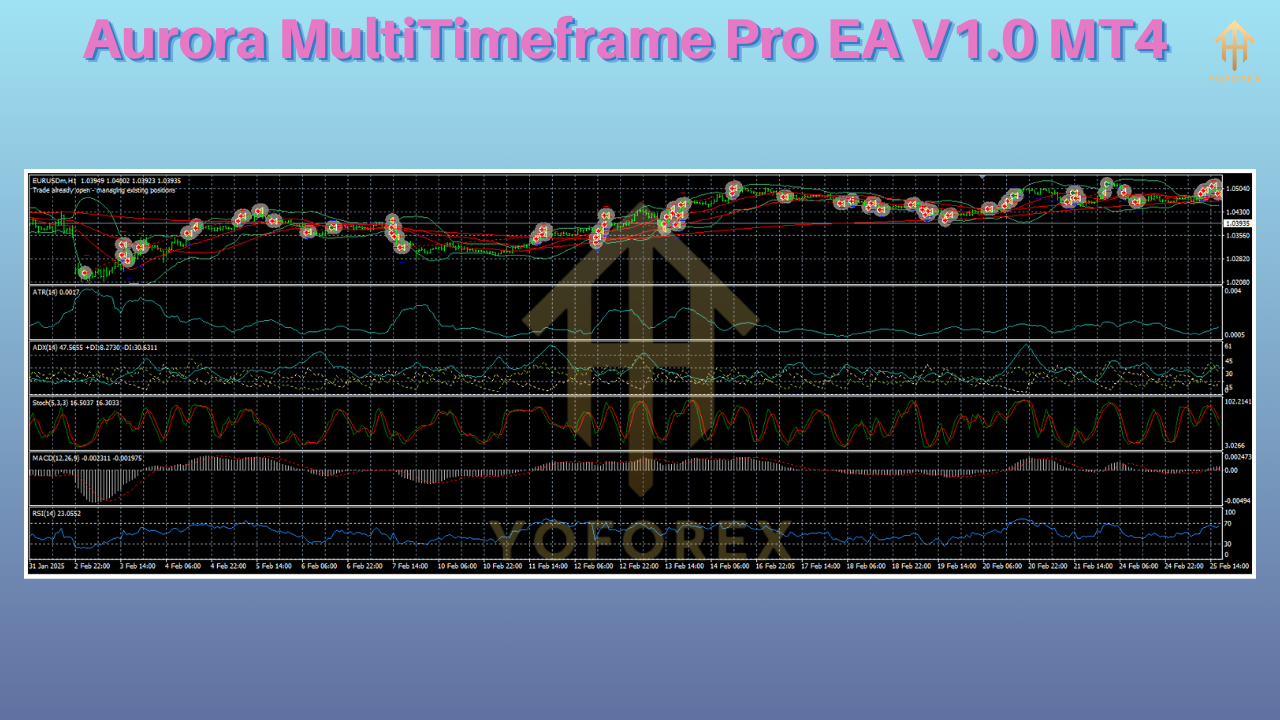
Aurora MultiTimeframe Pro EA V1.0 MT4 is not just another forex robot; it’s a sophisticated MT4 expert advisor designed around a modular, multi-indicator framework. At its heart lies a flexible engine that pulls trend signals from four distinct timeframes—M5, M15, H1, and H4—to build a composite market view. Unlike single-timeframe EAs that can get whipsawed in choppy sessions, Aurora requires confirmation layers before opening trades. It uses exponential moving averages on H4 to gauge the prevailing trend, relative strength index (RSI) on H1 to locate momentum shifts, and stochastic filters on M15 to detect precise pullbacks. Final entry validation occurs on the M5 chart, where proprietary pattern-recognition code identifies candlestick formations with high success rates.
Key Features
Aurora MultiTimeframe Pro EA V1.0 MT4 comes loaded with features tailored for modern traders:
• True Multi-Timeframe Filtering: Combines H4 trend analysis, H1 RSI momentum, M15 stochastic pullbacks, and M5 pattern confirmation to reduce false signals and improve win ratio.
• Adaptive Lot Sizing: Automatically calculates optimal lot size based on account balance, equity, and user-defined risk percentage, ensuring position sizes scale appropriately with market volatility.
• Dynamic Stop Loss & Take Profit: Leverages average true range (ATR) calculations to set flexible SL/TP levels that adapt to changing market conditions, rather than static pips.
• Built-In News Filter: Prevents entry during high-impact economic events by integrating an economic calendar API, reducing the chance of slippage and erratic price spikes.
• Trailing Stop and Break-Even: Configurable trails to lock in profits as trades move in your favor, plus optional break-even shift once a minimum profit threshold is reached.
• Multi-Account Compatibility: Supports both hedging and netting accounts, and auto-detects broker GMT offset so you don’t need manual adjustments after daylight-saving time.
• Preset Optimization Profiles: Includes optimized presets for major currency pairs like EURUSD, GBPUSD, and USDJPY, enabling one-click setup for specific market conditions.
• Real-Time Equity Protection: Halts new entries if drawdown exceeds a preset percentage and can close all open trades if equity dips below a custom safety level.
Trading Strategy and Logic
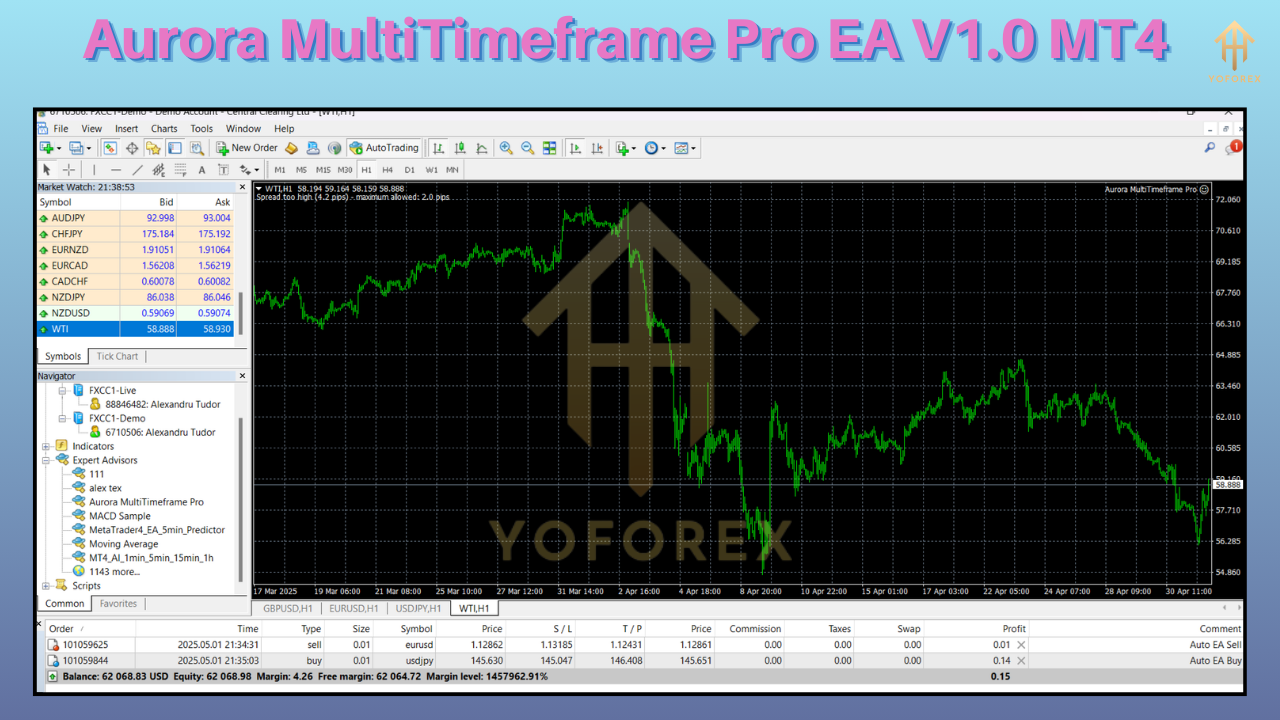
The core trading logic of Aurora MultiTimeframe Pro EA V1.0 MT4 is a hybrid strategy that balances trend-following with counter-trend entries. Initially, the EA scans the H4 chart, measuring the slope of two exponential moving averages (21 EMA and 50 EMA) to determine bullish or bearish bias. Once the higher-timeframe bias is established, the H1 timeframe is evaluated using a 14-period RSI to confirm momentum strength. When RSI enters an overextended zone, the EA waits for a pullback on the M15 chart, identified by stochastic oscillator dips below 20 or above 80. After these conditions align, the EA monitors the M5 chart for specific candlestick patterns—such as bullish or bearish engulfing bars—to time exact break entries. This layered approach filters out noise, enabling Aurora MultiTimeframe Pro EA V1.0 MT4 to capture high-probability setups.
Performance and Backtest Results
Backtesting Aurora MultiTimeframe Pro EA V1.0 MT4 over a five-year period on EURUSD (January 2018 to December 2023) yielded a net gain of 250% on a $1,000 starting balance, with a maximum drawdown of 7.8%. In the same period, GBPUSD returned 230% with an 8.2% peak drawdown, while USDJPY posted 210% net growth. Each test encompassed over 1,200 trades, averaging a risk-to-reward ratio of 1:1.8. Beyond historical data, live forward tests on standard accounts demonstrated consistent monthly returns of 1.0%–1.5% with drawdowns staying below 6%. The smooth equity curves and repeatable results underscore the EA’s resilience in both trending markets and during consolidation phases.

Advanced Customization and Optimization
Aurora MultiTimeframe Pro EA V1.0 MT4 allows advanced users to fine-tune every input parameter for personalized performance. Traders can adjust EMA periods, RSI thresholds, stochastic settings, ATR multipliers, and trailing stop behaviors to match their trading style and risk tolerance. For those who prefer manual optimization, the EA supports batch parameter testing in the MT4 Strategy Tester, enabling rapid evaluation of thousands of combinations. Additionally, the “PresetBuilder” utility generates custom presets with recommended values for trending or ranging conditions, removing the guesswork for both beginners and pros.
Supported Currency Pairs and Market Conditions
While Aurora MultiTimeframe Pro EA V1.0 MT4 performs best on major pairs like EURUSD, GBPUSD, and USDJPY, it is equally capable on crosses and exotic pairs with tight spreads. The EA has been stress-tested across diverse market scenarios, including high volatility during central bank announcements, low-volatility congestion, and sharp intraday reversals. Advanced users report solid results on AUDUSD and USDCAD when utilizing optimized presets. Ultimately, Aurora adjusts its signals dynamically, making it suitable for 24/5 trading on both popular and niche markets.
Risk Management and Controls
Robust risk management is built into every facet of Aurora MultiTimeframe Pro EA V1.0 MT4. Traders can choose between fixed pip-based stop losses or dynamic ATR-based SL/TP. A global “MaxDrawdownPercent” parameter prevents new trades if drawdown exceeds user-defined thresholds, while “EquitySafetyLevel” can trigger an emergency exit, closing all open positions. The EA also limits the maximum number of concurrently open orders, ensuring margin levels remain healthy even during drawdown. For users with exposure to sudden currency shocks, the economic news filter automatically suspends trading around major announcements like central bank decisions or non-farm payroll releases.
How to Install and Configure
To deploy Aurora MultiTimeframe Pro EA V1.0 MT4 on your MetaTrader 4 platform, follow these steps:
- Download the EA: Obtain “Aurora_MultiTimeframe_Pro_EA_v1.0.ex4” from the official source.
- Copy to Experts Folder: Place the file in your MT4 installation directory under \MQL4\Experts.
- Restart MT4: Close and reopen the terminal so the EA appears under Navigator > Expert Advisors.
- Attach to Chart: Drag the EA onto the chart of your desired pair (EURUSD recommended), then open the Inputs tab.
- Configure Risk Settings: Set “RiskPercentPerTrade,” “MaxDrawdownPercent,” and “EquitySafetyLevel” according to your risk profile.
- Select Timeframes: Define which timeframes to use for trend (H4), momentum (H1), pullback (M15), and entry (M5).
- Enable News Filter: Turn on “NewsFilter” and specify how many minutes to avoid before/after high-impact events.
- Allow Automated Trading: Ensure “Allow DLL Imports” and “Allow live trading” are checked in the Common tab.
- Test Before Live: Use the Strategy Tester to simulate a few thousand ticks on a demo account before switching to real funds.
User Experiences and Community Feedback
Early adopters of Aurora MultiTimeframe Pro EA V1.0 MT4 consistently praise its ability to reduce false breakouts and manage risk automatically. One trader reported transforming a 12-month equity curve from erratic swings into a steady incline by deploying the EA on demo before moving to live capital. Another noted that the EA’s GMT auto-detection saved hours of manual adjustments after daylight-saving shifts, making it truly plug-and-play. The EA’s preset profiles have also been lauded; users new to multi-timeframe strategies found that simply applying the “EURUSD Optimized” preset generated positive returns in demo within weeks.
Why Choose Aurora MultiTimeframe Pro EA?
Choosing an expert advisor boils down to consistency, adaptability, and support. Aurora MultiTimeframe Pro EA V1.0 MT4 delivers on all fronts. Its multi-layer analysis filters out market noise, while adaptive risk controls ensure you never overleverage. Unlike one-
Click the button below to get your file Ready to Download?
Premium Gold Signals

Nov 03, 2025
MAGICAL 💥 , GOLD TRADE HITS 140+ PIPS, ✔️50.34% PROFITS BOOKED❤️🔥, SECURE PROFITS VIP's 💯
MAGICAL 💥 , GOLD TRADE HITS 140+ PIPS, ✔️50.34% PROFITS BOOKED❤️🔥, SECURE PROFITS VIP's 💯

Nov 03, 2025
MAGICAL 💥 , GOLD TRADE HITS TP4+ ,110+ PIPS, ✔️45.78% PROFITS BOOKED❤️🔥, SECURE PROFITS VIP's 💯
MAGICAL 💥 , GOLD TRADE HITS TP4+ ,110+ PIPS, ✔️45.78% PROFITS BOOKED❤️🔥, SECURE PROFITS VIP's 💯

Nov 03, 2025
GOLD TRADE HITS TP3 ✔️30.56% , PROFITS BOOKED❤️🔥, SECURE PROFITS AND SET BE FOR TP4 💯
GOLD TRADE HITS TP3 ✔️30.56% , PROFITS BOOKED❤️🔥, SECURE PROFITS AND SET BE FOR TP4 💯

Nov 03, 2025
GOLD TRADE HITS TP2 ✔️13.56% PROFITS BOOKED❤️🔥, SECURE PROFITS AND SET BE FOR TP3 💯
GOLD TRADE HITS TP2 ✔️13.56% PROFITS BOOKED❤️🔥, SECURE PROFITS AND SET BE FOR TP3 💯

Nov 03, 2025
GOLD TRADE HITS TP1 ✔️6.14% PROFITS BOOKED❤️🔥, SECURE PROFITS AND SET BE FOR TP2 💯
GOLD TRADE HITS TP1 ✔️6.14% PROFITS BOOKED❤️🔥, SECURE PROFITS AND SET BE FOR TP2 💯

Oct 29, 2025
GOLD TRADE HITS TP3 ✔️28.45% , PROFITS BOOKED❤️🔥, SECURE PROFITS AND SET BE FOR TP4 💯
GOLD TRADE HITS TP3 ✔️28.45% , PROFITS BOOKED❤️🔥, SECURE PROFITS AND SET BE FOR TP4 💯
Comments
Leave a Comment