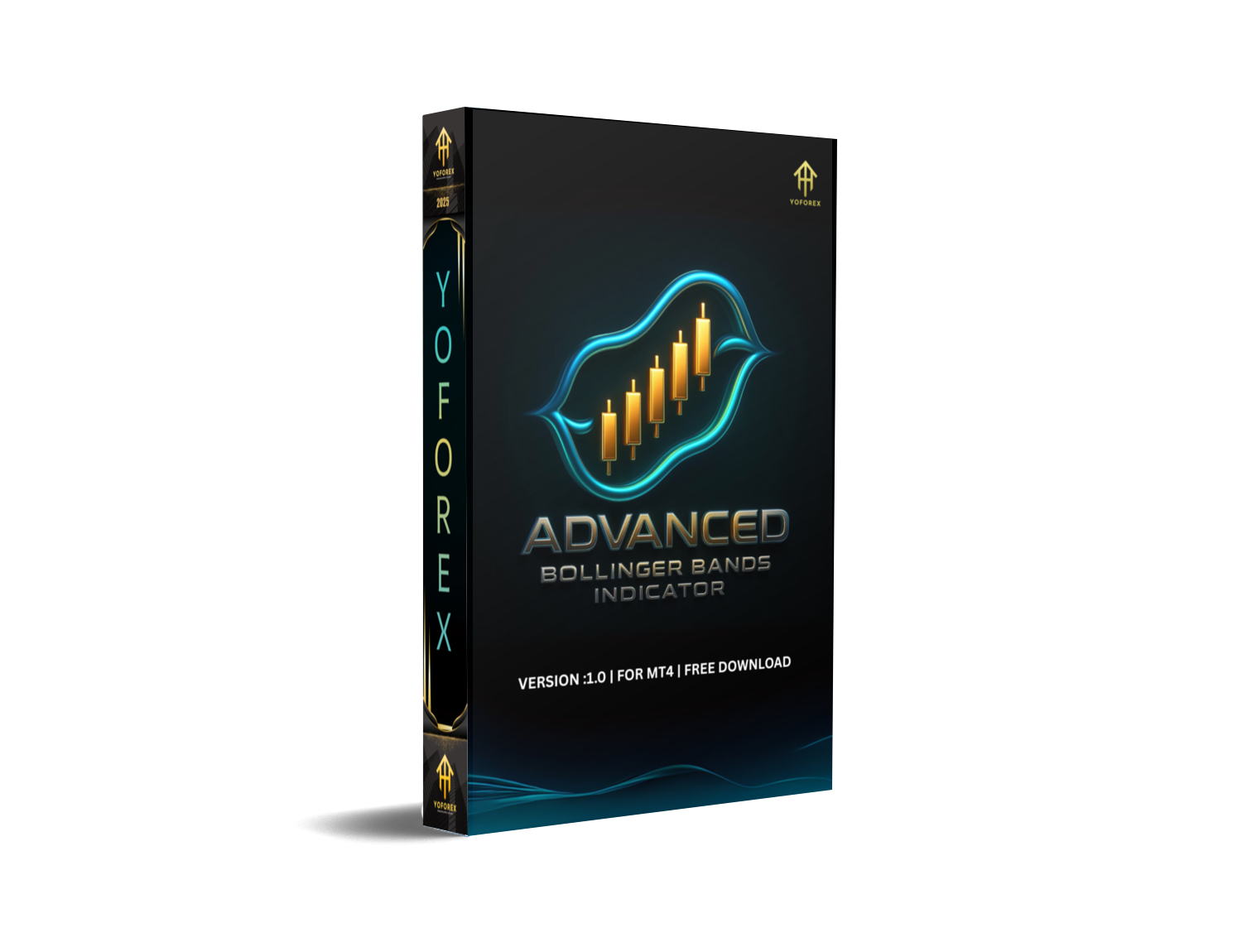
Every trader has heard of Bollinger Bands, but not everyone knows how to actually use them effectively. The Advanced Bollinger Bands V1.0 Indicator MT4 takes this classic technical tool and upgrades it with enhanced features, giving you a much clearer picture of market volatility, breakouts, and price reversals.
If you’re tired of false signals or messy setups, this indicator is designed to sharpen your edge on MetaTrader 4 (MT4). It’s simple to install, easy to read, and works on any pair or timeframe.
Overview of Advanced Bollinger Bands V1.0
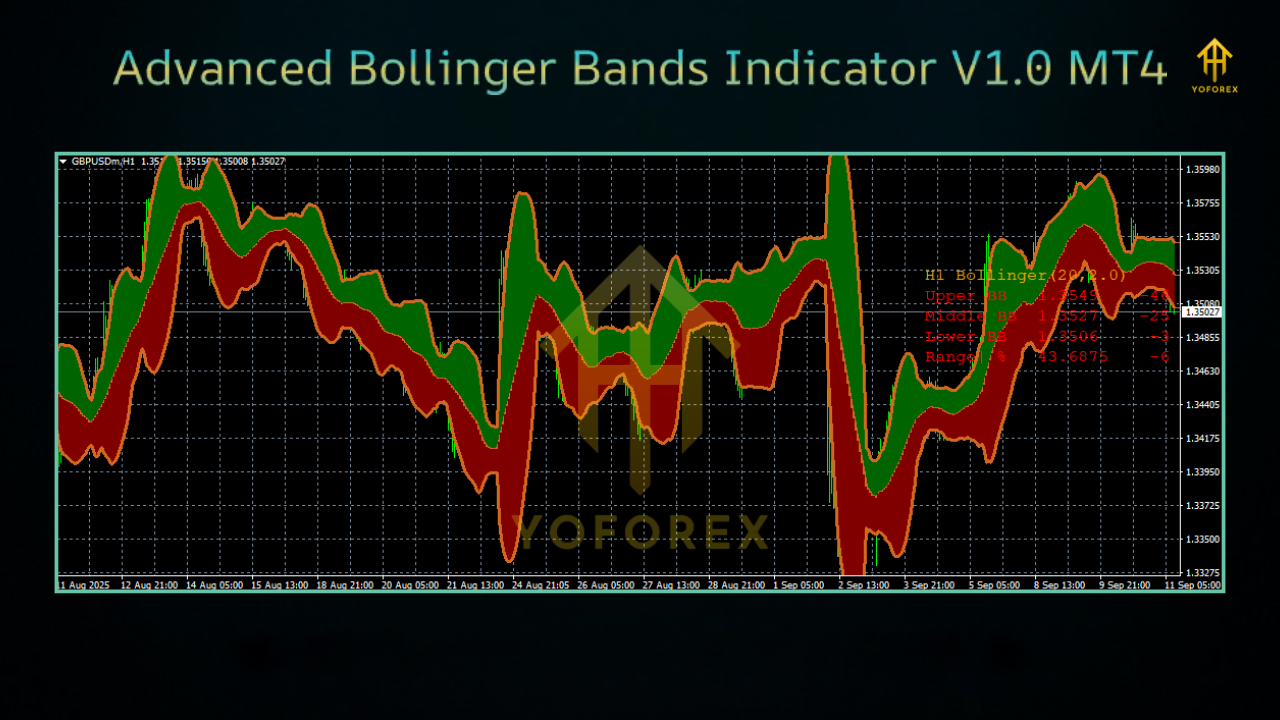
Bollinger Bands have been a favorite of traders for decades because they adapt to market volatility. The Advanced Bollinger Bands V1.0 MT4 goes further by adding:
- Extra smoothing filters.
- Multi-timeframe flexibility.
- Clear alerts for overbought and oversold zones.
This indicator can help you spot high-probability trade setups without relying on guesswork. Whether you’re scalping, day trading, or swing trading, it adapts to your style.
Key Features
- Works on all forex pairs, gold, indices, and crypto.
- Timeframe flexibility – from M1 scalping to daily swings.
- Enhanced volatility calculation with reduced noise.
- Alerts for Bollinger Band squeezes and breakouts.
- Visual cues for overbought/oversold zones.
- Easy to use, even for beginners.
- Lightweight – doesn’t slow down MT4.
- Free updates and support from the developers.
Trading Strategies with Advanced Bollinger Bands
- Bollinger Squeeze Breakout: When the bands contract, expect a big move. The indicator helps you enter early.
- Reversal Trading: Spot when price touches or pierces the outer bands and prepare for a pullback.
- Trend Continuation: Use band expansion to ride strong market trends.
- Confluence Setup: Combine with RSI or MACD for stronger confirmation.
Installation & Setup Guide
- Download the Advanced Bollinger Bands V1.0 Indicator.
- Open MetaTrader 4 → File → Open Data Folder → MQL4 → Indicators.
- Copy the indicator file into the Indicators folder.
- Restart MT4 and check the Navigator panel.
- Drag the indicator onto your chart and configure your settings.
Why Choose Advanced Bollinger Bands?
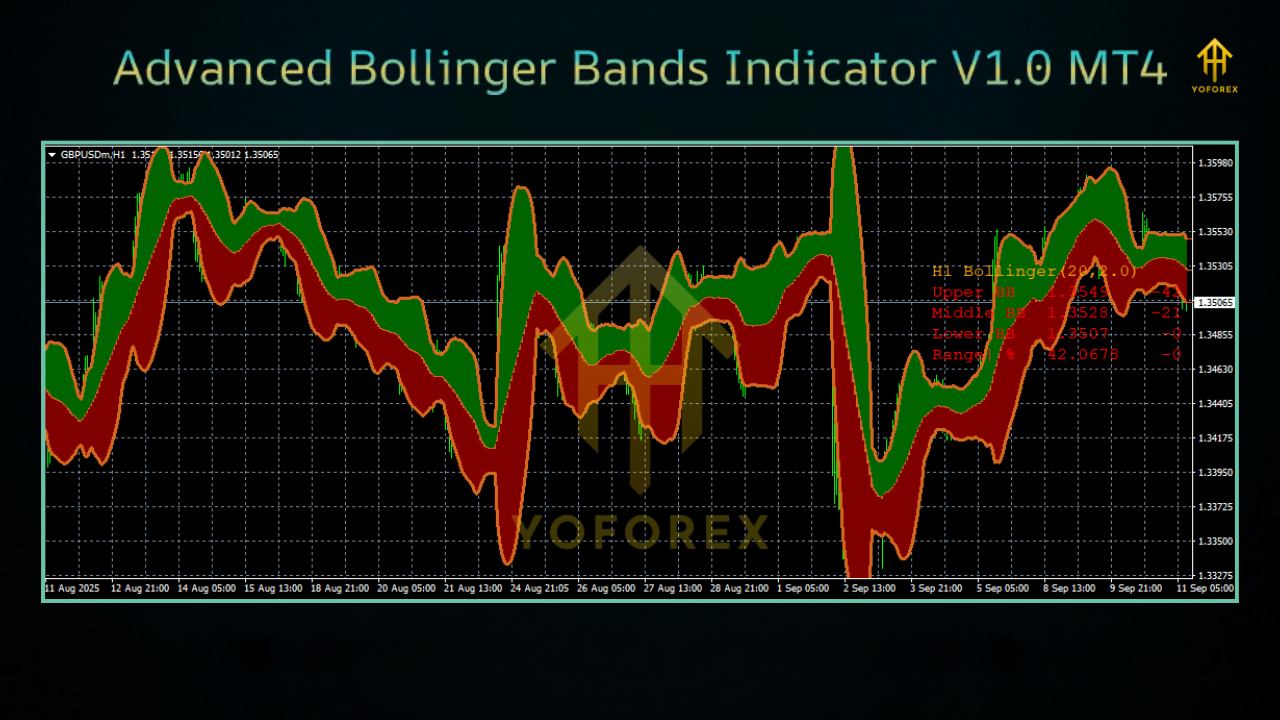
Standard Bollinger Bands are great, but they often produce false signals in choppy markets. This advanced version filters out the noise, provides alerts, and gives traders a more professional edge.
Support & Disclaimer
- Indicators do not guarantee profits—they assist decision-making.
- Always test on a demo account before live trading.
- Use proper risk management with every strategy.
Call to Action
Upgrade your trading toolbox today with the Advanced Bollinger Bands V1.0 Indicator for MT4. It’s easy to use, flexible across assets, and perfect for traders who want smarter entries and exits.
Trade smarter, reduce false signals, and get more confidence in your setups!






Comments
Leave a Comment