
MarketReact EA V3.5 MT4 – Dual-Mode Power for Grid & Trend Traders
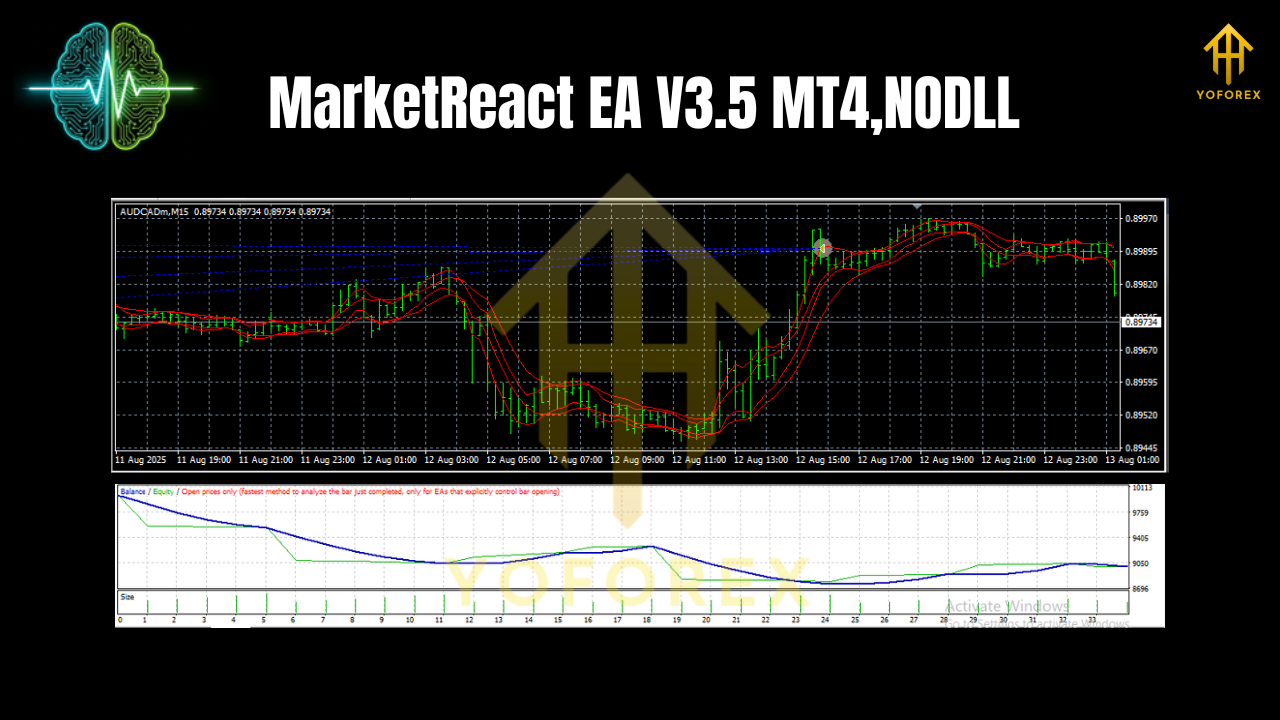
If you’ve ever wished one Expert Advisor could adapt to how you trade—sometimes stacking smart grids in ranges, other times riding a clean trend with a single tidy position—MarketReact EA V3.5 MT4 was built for that. It combines two distinct trading modes inside one professional-grade system and anchors every entry in a high-probability BBMA (Bollinger Bands + Moving Average) engine. The result? A versatile workflow that can hunt for quick mean-reversion moves or latch on to momentum breakouts without swapping EAs, templates, or mindset mid-week.
This guide walks you through what MarketReact does, why the BBMA core matters, which pairs and timeframe to use, and how to install, configure, and manage risk like a pro.
Quick Specs
- Platform: MetaTrader 4 (MT4)
- Version: MarketReact EA V3.5
- Pairs: AUDNZD, AUDCAD, EURUSD
- Timeframe: M15 (recommended)
What makes MarketReact different?
Most EAs pick a side: either they grid or they trend. MarketReact gives you both—cleanly separated—while keeping one consistent entry logic under the hood. You choose a mode that suits the market’s behavior or your plan for the week, and the EA applies the same BBMA quality filter before it opens or manages any position. That shared logic prevents “strategy whiplash” and keeps the system coherent, whether you’re trading ranges or momentum.
The BBMA backbone, in plain English
BBMA blends Bollinger Bands with Moving Averages to read expansion–contraction cycles and the slope of trend. Think of it as:
- Bands = volatility envelope; where price stretches too far, mean reversion setups emerge.
- MAs = dynamic trend filter; the slope and cross confirm whether momentum is building or fading.
- MarketReact uses that combined signal to:
- Avoid chasing low-quality entries.
- Filter out chop during newsy spikes.
- Time add-ons or exits as bands widen or compress.
Two modes. One engine. Your call.
1) Grid Mode (Range Specialist)
Grid Mode works best when markets are rotating back and forth within a band. It scales into positions around BBMA signals and looks for reversion to a mean anchor. It’s not a reckless martingale; think measured scaling with strict limits.
Highlights:
- Adaptive step size based on volatility.
- Spread and slippage filters to avoid unsuitable fills.
- Global equity guard and daily loss cap to protect the account.
- Optional max-grid and distance rules to prevent over-exposure.
Use cases: Sideways sessions, Asian range behavior, or post-trend cooldowns where price oscillates around the middle band.
2) Trend Mode (Momentum Rider)
Prefer clarity over complexity? Trend Mode holds one well-managed position per signal. It doesn’t pyramid blindly; it focuses on quality entries and structured exits.
Highlights:
- BBMA “re-entry” and “continuation” patterns only.
- Fixed stop with dynamic trailing (ATR-aware) when momentum expands.
- Break-even shift after a defined RR threshold.
- Time filter to avoid low-liquidity hours if you wish.
Use cases: Fresh breakouts, strong MA slope, post-news directional runs, and days when a single position can do the heavy lifting.
Recommended pairs, timeframe & sessions
- Pairs: AUDNZD, AUDCAD, EURUSD
- Timeframe: M15 is the sweet spot—enough signal quality without over-trading.
- Sessions:
- Grid Mode: can shine in quieter sessions (e.g., late Asia) when ranges dominate.
- Trend Mode: shines during London/NY overlaps when volatility and follow-through improve.
Risk controls & safety features
MarketReact V3.5 comes with institutional-style guardrails so you can focus on decision-making, not damage control.
- Hard Stop-Loss on every position (no naked exposure).
- Equity Guard: shut down trading or close baskets if equity drawdown hits a threshold.
- Daily Loss Limit: pause for the day if losses reach your max.
- Spread Filter: skip trades when spreads are too wide.
- News Window (optional): block new entries around high-impact releases.
- Max Trades/Max Grid Layers: capped exposure to avoid runaway stacks.
- Time Filter: avoid low-liquidity windows or your broker’s rollover.
Suggested starting settings
Always forward-test on demo first and adjust for your broker’s spreads, execution, and your own risk tolerance.
General
- Account Type: Standard/Raw/ECN with tight spreads.
- Leverage: 1:200–1:500 (use responsibly).
- VPS: Recommended for 24/5 stability and low latency.
Risk
- Lot Sizing: Start small (e.g., 0.01 per $1,000–$2,000) and scale only after consistent results.
- Max Daily Loss: 2–3% of account.
- Equity Guard: 10–15% overall drawdown cap (conservative traders go tighter).
Grid Mode
- Max Layers: 3–5 to begin; expand only if you deeply understand exposure.
- Step (distance): ATR-based or fixed pips; avoid crowding layers.
- Take Profit: Basket TP aligned to mid-band or a small RR (e.g., 1.0–1.5R) to keep turnover healthy.
Trend Mode
- Stop-Loss: ATR x 1.5–2.0 or a structure-based SL beyond the MA.
- Trailing Stop: Enable after +1R; trail with ATR to avoid getting whipped.
- Break-Even: Shift SL to entry after +0.8R to +1R.
Installation (MT4)
- Download & copy files
Place the EA in MQL4 → Experts. If custom indicators are included, put them in MQL4 → Indicators. - Restart MT4
Or refresh the Navigator so MT4 loads the files. - Enable Algo Trading
Check the “Algo Trading” button is green. In EA settings, allow live trading and DLLs if required. - Attach to chart
Use an M15 chart for your chosen pair (AUDNZD, AUDCAD, EURUSD). - Choose mode
In Inputs, set Mode = Grid or Mode = Trend and review risk parameters. - Save a template
Keep a preset per pair and per mode so you can switch fast.
How to use MarketReact week to week
- Scan the environment first. Is the pair ranging or trending? Pick the mode that fits reality, not hopes.
- Respect the guardrails. If equity guard or daily loss triggers, step back and review. Don’t override.
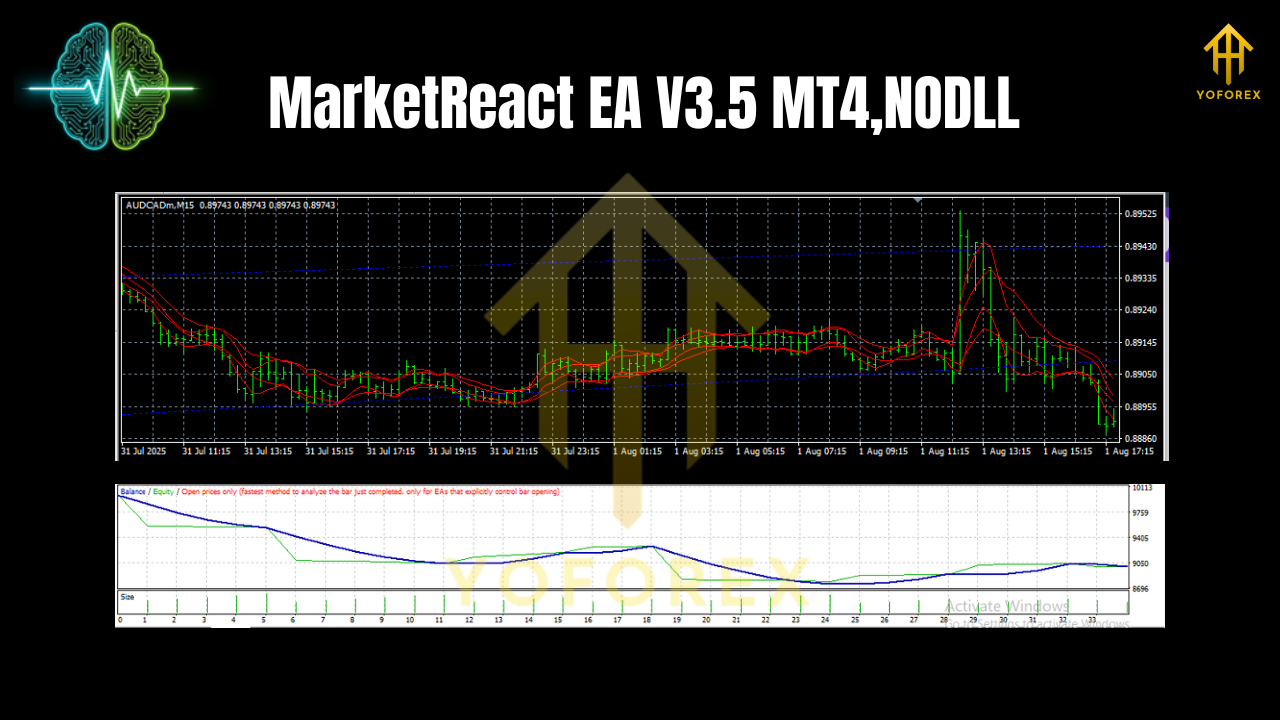
- Avoid over-optimization. BBMA parameters have robust defaults; tweak gradually and test in forward conditions.
- Keep a journal. Log why you picked Grid vs. Trend each day, note session behavior, and evaluate outcomes weekly.
Backtesting & forward-testing guidance
Backtests can be useful for idea validation, but they’re not the final word. For MarketReact:
- Use high-quality tick data where possible and realistic spreads/commissions.
- Test per mode, per pair. Grid and Trend handle the same chart differently; isolate tests to understand each.
- Favor multi-year periods. Include both calm and volatile cycles to see where each mode excels or struggles.
- Forward test on demo for 2–4 weeks before going live. Watch slippage and execution quirks on your broker.
Who is MarketReact for?
- Discretionary traders who want automation that matches their read on the market—range vs. trend—without babysitting.
- System traders who value strict risk rules, daily caps, and equity guards built into the logic.
- Intermediate users who understand that grids are tools, not crutches, and that trend entries need patience and clarity.
Pro tips
- Start with Trend Mode on EURUSD to learn the BBMA rhythm.
- Add Grid Mode on AUDNZD once you’ve seen a week of sideways action.
- Keep risk steady; resist upping lot size until you’ve logged 20–30 trades with stable behavior.
- Use a VPS and keep your platform lean—no unnecessary indicators or scripts.
Conclusion
MarketReact EA V3.5 MT4 gives you two clean paths—smart grid for ranges and disciplined single-position momentum for trends—both filtered by a solid BBMA entry engine. With clear guardrails, session-aware execution, and sensible defaults for M15 on AUDNZD, AUDCAD, and EURUSD, it’s a practical toolset for traders who want flexibility without chaos. Start small, pick the right mode for the day, and let the rules do the heavy lifting.
Join our Telegram for the latest updates and support






Comments
Leave a Comment