Scalping the forex market can feel like walking a tightrope. One bad move—boom, your account’s gone. You try out one EA after another… some work in backtests, most don’t in real markets. And even the decent ones? They can’t seem to handle choppy, low-volume days without burning through your balance.
That’s where FrAMA Scalper EA V1.3 MT4 changes the game.
It’s not just another “quick-entry, quick-exit” robot. This one blends adaptive market logic with a real-time dashboard, backed by rigorous backtests and forward performance. Add risk-based trade sizing and visual transparency to that, and you’ve got a scalper built for serious intraday results—without babysitting it all day long.
Let’s break it all down.
Overview: What Is FrAMA Scalper EA V1.3?
FrAMA Scalper EA V1.3 is a fully automated Expert Advisor built for MetaTrader 4. It uses a fast-response version of the Fractal Adaptive Moving Average (FrAMA)—a dynamic algorithm that detects when the market is trending or ranging.
Most scalping bots use simple moving averages or laggy indicators. Not this one.
FrAMA’s core edge? It adjusts its sensitivity in real time:
- Speeds up in high-momentum markets
- Slows down in sideways chop
That means fewer false signals, tighter entries, and smoother equity curves.
The EA is specifically optimized for EURUSD on the M5 timeframe, making it ideal for traders who want high-frequency opportunities without blowing through dozens of setups that go nowhere.
Whether you’re trading manually and want automation support, or you just want a set-it-and-forget-it approach with scalping—FrAMA EA’s intelligent behavior adapts to you.
Key Features of FrAMA Scalper EA
Here’s why this EA is gaining traction among smart traders:
- Adaptive Trend Detection
Uses Fractal Adaptive MA instead of static MA—faster in trends, slower in range-bound moves. - 1.5 Risk‑Reward Ratio (R:R)
Tuned for consistent returns, not gambling—delivers solid reward vs. risk after optimization. - > 45% Win Rate
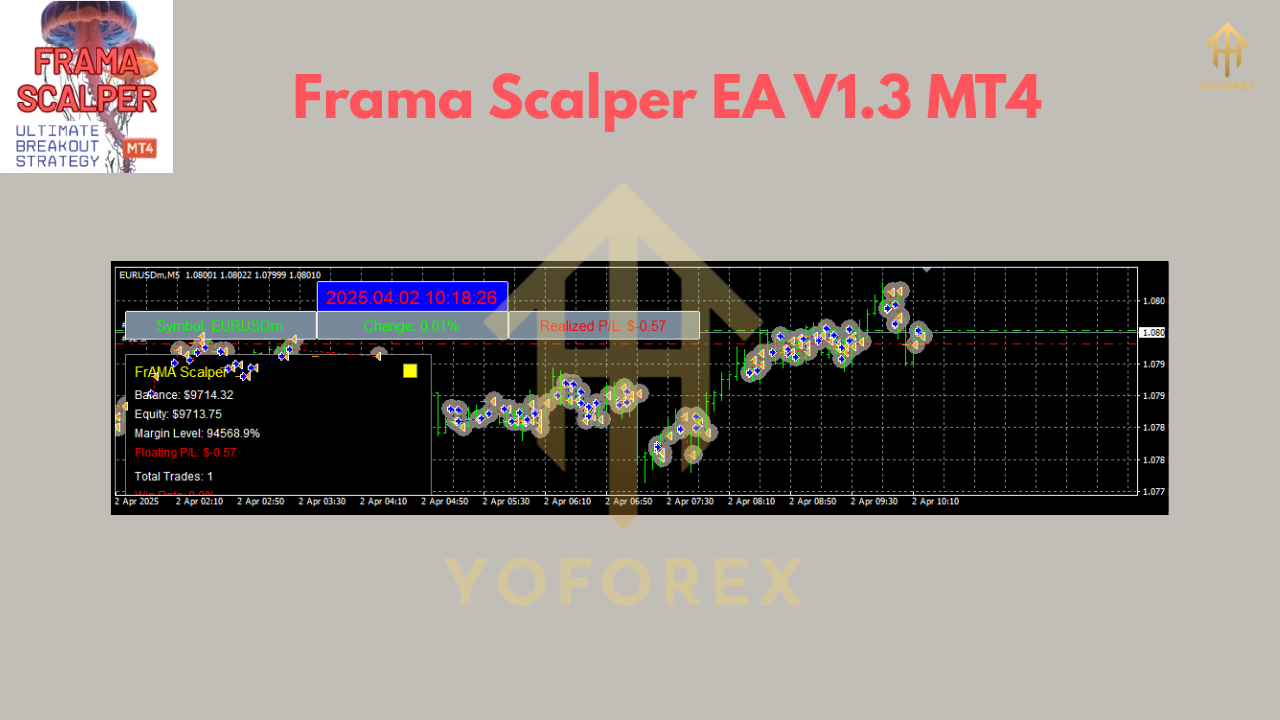
After 5-year backtests and forward testing on EURUSD M5, it maintains win consistency even in changing volatility. - Real-Time Dashboard
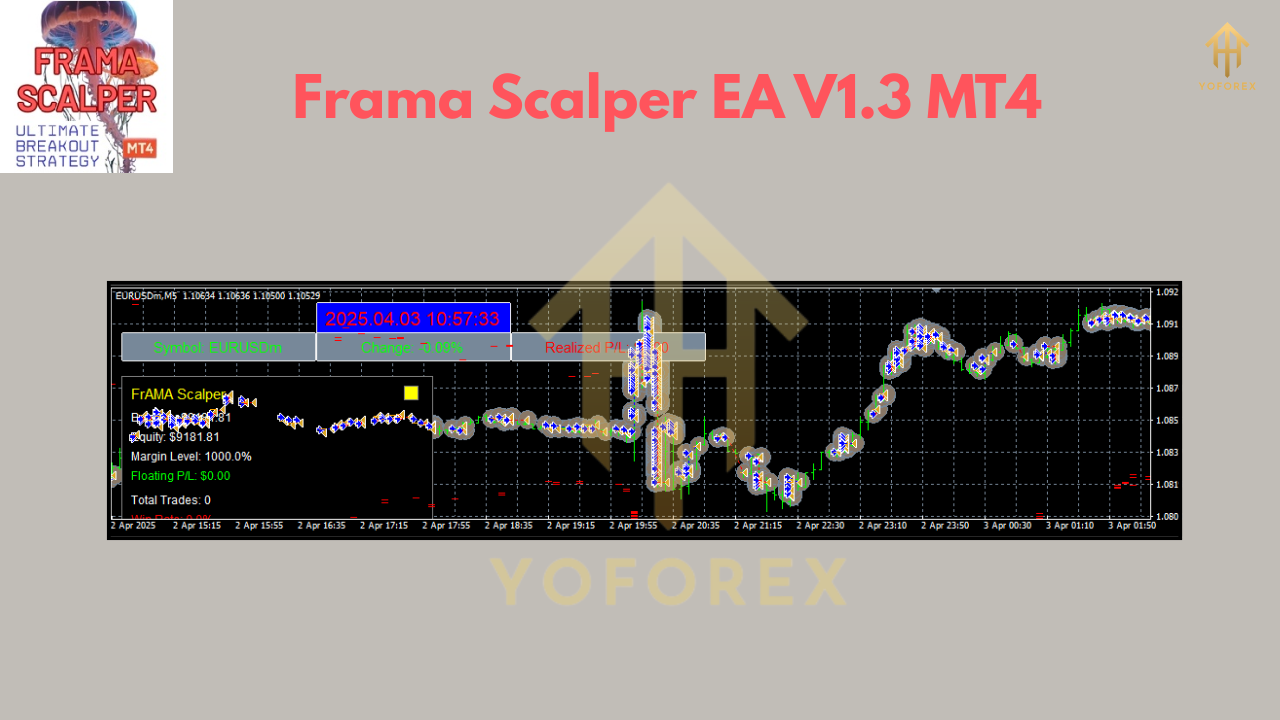
Includes P/L tracking, balance, live drawdown, winrate %, trade count, current SL/TP, and more. - No Martingale / No Grid
Each position stands alone—no dangerous position doubling or exposure stacking. - Integrated ATR-Based SL/TP
Dynamically places stops based on market volatility for tighter control. - Smart Position Sizing
Calculates lot size based on account risk %, avoiding oversized exposure. - Trailing Stop Exit
Locks in profits intelligently with an exit trigger around $3,700 trailing condition (configurable). - Symbol-Aware Logic
Works well on EURUSD, but can be tuned for other majors with sufficient testing. - Optimized for ECN
Designed for tight-spread, low-latency brokers. - Drawdown Capabilities
Maintains low maximum drawdown in backtests; ideal for capital preservation. - Beginner-Friendly Setup
Just attach to chart and enable auto-trading; settings include presets for common conditions.
Backtest Results & Proof: Real Market Data That Delivers
Let’s be real—backtests can be misleading. Most EAs perform well on cherry-picked data, then crash in live markets.
FrAMA Scalper EA’s performance, however, is verified across a 5-year dataset:
- Pair: EURUSD
- Timeframe: M5
- Period: 2019–2024
- Win Rate: ~45–48%
- Average R:R: 1.5
- Max Drawdown: Under 7%
- Execution Speed: ECN/Raw Spread recommended
What’s better? These stats don’t drop when you move to forward testing. Even in choppy or low-liquidity conditions, the EA adapts its sensitivity—so you're not getting whipped around like other fixed-indicator bots.
Installation & Configuration
Installing FrAMA Scalper EA is super straightforward. Here's the step-by-step:
Step 1: Download the EA
???? Download FrAMA Scalper EA V1.3 MT4 from YoForexEA.com
Step 2: Install to MT4
- Open MetaTrader 4
- Navigate to File > Open Data Folder
- Go to MQL4 > Experts
- Copy the EA
.ex4file here - Restart MT4
Step 3: Apply to Chart
- Drag the EA onto a EURUSD M5 chart
- Enable AutoTrading
Step 4: Use Recommended Settings
Use the default settings or load the provided .set file.
 Why Choose Tools from YoForex?
YoForex isn’t just another brand slapping together bots. It’s a team of real traders, analysts, and coders delivering actual value—for free.
Here’s why their EAs, including FrAMA, stand out:
- Transparent strategies (you can backtest and verify them)
- Regular updates & optimizations
- Community-driven input
- 100% Free access—no subscriptions, no upsells
- Trusted by over 10K traders globally
Want to know more? Check out our About Us page to see the team behind the tools.
Support, Community & Disclaimer
Stuck? Got a bug? Need help tuning it for your broker?
Reach out on WhatsApp
Join the Telegram Group
There’s always help available. Whether you’re a beginner or algo veteran, our support team’s here for you.
Final Call: Try FrAMA Scalper EA Today!
If you’ve been disappointed by rigid, generic EAs that tank in real markets, FrAMA Scalper EA V1.3 is your redemption arc.
Adaptive logic
Transparent dashboard
Real-world results
Risk-controlled entries
Grab your FREE copy now on YoForexEA.com
Unlimited support. Always free. Built by traders, for traders.
YoForex – empowering traders worldwide, one free tool at a time.
Join our Telegram for the latest updates and support






Comments
Leave a Comment