
Belkaglazer EA V2.282 MT4 — Flexible, Risk-Smart Automation for Real-World Trading
If you’ve been hunting for an Expert Advisor that’s powerful but still under your control, Belkaglazer EA V2.282 for MetaTrader 4 is an easy pick. It’s built for traders who want a professional algorithmic framework that adapts to them—not the other way around. No Martingale. No Grid hedging. No roulette-wheel money management. Just clean execution, advanced filters, and sustainable risk rules you can actually sleep on. And hey, that matters, coz the goal isn’t flashy equity spikes—it’s long-term stability.
Below, you’ll find a practical overview of how Belkaglazer EA V2.282 MT4 works, who it’s best for, recommended pairs and timeframes, and a straightforward setup. We’ll keep it simple, but thorough—so you can get from “curious” to “configured” in one read.
What Is Belkaglazer EA V2.282 MT4?
Belkaglazer EA is a professional algorithmic trading system designed to be transparent and customizable. It supports multiple trading styles—scalping, swing, trend-following—using modular filters and parameters that you can tailor to your style and risk tolerance. The core idea is to avoid high-risk gimmicks and focus on robust entries/exits with clear risk control. The result: consistent execution, lower emotional load, and a system you can iterate as markets evolve.
Quick facts you gave us (and we agree with):
- Markets: Major FX pairs like GBPUSD, EURUSD, plus crypto CFDs such as BTCUSD and ETHUSD (broker support required).
- Timeframes: M5, M15, M30, H1, H4.
- Starting Capital: $500 minimum (go higher if you plan to run multiple charts or pairs).
- Philosophy: No Martingale, no Grids; emphasis on disciplined, rules-based risk.
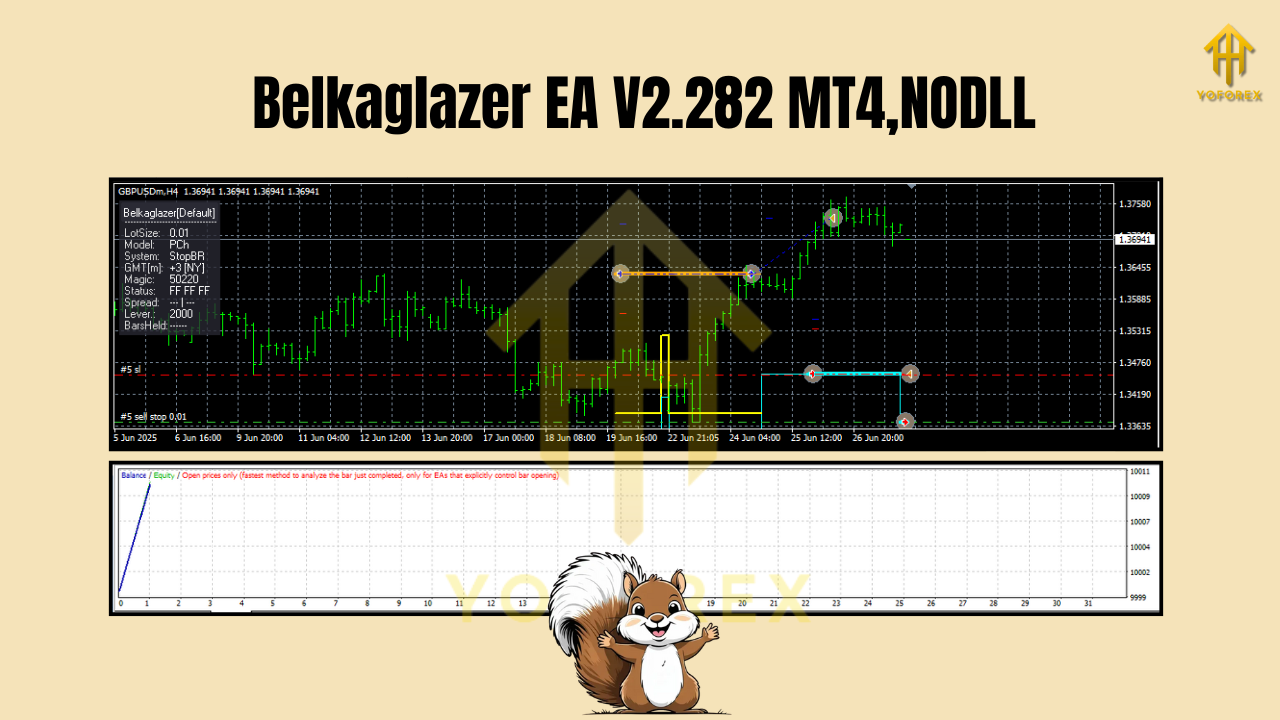
Why Belkaglazer Stands Out
The EA’s edge is its framework. It’s not a black box. You get adjustable components—entry logic, trend filters, volatility checks, session controls, and risk modules—that let you switch styles without rewriting your rules from scratch.
Core advantages:
- Transparent logic: Settings that actually make sense and map to real market behaviors.
- Multi-style capability: Configure for scalping on M5 or slow-burn swings on H4—your call.
- Execution discipline: No “averaging down until doom.” Each trade stands on its own merits.
- Risk-first approach: Fixed fractional risk, ATR-based stops, max daily loss—simple but powerful.
Recommended Markets, Timeframes & Style Ideas
- GBPUSD & EURUSD: Great liquidity, tight spreads. Ideal for scalping (M5/M15) or trend-following (H1/H4).
- BTCUSD & ETHUSD (CFD): Only if your broker offers reliable quotes and you understand crypto volatility. Prefer higher timeframes (H1/H4) with wider stops.
- M5/M15: Faster entries, more trades; use conservative position sizing.
- H1/H4: Fewer trades, potentially stronger swings; good for people who can’t monitor all day.
Tip: Start with one or two pairs on a timeframe that matches your schedule. Add complexity only after a few weeks of tracking.
Key Features (What You’ll Actually Use)
- • No Martingale or Grid: Every position is independent; no compounding losses “just to get back.”
- • Modular Strategies: Switch between scalping, swing, or trend-follow templates without re-coding.
- • Risk Per Trade: Define lot sizes by percentage risk or fixed lots—keep it steady, keep it sane.
- • ATR-Based Stops & TPs: Dynamic to market conditions, not static guesswork.
- • Spread & Slippage Filters: Skip trades when conditions are nasty; protect entries during news spikes.
- • Session Controls: Restrict trading to London/NY overlap or your chosen sessions.
- • Max Daily Loss/Stop Trading: Hard brakes for bad days—so one session never nukes the account.
- • Trailing & Break-Even Logic: Lock profits as moves develop; don’t babysit every candle.
- • News/Volatility Awareness: Optional avoid-trade windows around events to reduce whipsaw.
- • Detailed Logging: See what happened and why—crucial for proper optimization, not blind guessing.
Practical Risk & Money Management
Let’s be blunt: risk is everything. Even the best logic can’t outrun poor sizing.
- Start smaller than you think. On a $500 account, risking 0.5%–1% per trade is sane.
- One pair, one timeframe. Master that behavior first; then scale to 2–3 charts.
- Use a VPS if possible. Stable connectivity and low latency help execution (especially for M5 strategies).
- Set a Max Daily Loss. 2–3% daily cap can keep you in the game long enough to let edge show up.
- Journal weekly. Note spread spikes, slippage outliers, and settings that need tweaks.
Backtesting & Forward Testing (What to Expect)
Backtests are a starting point, not the finish line. For Belkaglazer EA, expect the following when you do it right:
- Data Quality: Use high-quality tick data with variable spreads. Poor data = misleading results.
- Sample Size: Test across multiple years and regimes (trending, ranging, news-heavy).
- Robustness Checks: Walk-forward validation, parameter perturbation (slightly change inputs) to see if the edge survives.
- Forward Demo: Run live demo for 2–4 weeks to confirm execution, swap/commission impact, and spread behavior.
Look for steady equity growth, reasonable max drawdown relative to your risk, and a profit factor > 1.2 on realistic settings. If backtests look perfect, be suspicious. Markets are messy; your curves should reflect that.
Installation & Setup (Step-By-Step)
- Install MT4 with a reliable broker account (demo first).
- Copy EA File: In MT4, go to File → Open Data Folder → MQL4 → Experts and paste the EA file.
- Restart MT4: Or right-click “Experts” in the Navigator and hit Refresh.
- Enable Algo Trading: Click the AutoTrading button (must be green).
- Attach to Chart: Open your chosen pair/timeframe (e.g., GBPUSD M15), drag Belkaglazer V2.282 onto it.
- Inputs & Risk: Set risk % per trade, ATR multiplier, spread filter, trading sessions, and daily loss cap.
- Allow DLLs/Live Trading: In the EA’s Common tab, enable live trading; allow DLLs if required by your setup.
- First Run in Demo: Observe at least a week; evaluate logs and trade behavior.
- Gradual Go-Live: If results align with expectations, start small on a live account; scale slowly.
Minimum deposit: $500. Prefer more if running multiple charts, or if your broker has higher margin requirements.
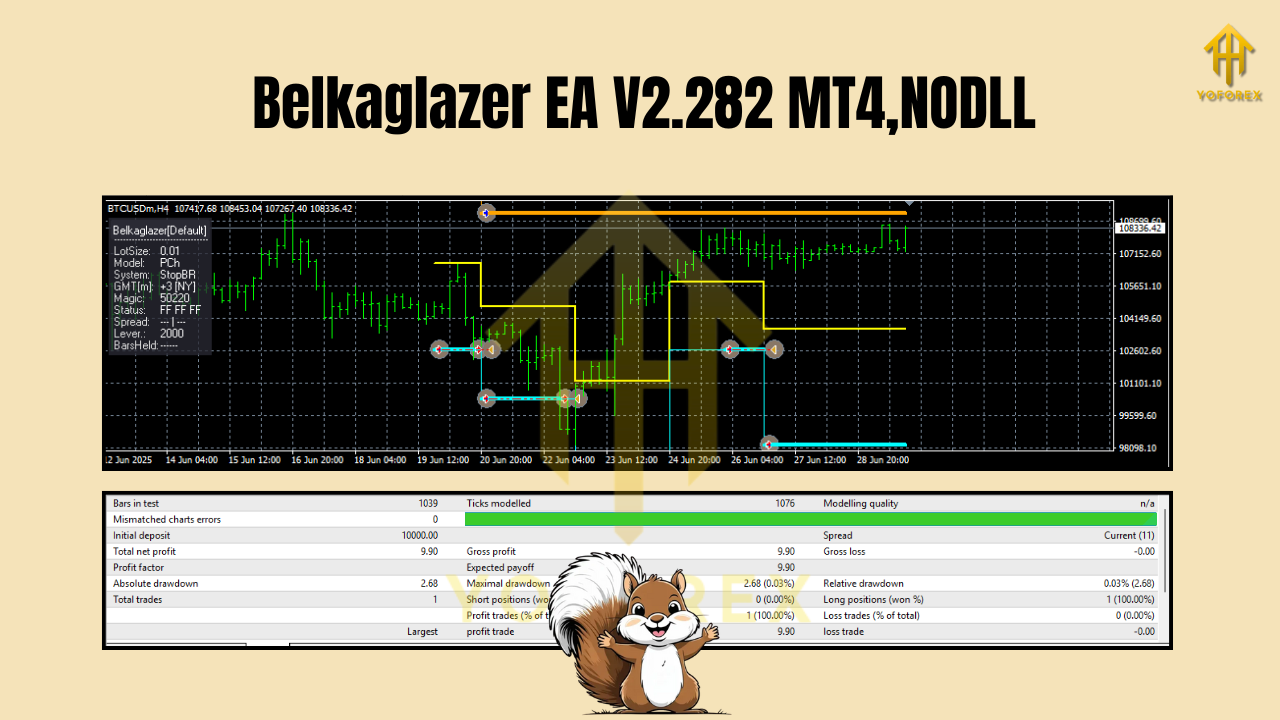
Smart Optimization (Without Overfitting)
- Optimize ranges, not single values. Seek plateaus—clusters of settings that all do well, not one magic number.
- Prioritize risk constraints. Confirm the EA respects your max daily loss and per-trade risk across months.
- Use multi-period tests. What works only in Q1 2023 might fail in Q4 2024; broaden the validation.
- Forward test each tweak. A small setting change can alter trade frequency and drawdown; verify in demo.
Who Is Belkaglazer Best For?
- Intermediate traders who want a serious EA without hidden tricks.
- Busy professionals who prefer clear rules, hard risk caps, and minimal drama.
- System builders who like to fine-tune entries, filters, and exits over time.
If you prefer set-and-forget gambling, this isn’t it. If you value control and sustainability, you’ll vibe with it.
Common Mistakes to Avoid
- Running too many charts on tiny equity; margin calls are not a strategy.
- Cranking risk to “make up losses.” That’s how accounts disappear.
- Ignoring execution quality. Bad spreads + slippage = strategy sabotage.
- Optimizing to death. Overfitted settings collapse the moment market behavior shifts.
Final Word
Belkaglazer EA V2.282 MT4 is a framework—one that respects risk, gives you dials to turn, and avoids the usual EA traps like Martingale and Grids. Start with one pair and one timeframe. Keep risk light. Track performance weekly. When your data says the edge is real, scale with discipline. Do that, and you’re stacking probabilities in your favor, not just rolling dice.
Join our Telegram for the latest updates and support






Comments
Leave a Comment